Your thinking lives somewhere now.
The internet is a better reference library than any notes app. What it doesn’t have is your trail of attention — the ideas that surprised you, over years of reading and working. That’s what Capacities holds.
Capture · Clarify · Organize · Explore · Write
The path
A pipeline, not a storage bin.
Five habits carry a thought from capture to the page. You already do most of them. Capacities just keeps anything from getting lost in between.
Capture
Put it in today’s note. At this point only one thing matters: it’s captured. Usefulness comes later.
Clarify
Come back when you’re ready. Ask what you actually meant. Write it so future you understands.
Organize
Link it to what it touches. If you can find a note in several places, it can help you several times.
Explore
Mentions and related content show where this idea already lives in your space. Follow what looks interesting.
Write
Open a fresh page. Your notes sit one link away. There’s no time limit on any of this.
How it sparks
One capture. A constellation of ideas.
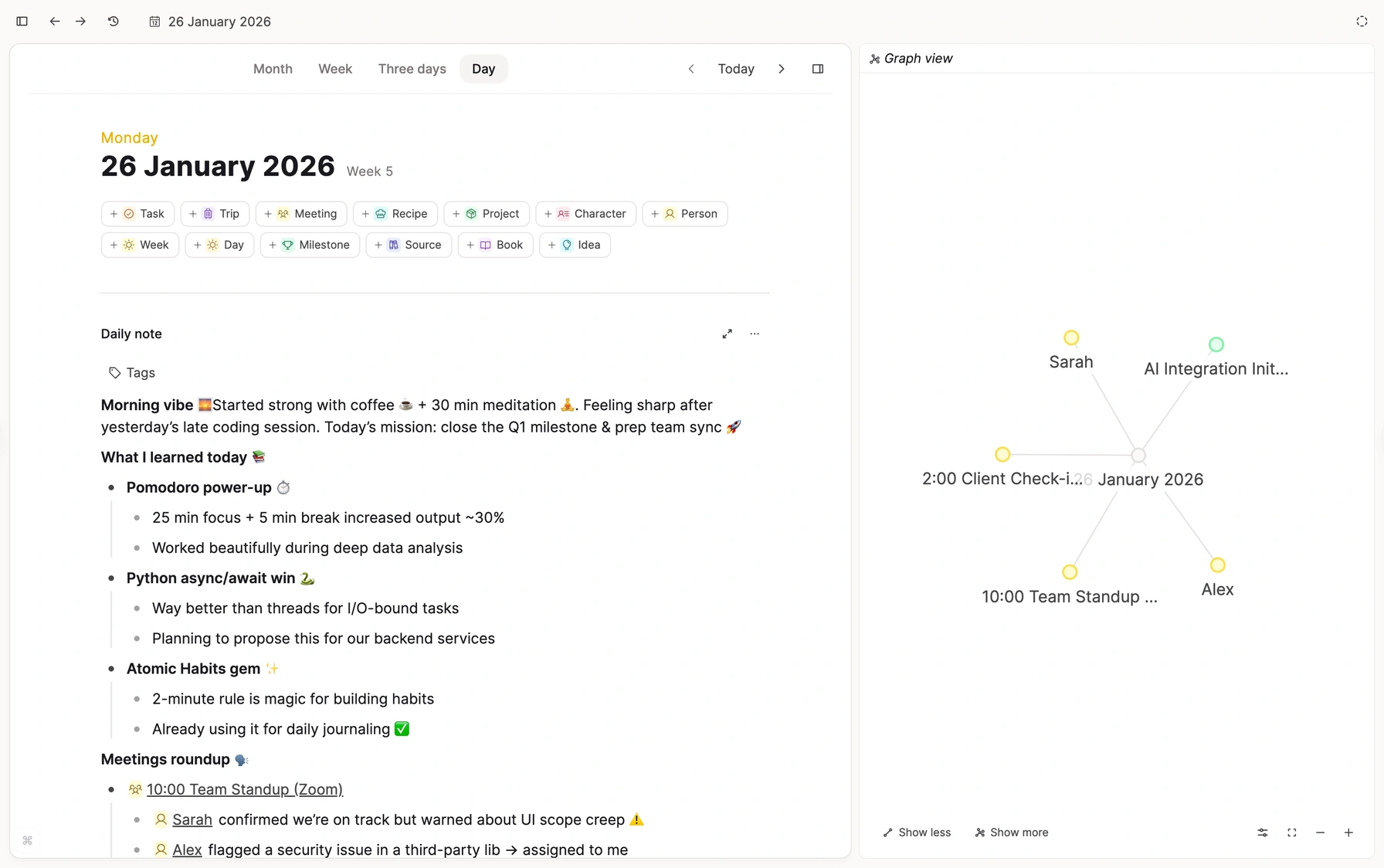
A line in your daily note doesn’t stay alone. Link it once and it joins the people, sources, and ideas around it. Even a loose connection is worth making. You’ll see what it reveals down the line.
Get it out of your head
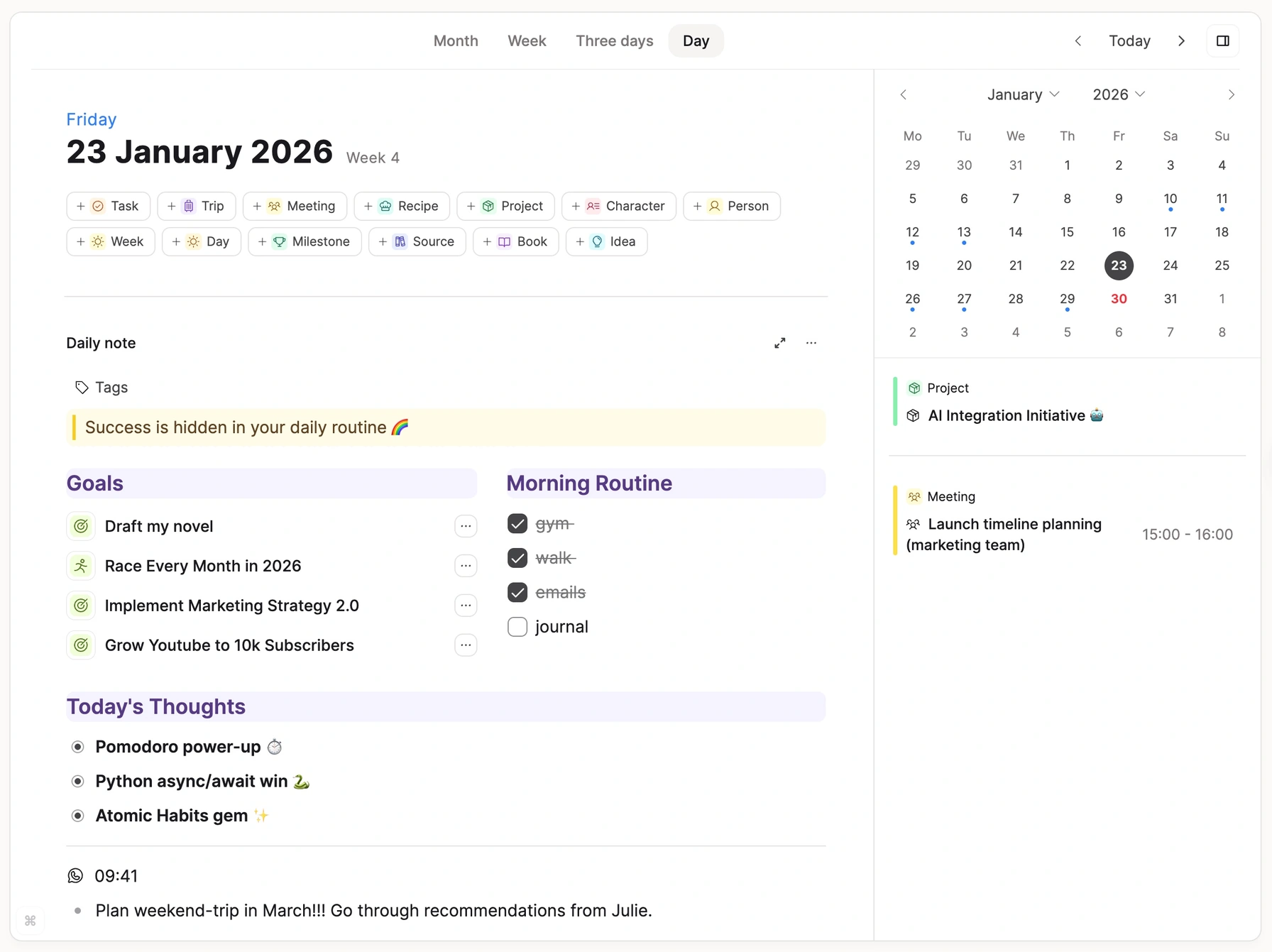
Good thoughts arrive while you’re doing something else. The daily note is always open and always today. Nothing asks to be filed.
Daily note as inbox
Every day opens a fresh note. Thoughts, quotes, and questions go in as they come. Nothing has to be sorted first.
Turn scraps into objects
Some lines grow into something more. Make one an idea, a person, or a source in a step. It stays linked to the day you caught it.
Sources
Keep the source. Keep what you thought about it.
Papers, articles, recordings, a photo of the whiteboard. Each source gets its own page in your space, with your notes beside it and links to the ideas it touches. With Pro, Capacities reads them too, so search finds the words inside.
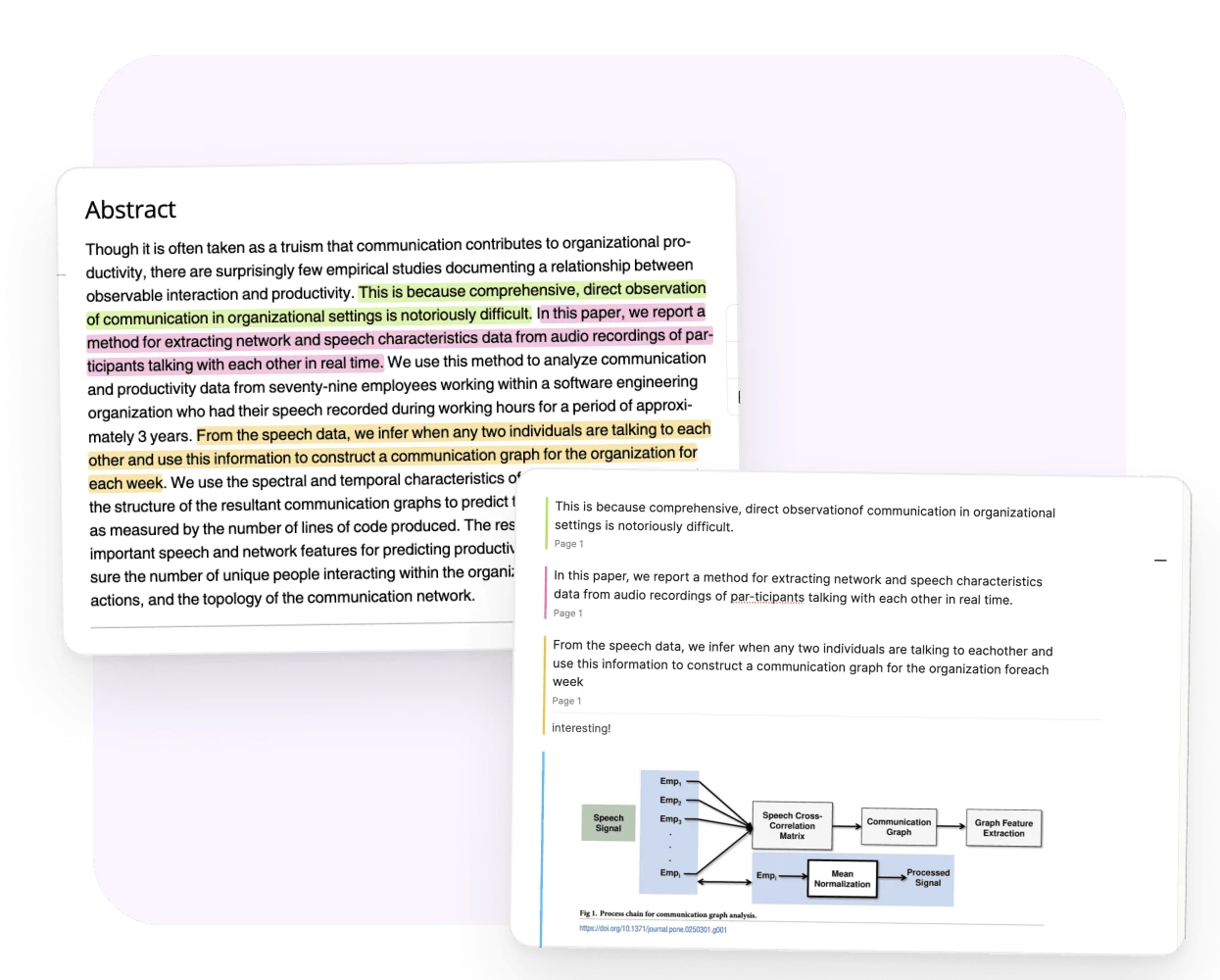
Read with a pen in hand.
Highlight a passage and write what it made you think. Each note links back to its page.
- Snapshot a figure into your draft, on desktop.
- Search finds the paper by the words inside it.
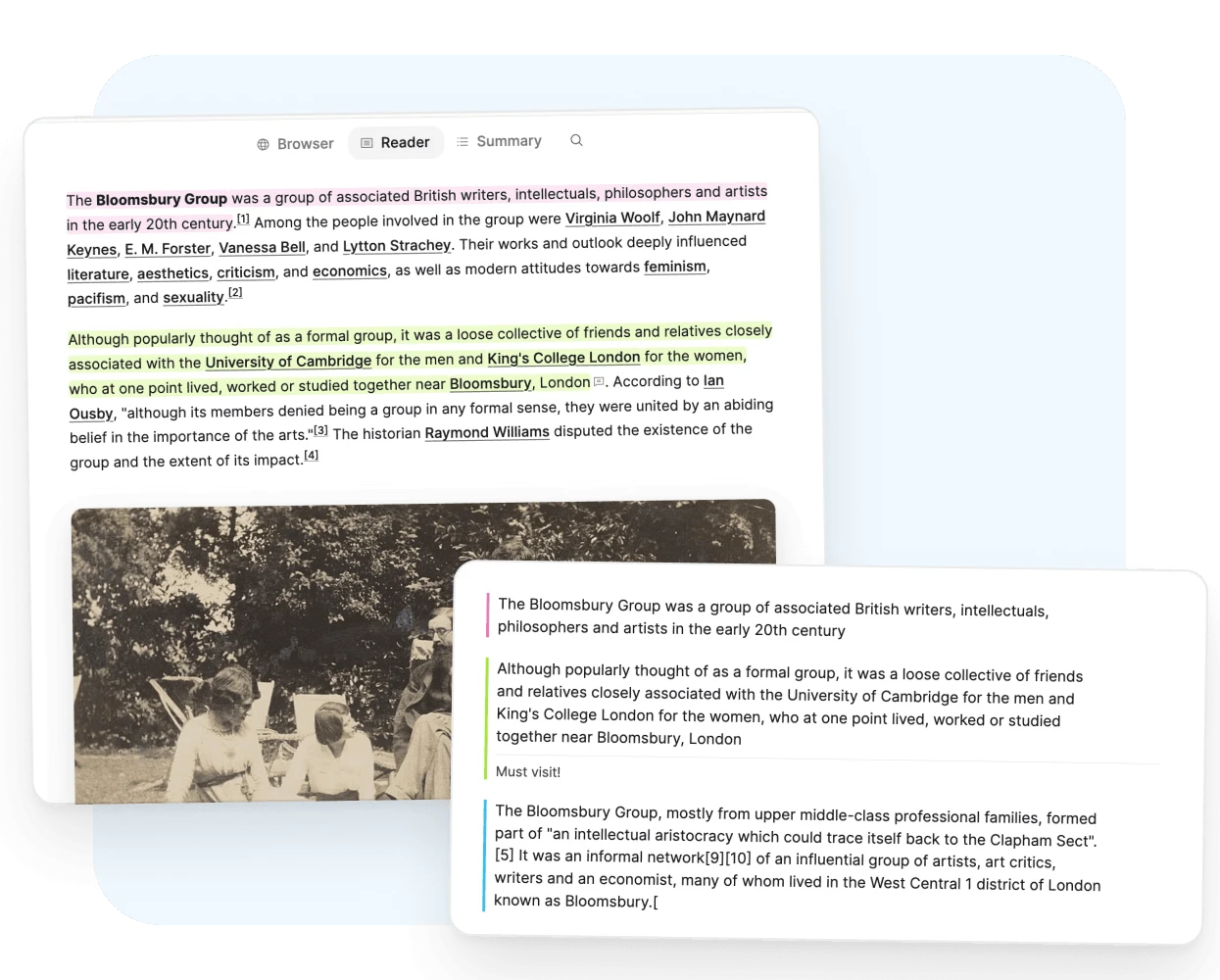
Read it once. Keep the part that mattered.
Saved articles open in a clean reader on desktop. Your highlights stay on the link as notes.
- A short summary for when you come back weeks later.
- The article stays saved in your space.
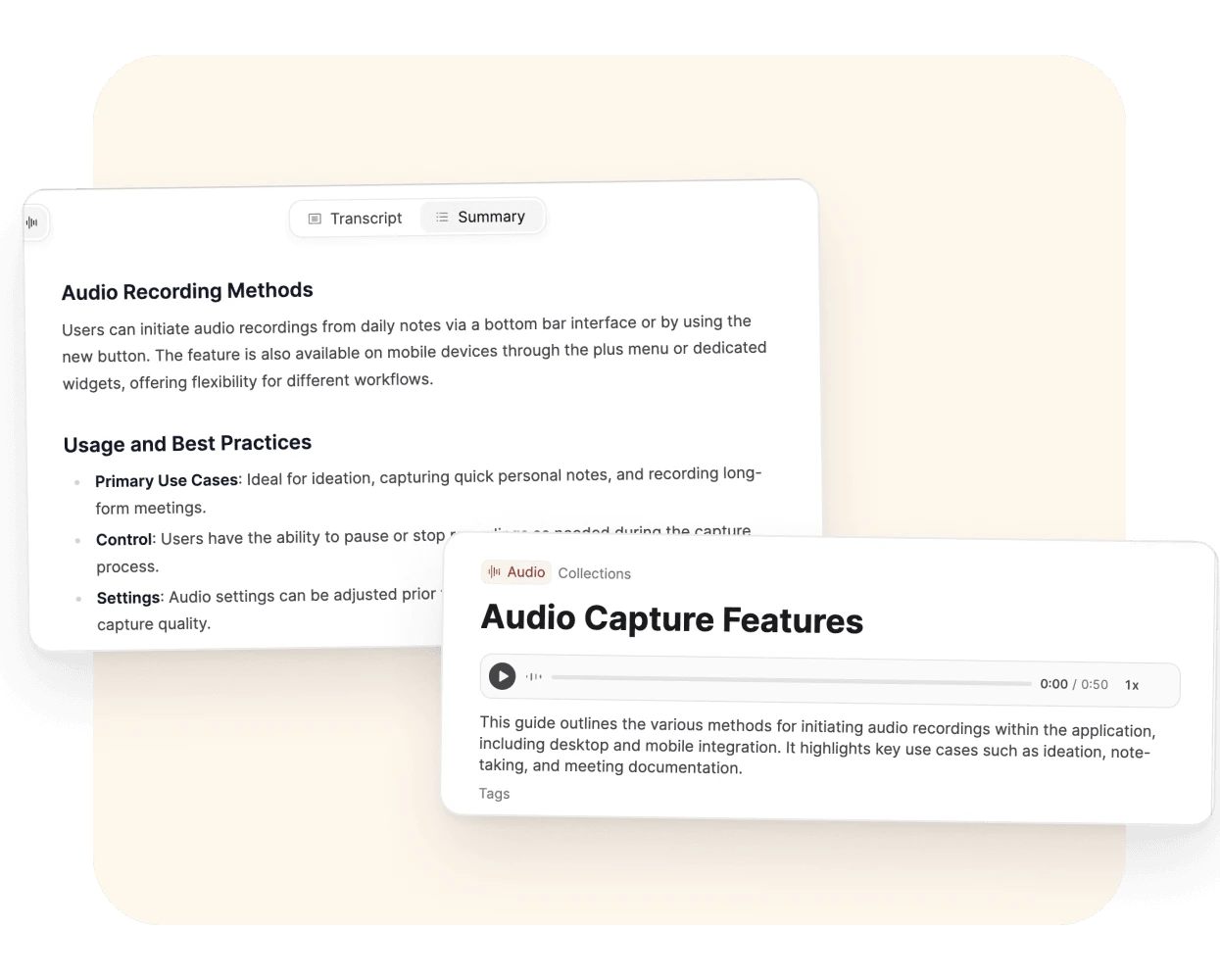
Record the conversation. Read it later.
Each recording becomes an object you can link to the people and ideas in it.
- A transcript and a summary from one click.
- Find the exact words when you need the quote.
Available to Believers in early access. Part of Pro once early access ends.
The words in a photo become words you can find.
Photograph the whiteboard before someone wipes it.
- Handwriting included.
- A title and a description, filled in for you.
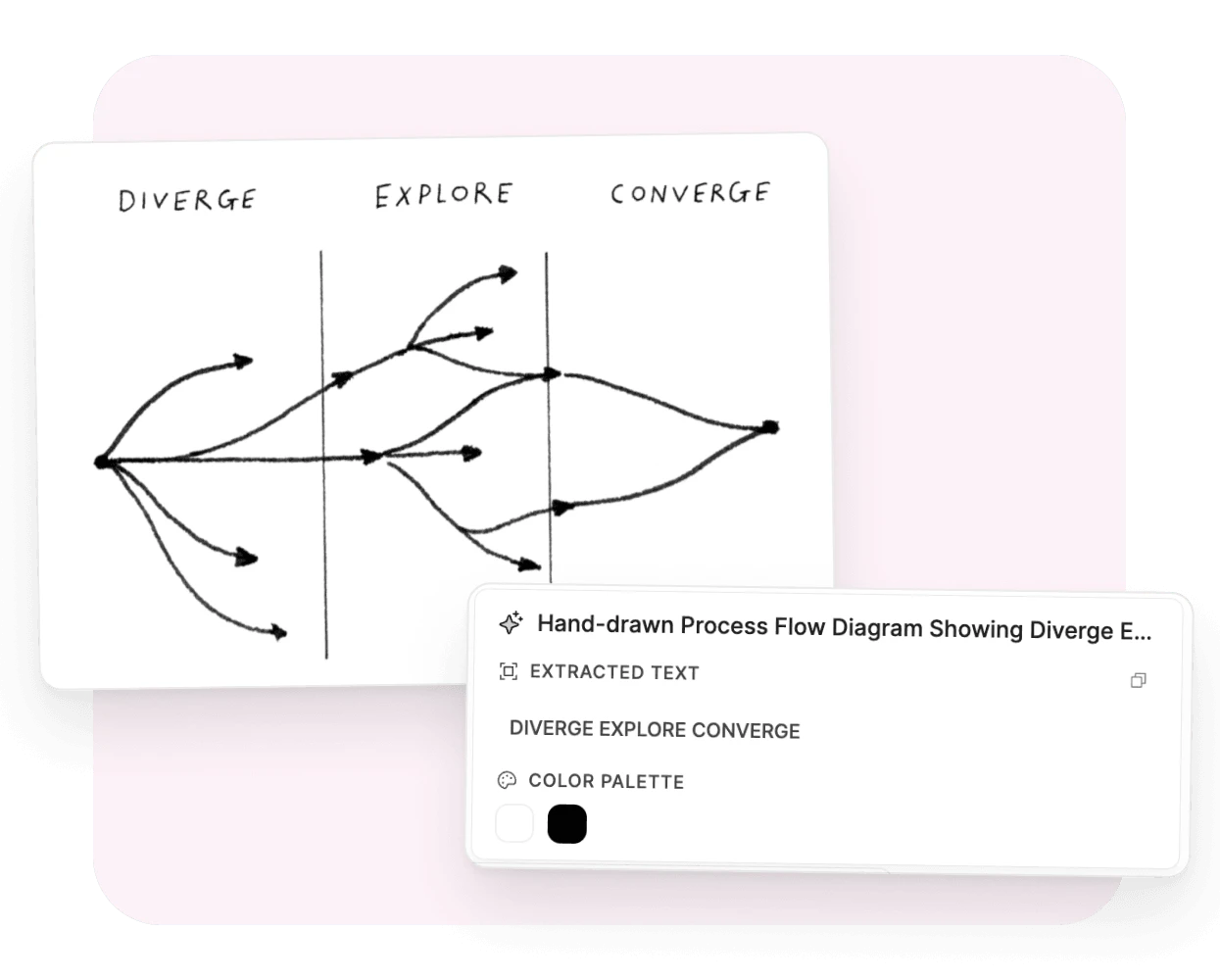
Analysis runs when you click Analyze. It needs AI turned on and uses your monthly AI budget. Highlights and notes don’t need AI. How media analysis works
Organized means you can find it
A note in a folder waits to be remembered. A linked note comes back on its own. That’s the whole difference.
Link as you think
Type one link and both notes remember each other. Months later, either one leads you back.
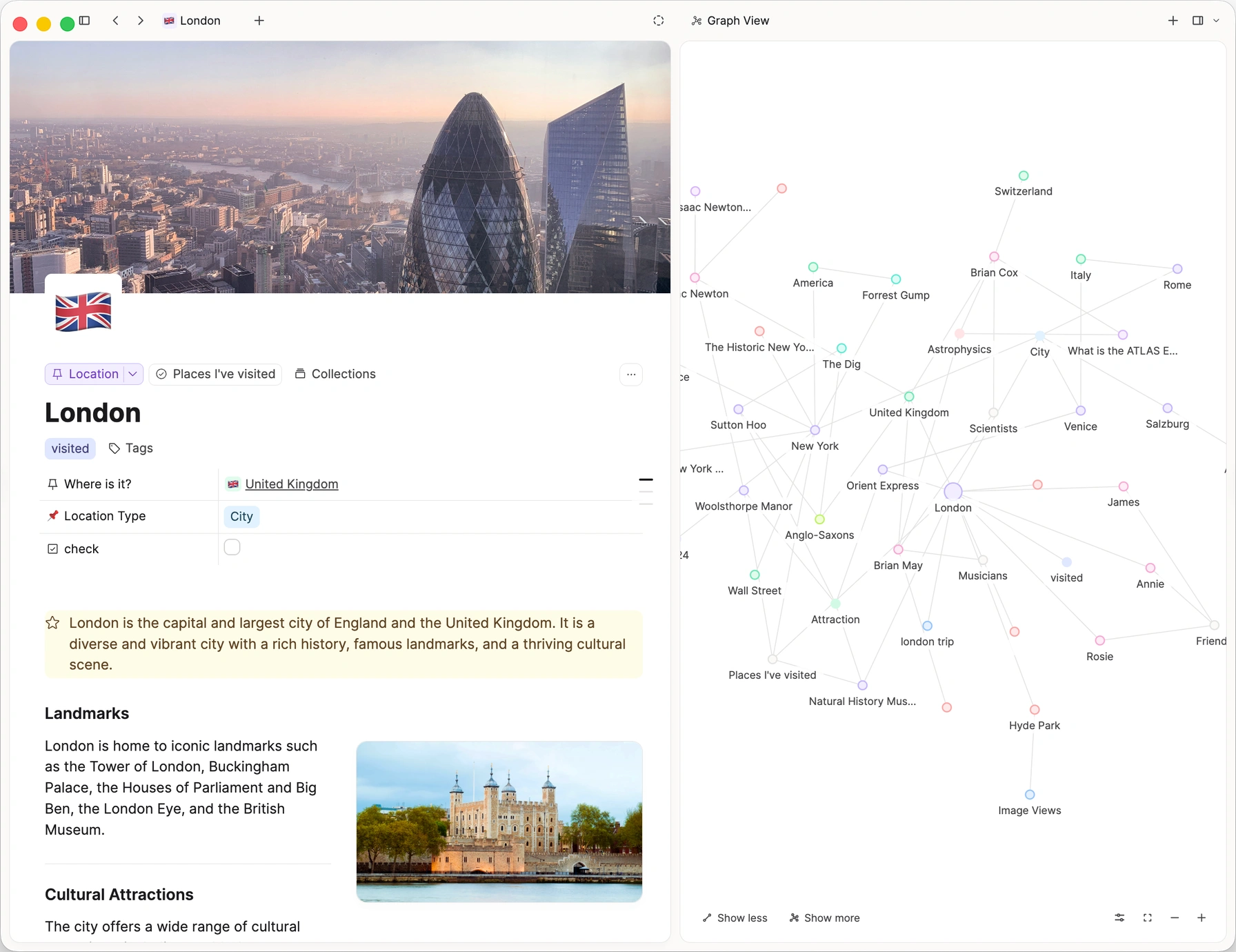
See the neighbourhood
Graph view shows what sits around a thought. Some clusters are becoming something. You’ll see it.
Your space remembers for you
After a few weeks, your notes hold more connections than your head can. That’s the point. Mentions and related content bring them back when they matter.
Mentions you haven’t linked
A name or idea often appears in places you never linked. Capacities finds them. Your past reading comes back when it’s relevant.
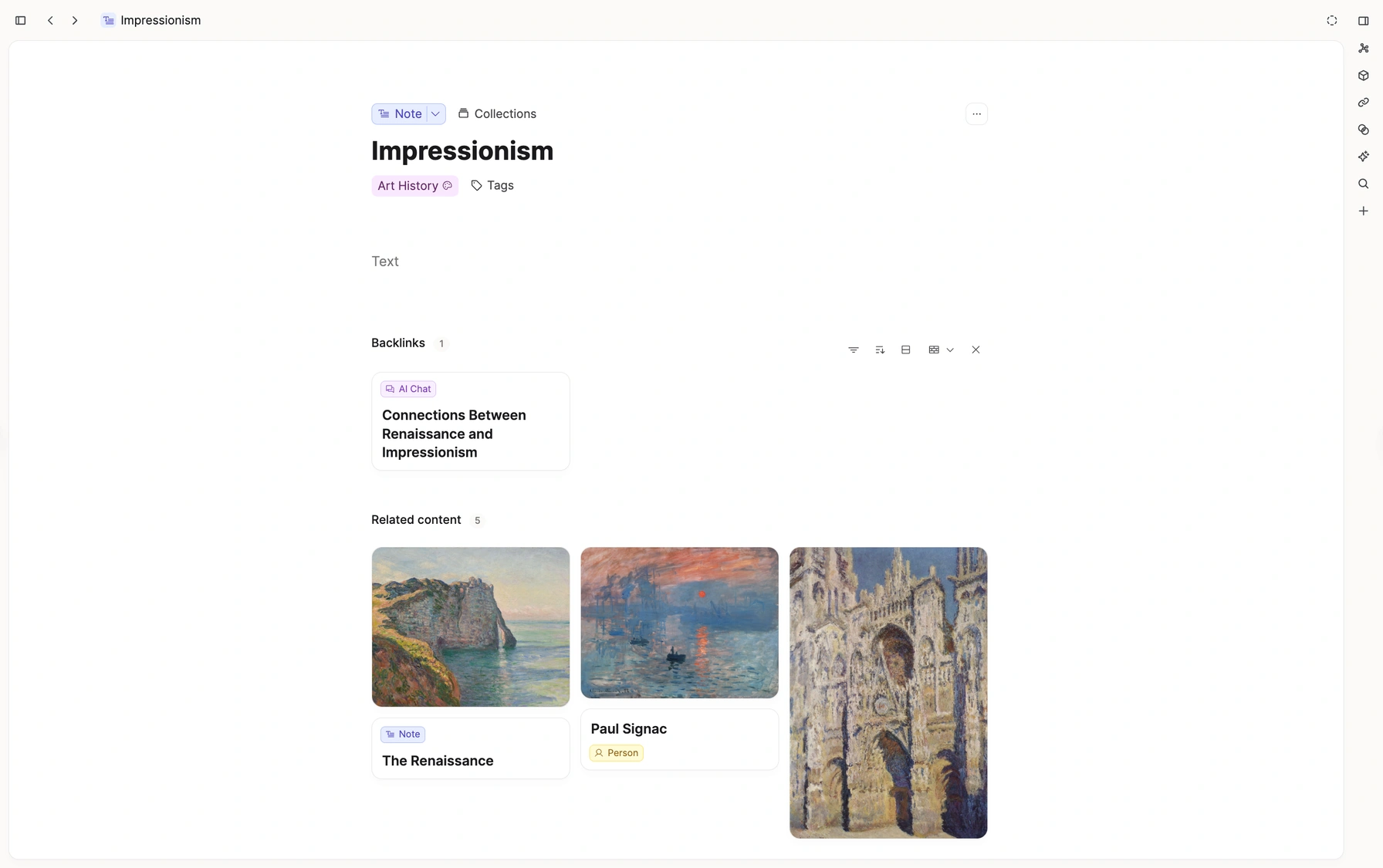
Related content
Notes on the same theme appear beside the one you’re reading. You’ve thought about this before. Now you can see where.
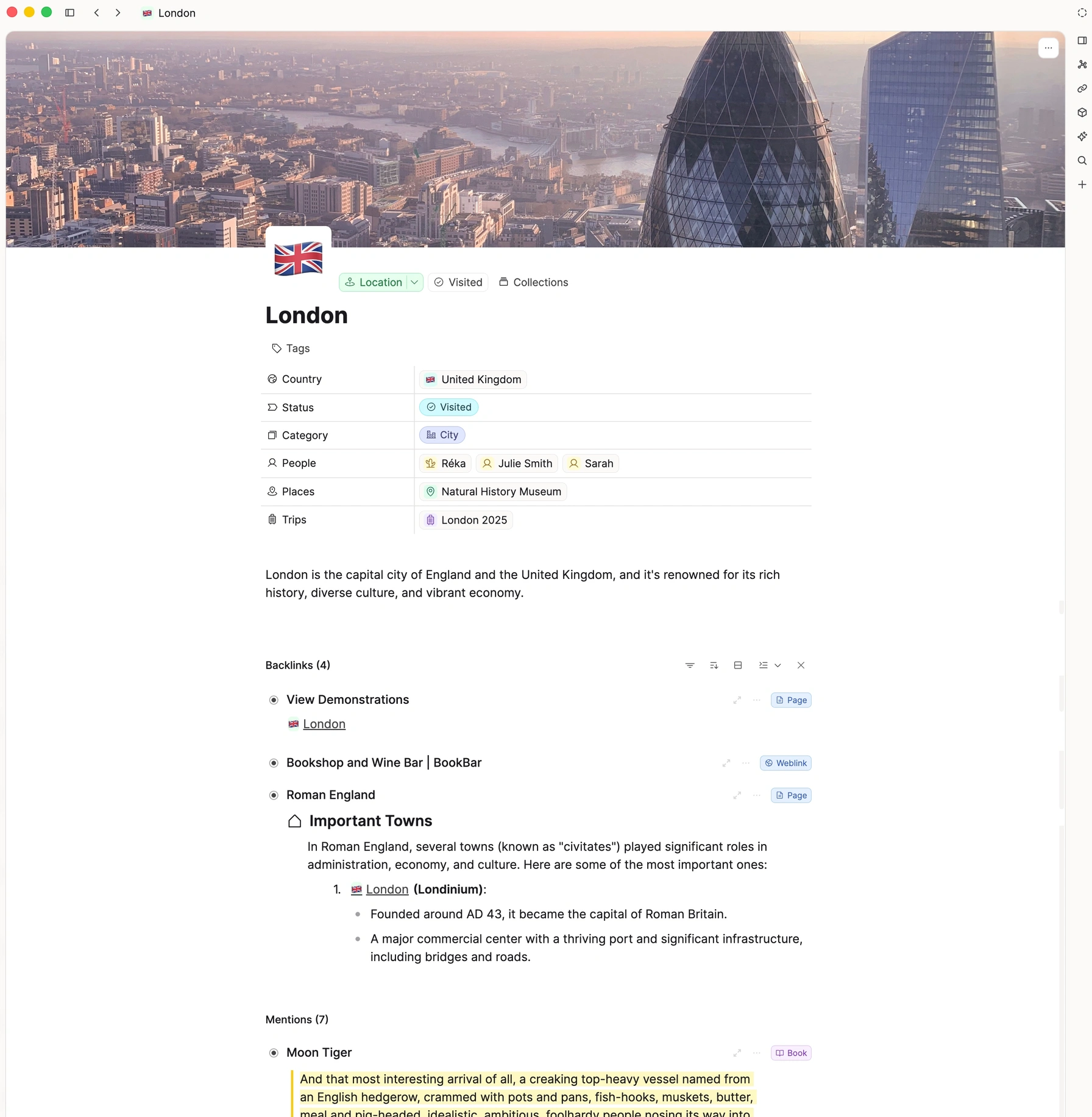
Mentions
Find what already points here.
Backlinks and unlinked mentions gather every place a name or idea appears in your notes. Even the ones you forgot to connect.
Write from what you know
Open a clean page. The reading is done and the connections are made. Scan your notes for what’s relevant and leave the rest. It’ll be there when you need it.
A fresh page
Drafting gets its own space. Your research is one link away. Close enough to use, out of the way while you write.
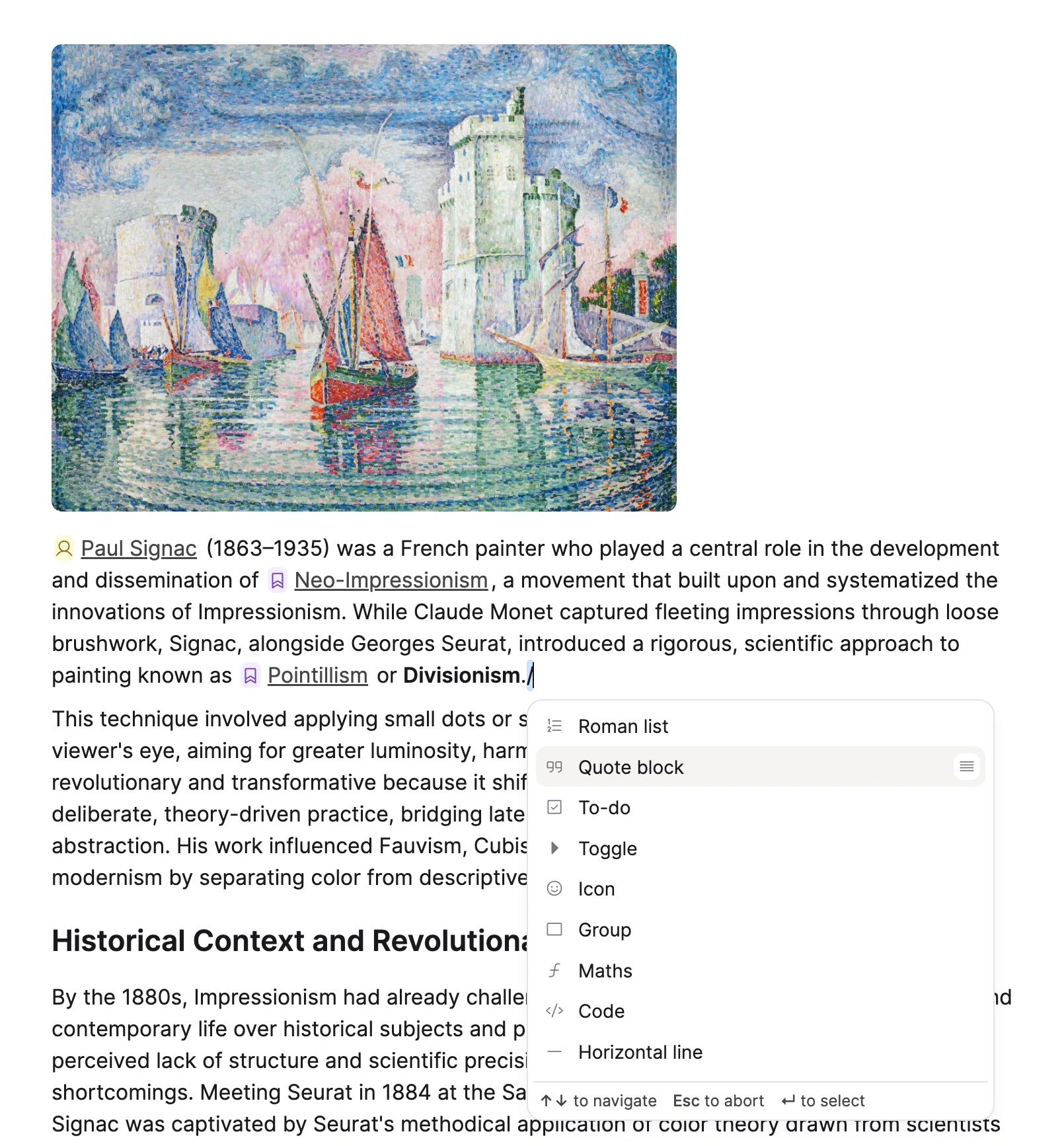
Focus mode
Hide everything but the words. Pull in a quote when you need one. Get back to the sentence.
A place for your thinking
Capture today’s thought. Link it to yesterday’s. The rest follows.