Stop building your system. Start using it.
Capacities gives you objects, a daily note, and connections right from the start. You don’t need to build a system before you can use the app. You open Capacities, start working, and the structure catches up with you.
In the words of people who switched from Notion and Obsidian
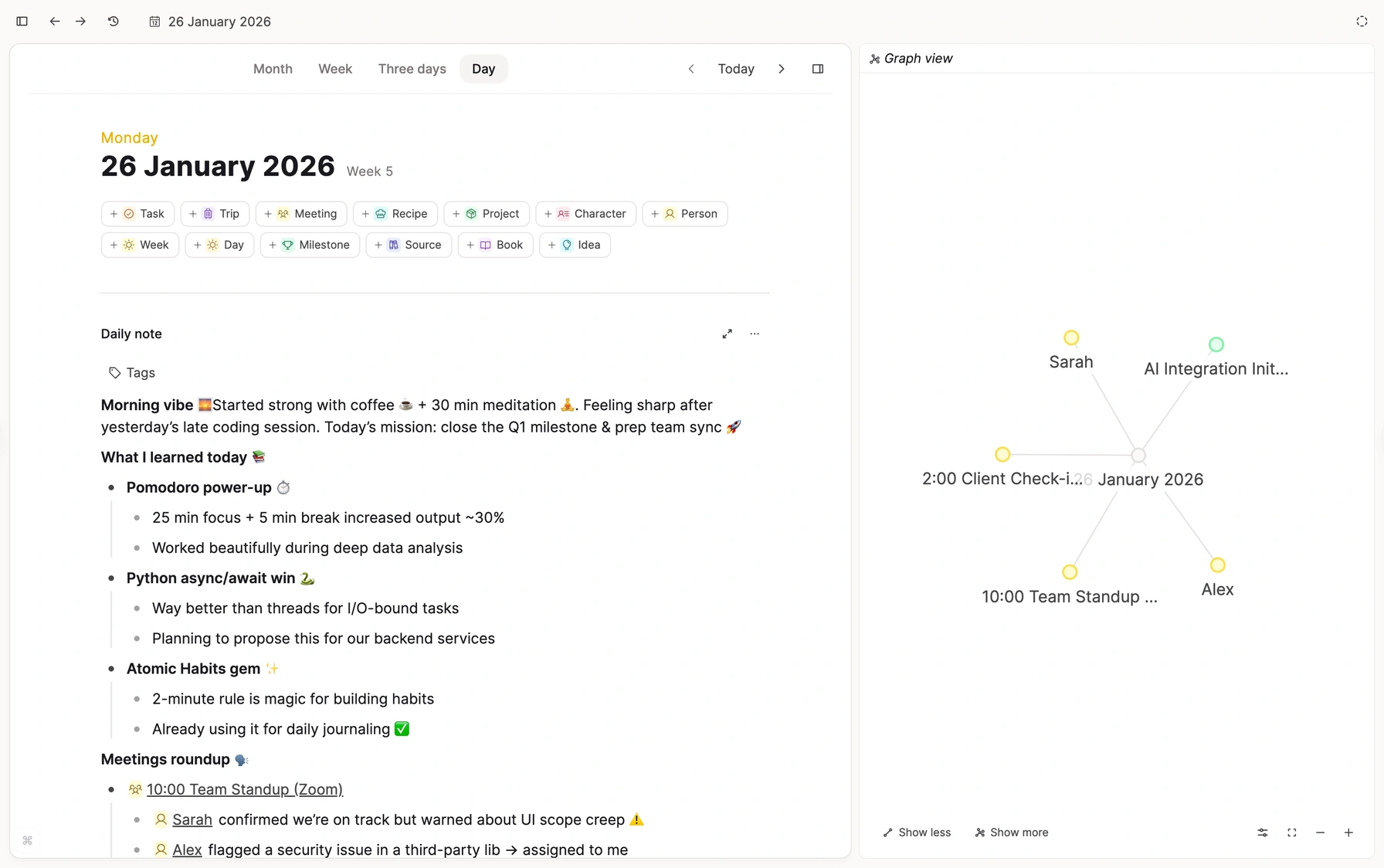
"I just wanted to open the app and use it."
The problem
When organizing becomes the work
Most note-taking apps give you one of two things. Endless options with no structure, or a blank folder and a plugin store. Either way, you end up building the tool instead of using it.
The system you never used
You watched the tutorials. You built the databases, the templates, the dashboards. Then your workflow changed, and there goes another weekend to rebuilding your workflow from scratch.
“I’ve spent years “playing” with Notion. I’d set up these advanced spaces without ever actually using them.”
Endless plugins
Tasks, queries, calendars, templates, formatting. Every piece is a plugin to find, learn, and keep alive. One update, and a query block breaks.
“Down the rabbit hole of endless extensions and fiddling around with your data instead of using it. Always a treehouse, never a home.”
Sync you have to babysit
Your phone, your laptop, your work computer. Keeping them in step becomes a second job, and you are never quite trusted that it worked.
“I was too lazy and tired to keep managing the setup and checking whether everything was syncing properly.”
You don’t need a perfect system. You need one that works for you.
Or you never had a system at all: notes in three different apps, nothing connected, you can't remember where you put what. Until Capacities. See how it works.
The difference
Capacities meets you halfway
Capacities comes with structure built in. Your notes know what they are: a person, a book, a meeting, a project. Every day is a fresh start on its own page. Every link works in both directions. Your system gets built over time, as you take notes.
Blank canvas
You build every piece yourself. Plugins, queries, templates, sync.
Capacities
Structure is built in. You shape it as you go.
Rigid template
You fit your thinking into someone else’s system.
“What I loved about Capacities is that it meets you halfway. It allows for personal customization but you don’t need to build everything from scratch.”
A book is a book. A person is a person.
Everything you care about is an object with its own properties and its own place. Upload a PDF and it lands with your PDFs. Add a meeting and it already knows it has a date and attendees. No folders to design, no database to maintain.
Change it once, everywhere
Add a property to an object type, and every object of that type gets it. A template is a starting point. An object type stays connected.
Properties that belong
A book has an author. A meeting has attendees. Each type keeps its own fields, so your system stays clean.
No single hierarchy
A note can belong to a class, a project, and a person at the same time. You never have to pick one folder.
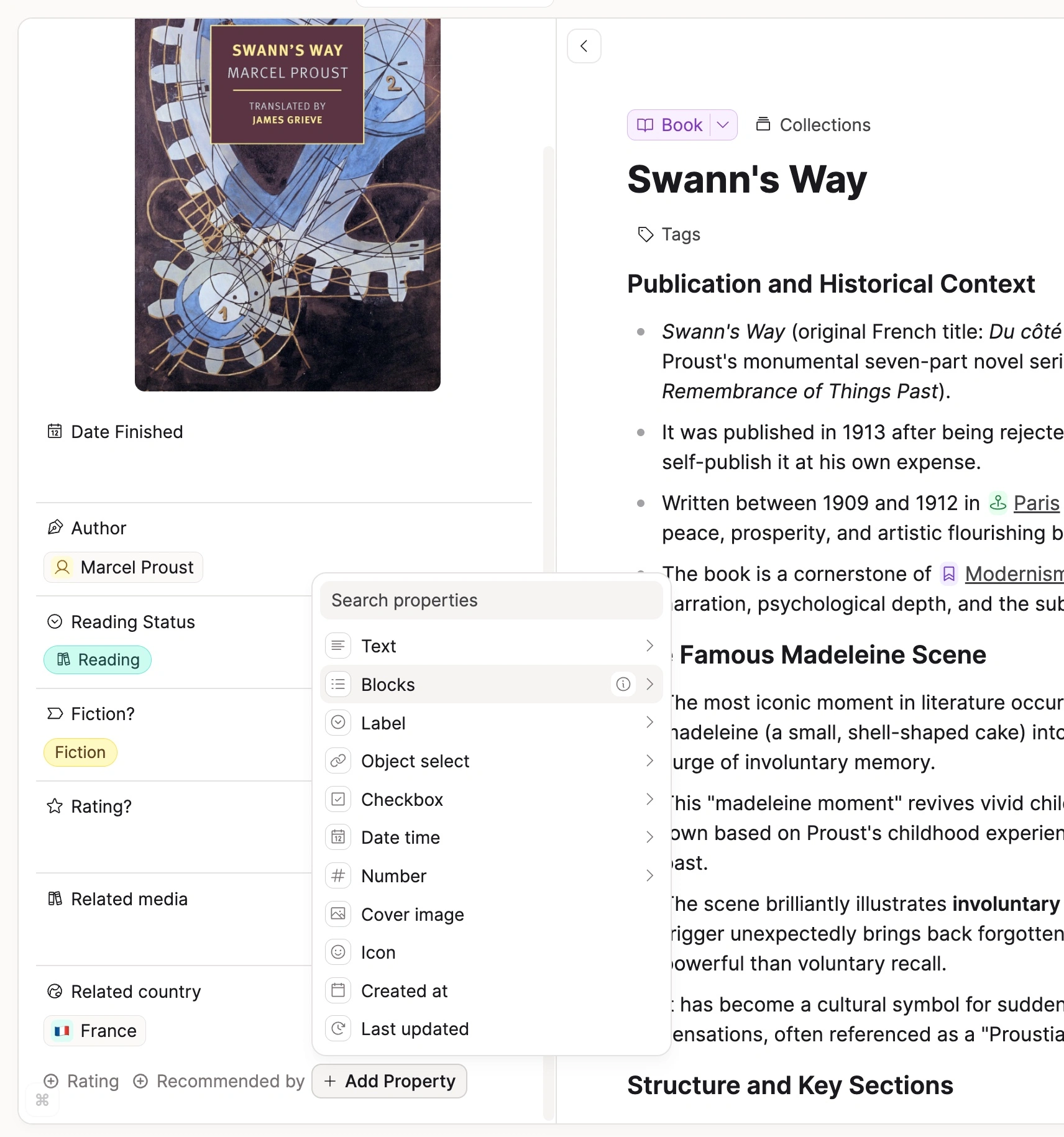
“When I upload a PDF, it goes into a dedicated place for PDFs. I don’t have to create a bunch of folders or set up a system before I can start adding stuff.”
Brain dump now. Organize later (or never).
Every day has a daily note, right next to your calendar. Write down whatever comes up. Link a person or a meeting if you want to. Send a thought from WhatsApp or Telegram when you are away from your desk and trust your ideas won't get lost; they'll end up in the daily note, ready for you to keep working.
One page for the day
Your notes, your meetings, and everything you created today, in one view.
Capture from anywhere
WhatsApp, Telegram, email, mobile, desktop, and the web.
From note to object
A passing thought in your daily note becomes a project with a life of its own when it is ready.
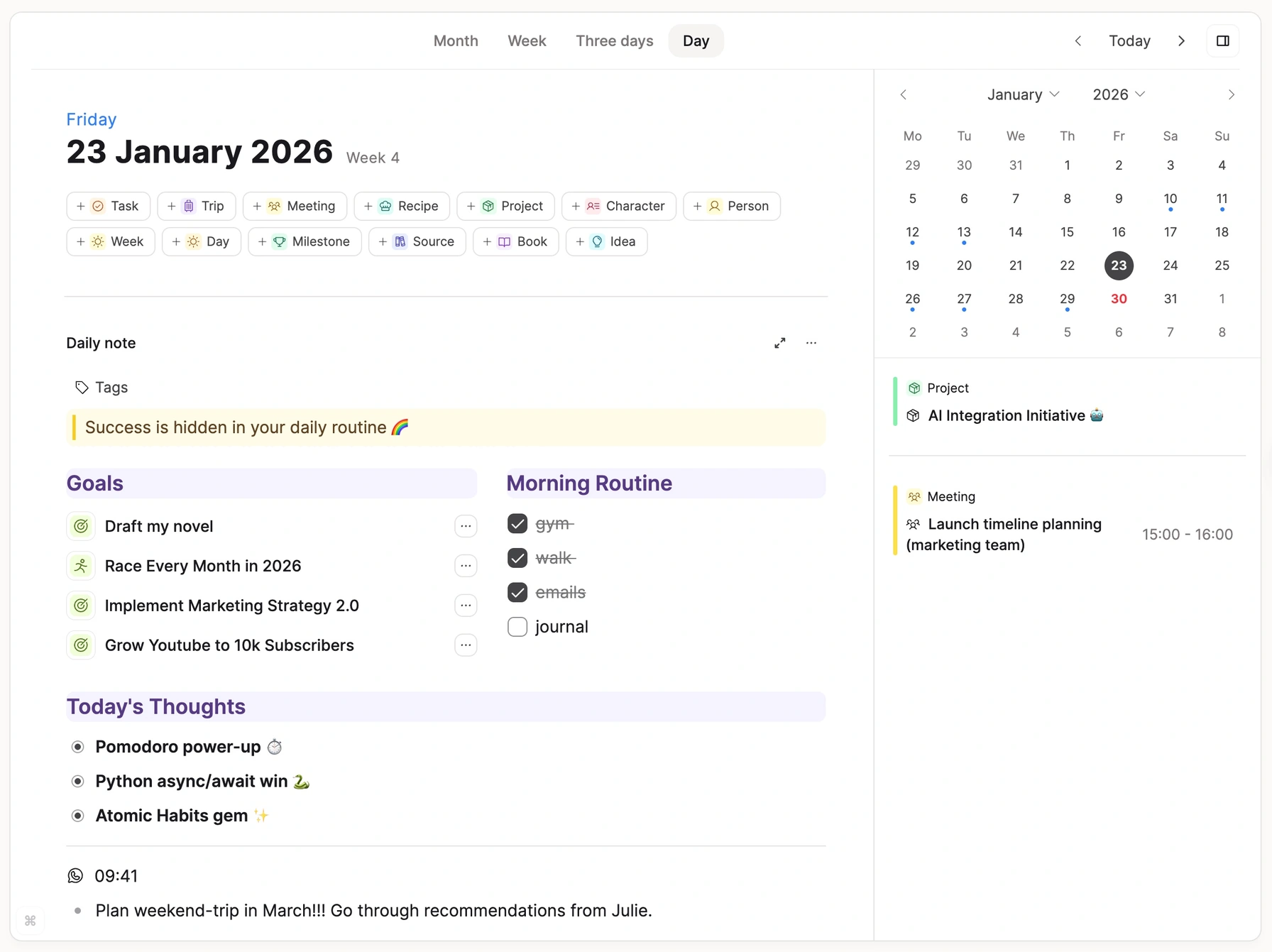
“I love that I can just brain dump my thoughts and deal with it later.”
Open a person. See everything.
Every link works in both directions. Mention a contact in a meeting note and in your daily note, and when you open that contact, everything is already there. You find things the way you think of them, not the way you filed them.
Backlinks by default
Every mention shows up on the object it mentions. No query to write.
Lots of ways back
Search, tags, links, queries, the graph. Use the ones you like, ignore the rest.
Context, not islands
Your meetings, people, and projects stay connected.
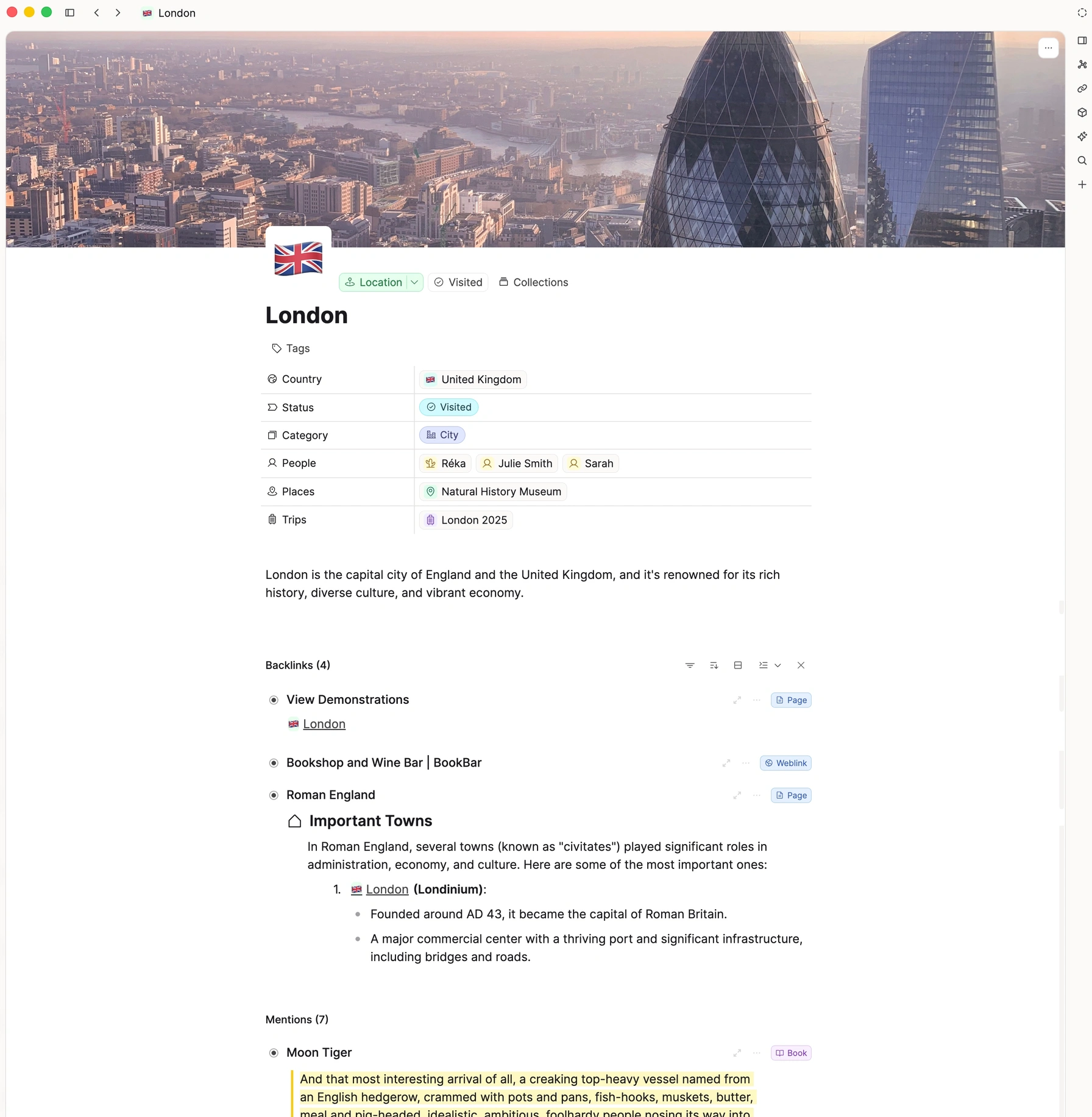
“Capacities is the first product that feels like I can get it to think the way I do.”
Works in week one. Still fits in year three.
A system that grows with you, without the upkeep
People are productive with Capacities in their first week. Years later, they tell us they have stopped thinking about the system altogether. It evolves with their work, not against it.
Week one
Useful before it is perfect
“I started using it functionally from the first week! I continued to make tweaks but I didn’t feel like I needed to build the whole thing up before being able to use it.”
Reddit, r/capacitiesapp
First month
Objects click
“At first, Capacities’ “objects” felt strange. But following some advice, I tried adapting to this new way of thinking for a few weeks, and it just clicked.”
Reddit, r/capacitiesapp
Year two and beyond
The system disappears
“I’ve been using Capacities for about two years now, and I don’t think about the system at all anymore. It evolves, of course, but naturally and without any friction.”
Reddit, r/capacitiesapp
Nothing to maintain
Own your notes without becoming your own IT department
Sync across all your devices is included, even on the free plan. There is a web app for computers that works perfectly out of the box. No plugins to update. No code inside your notes.
Sync included
Phone, tablet, desktop, and web. Works offline, too. Included on the free plan.
Scheduled backups
Automated Markdown exports to your own device, several times a day.
Clean exports
Your notes come out as notes. No query syntax or plugin code inside them.
No lock-in
Export everything, any time. If you leave, your knowledge comes with you.
“Capacities has fantastic export options (Markdown, Word, CSV, PDF) and an automated, scheduled local Markdown backup feature that runs quietly in the background. I have never felt locked in.”
Made for you, not your team.
Capacities is built for individuals who think for a living. No workspaces to administer, no permissions, no enterprise features in your way.
“Capacities targets individuals, Notion targets companies. I feel like I’m the ideal user when I use Capacities, but making do when I use Notion.”
Pretty from the first note. No themes required.
Cards, icons, colors, tags, views. Capacities looks good before you touch a setting, so you can enjoy your notes instead of styling them.
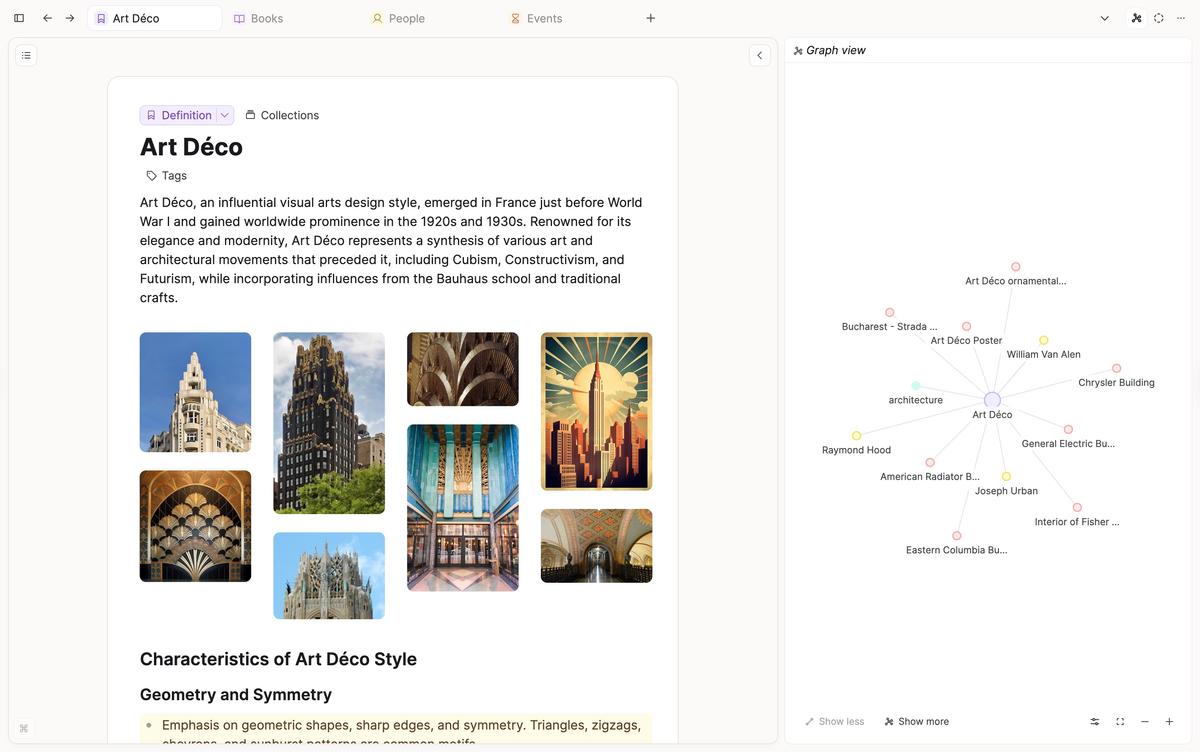
“It’s very important to me that I can like how my notes and data collections look while not having to spend hours and hours tweaking the app or trying a hundred plugins.”
Built by a small team that listens
Independent, European, funded by the people who use it
Capacities is built by a small, independent team in Europe. No venture capital, no pressure to pivot to enterprise. We publish our roadmap, you vote on what comes next, and we keep shipping improvements, big and small.
Built in Europe
An independent team in Germany and the UK. Hosted in the EU. GDPR is important to us.
Funded by users
No venture capital. We answer to the people who use Capacities, not to investors.
An open roadmap
See what is next, vote on features, and watch them ship.
“It’s the only piece of software where I feel like 90% of the updates and features are made just for me.”
“I was on the free plan for a couple of years but they earned my money because the team has made consistently good decisions about improvements both minor and major and are very transparent about it.”
Built in, not bolted on
Everything you would add with plugins is already here
No plugin to find, learn, and keep alive. No query syntax inside your notes. It all works together from the first day.
"I’ve spent countless hours, days, and months tweaking and configuring it to fit my needs—only to realize that what I was actually trying to do was… turn Obsidian into Capacities!"
Want the full picture? Capacities vs Obsidian · Capacities vs Notion · All comparisons
Questions people ask before they switch
Every quote on this page comes from one thread on r/capacitiesapp, where people explained in their own words why they chose Capacities.
Open it. Start writing. Let the structure catch up.
Free forever plan. No credit card. Export anytime.
"I realized I didn’t need a perfect system—just a working one."