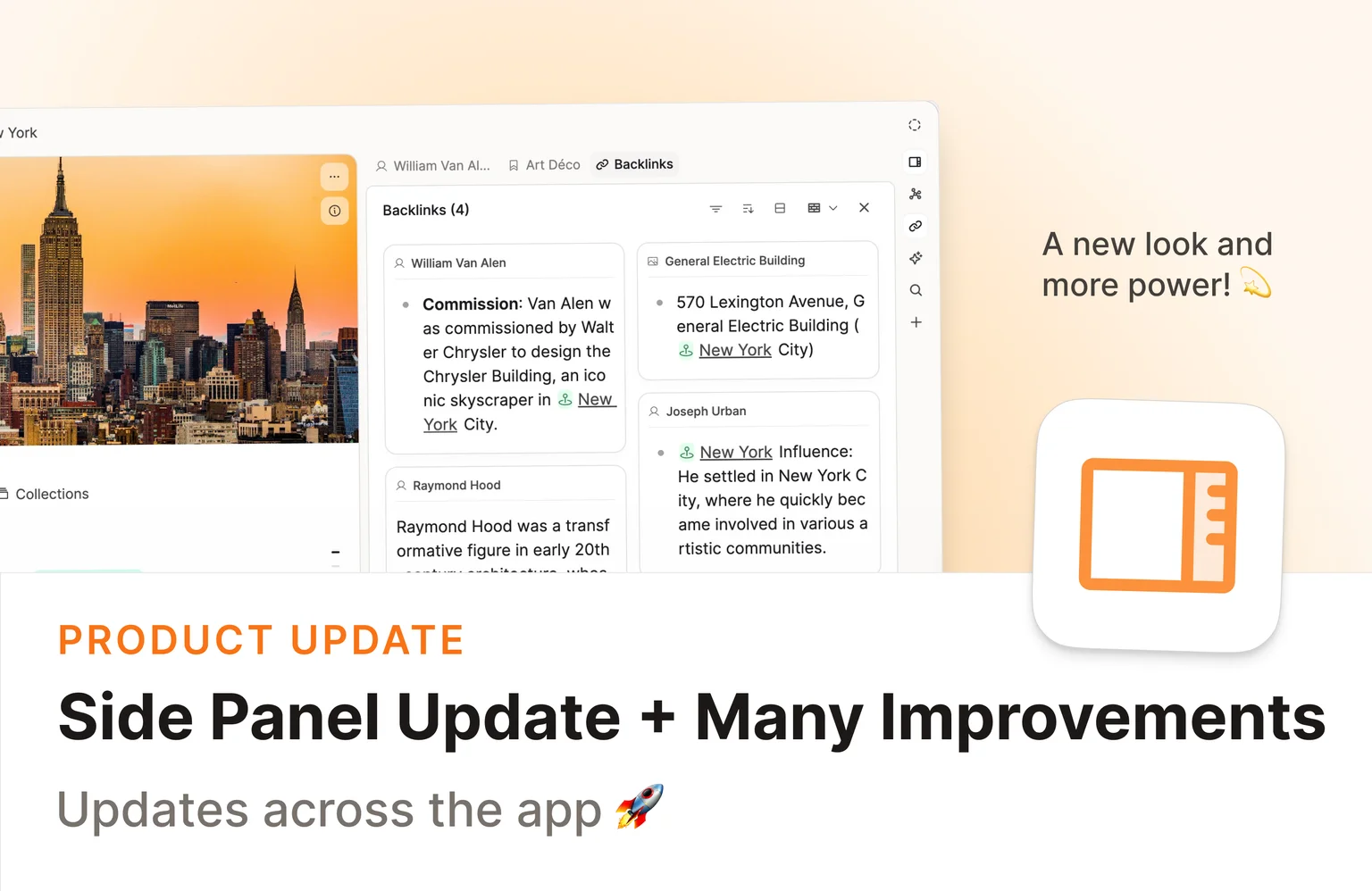
This release brings a redesigned sidepanel, new ways to organize your media, and several quality-of-life improvements across the app. 💫
Check out the video release notes!
A redesigned sidepanel for focused work
If you regularly work with sources, references, or notes side by side, this update is for you. The sidepanel has been redesigned to make it faster to pull up related content while you work.
We've added a static sidebar on the right with quick access to search, AI chat, and backlinks. This is still evolving, and we'd love to hear your thoughts.
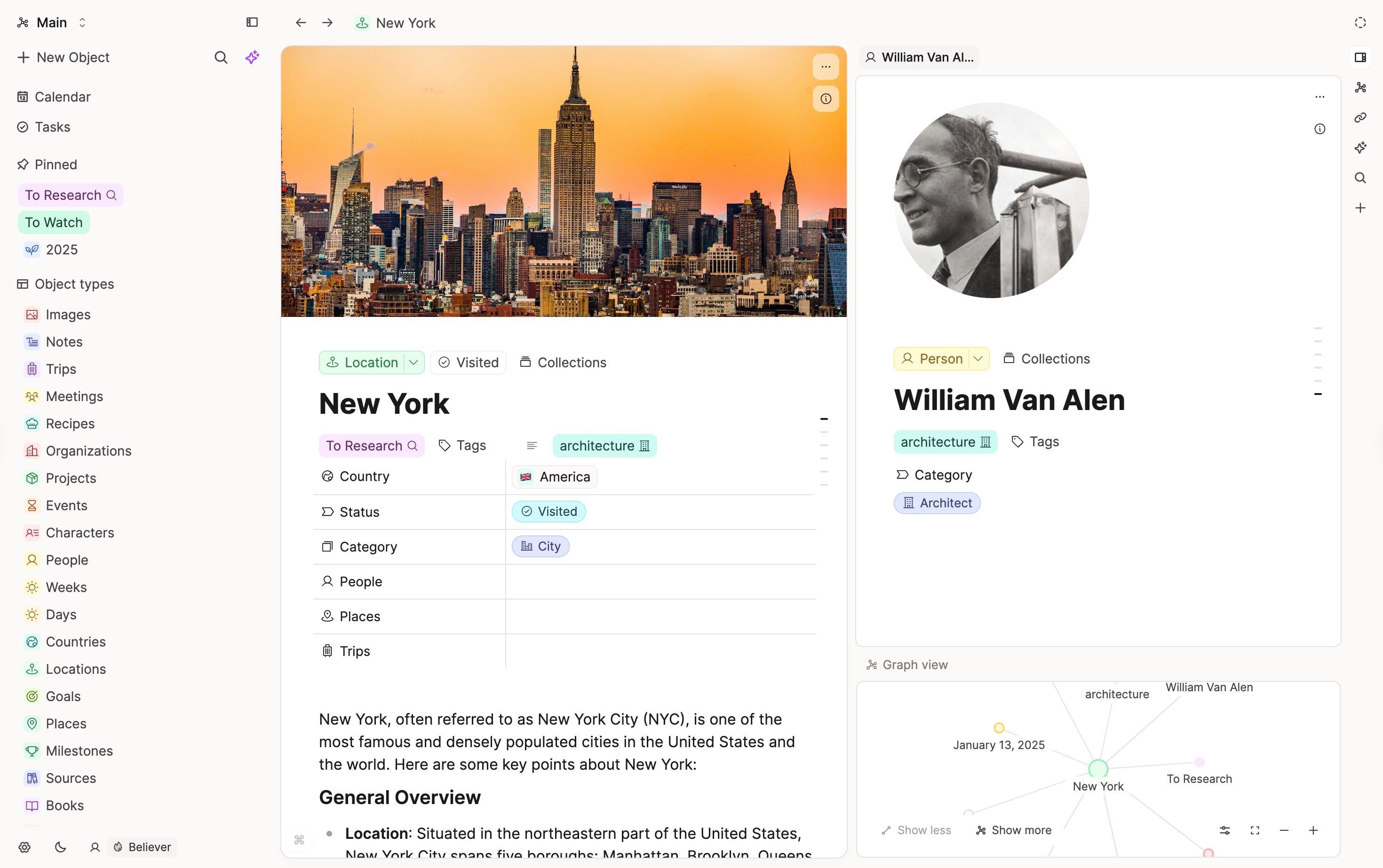
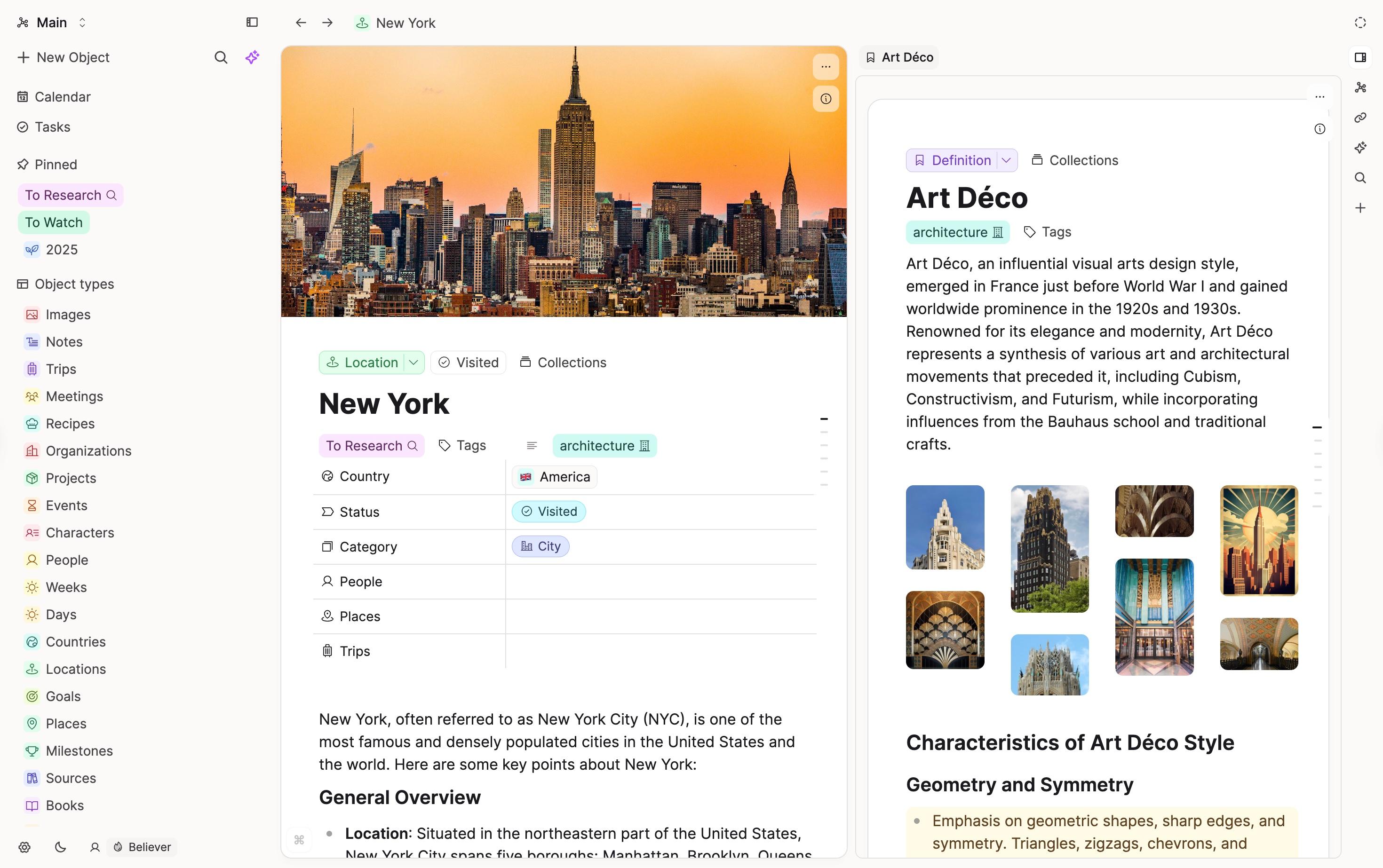
Open any object in the sidepanel to see its full content without leaving your current page. This works across all object types. You can even open your object dashboards in the side panel.
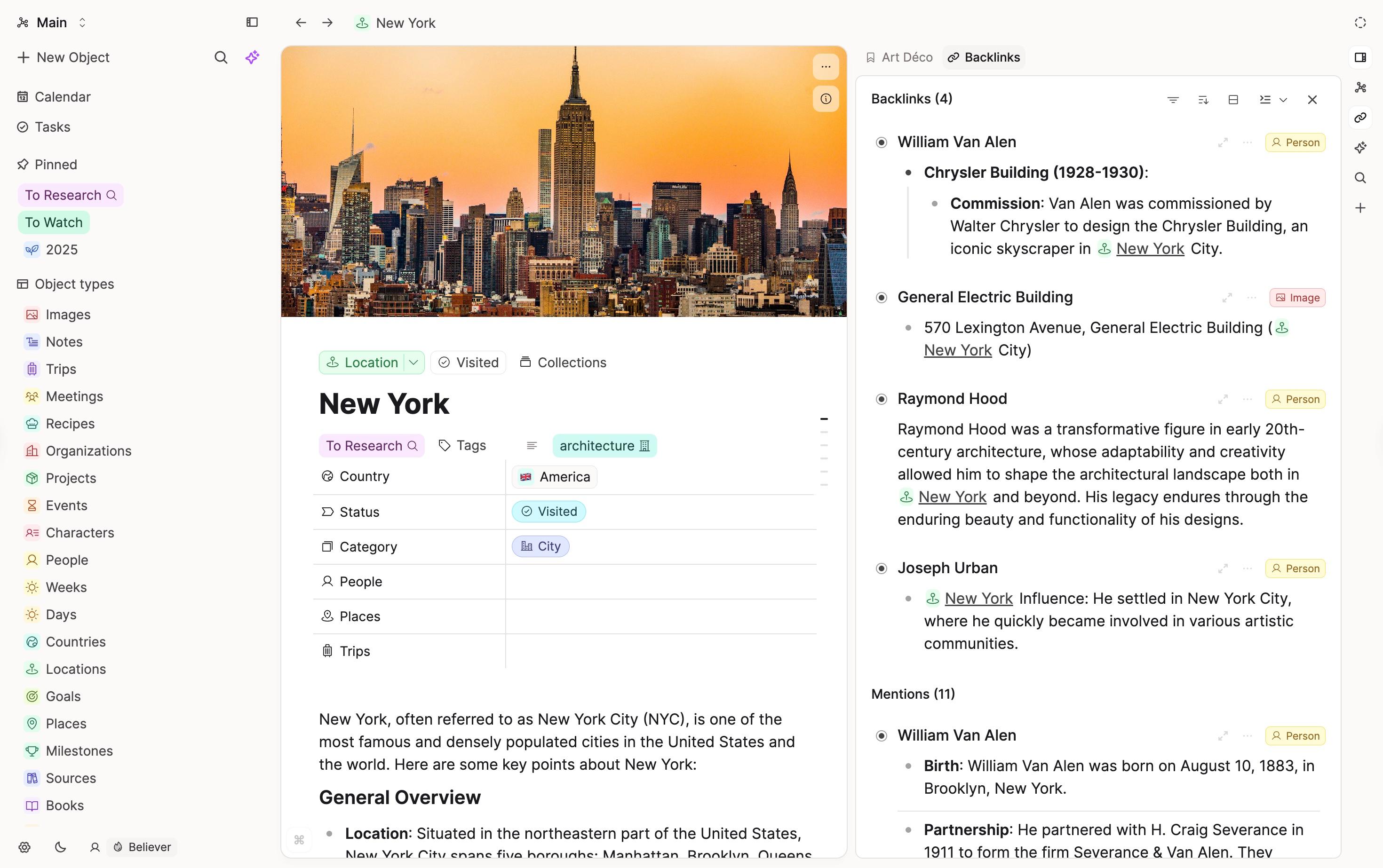
You can now browse backlinks directly in the sidepanel too, either within the object itself or in a dedicated backlinks panel. This makes it easier to review what references an object without having to continually scroll up and down your notes.
You can also open multiple objects in the sidepanel at once. Drag any side panel tab into the dedicated area at the bottom to view and resize as needed. Up to three tabs can be stacked in the right side panel.
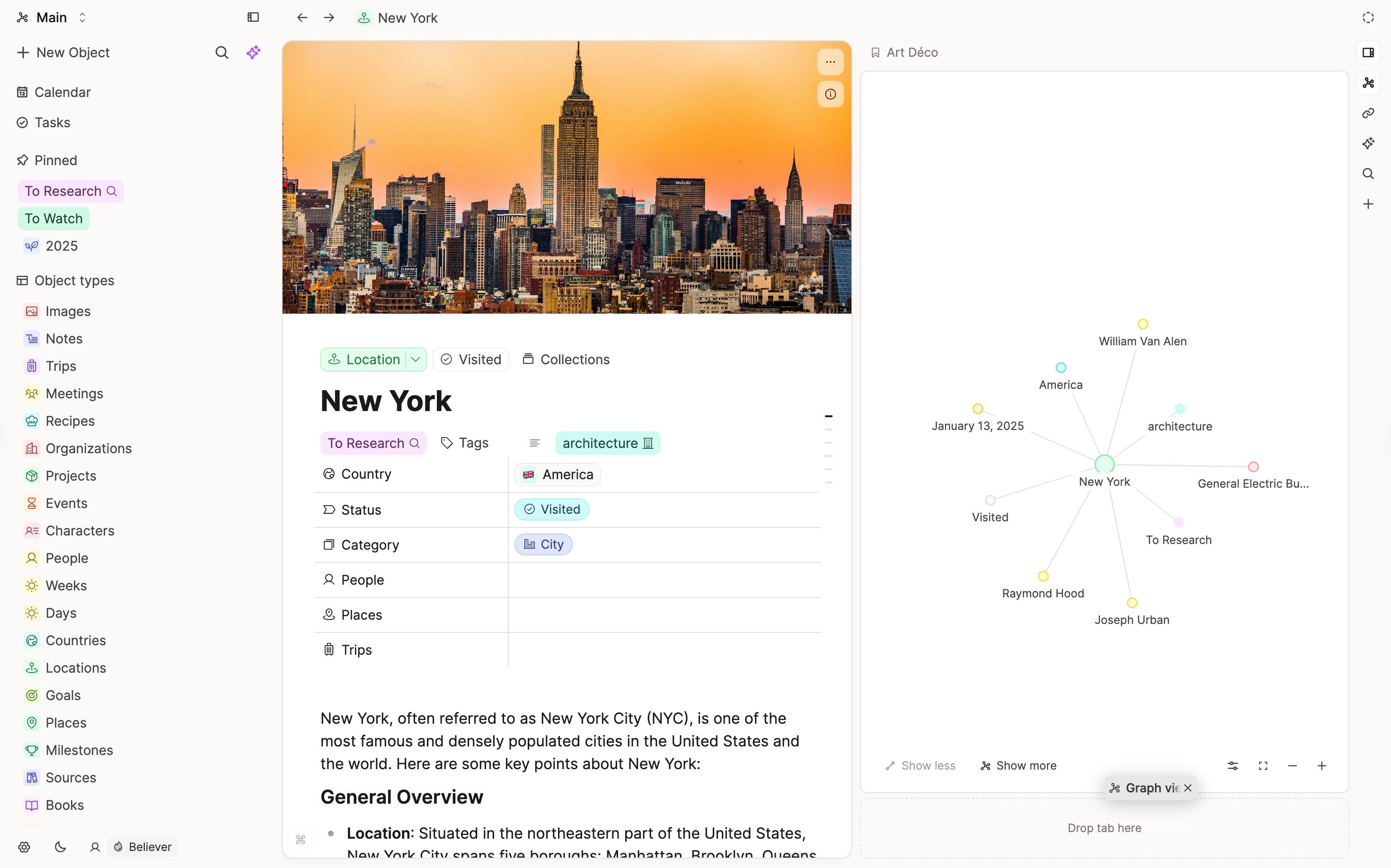
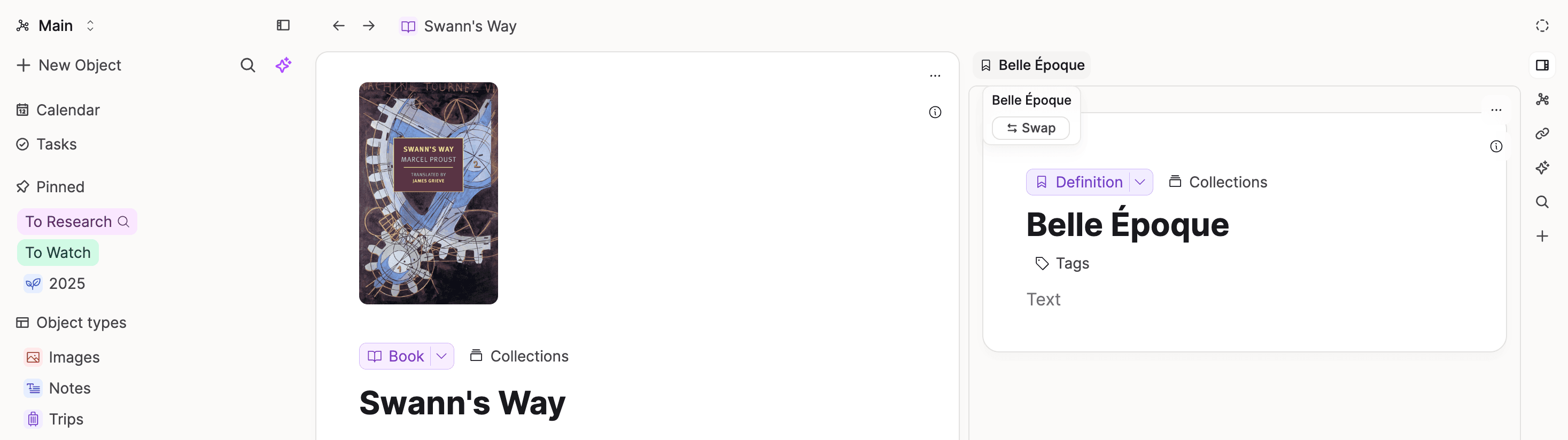
Hover over a sidepanel tab to reveal the new swap button. Click it to move that content into the main panel so you can continue working on it there.
We also added a shortcut to open and close the side panel. Use Cmd + Shift + Right Arrow on Mac or Ctrl + Shift + Right Arrow on Windows.
The bulk actions menu now lets you select multiple objects and click Open to load each one in its own sidepanel tab. This is useful when you want to review several items at once. You can also click AI Chat to start a conversation with all selected objects as context.
More properties to basic media types
Audio, image, and weblink objects now include a Category property so you can sort and filter them more easily. Weblinks also get a Topic property, and Images now include Colors. These are available to all users.
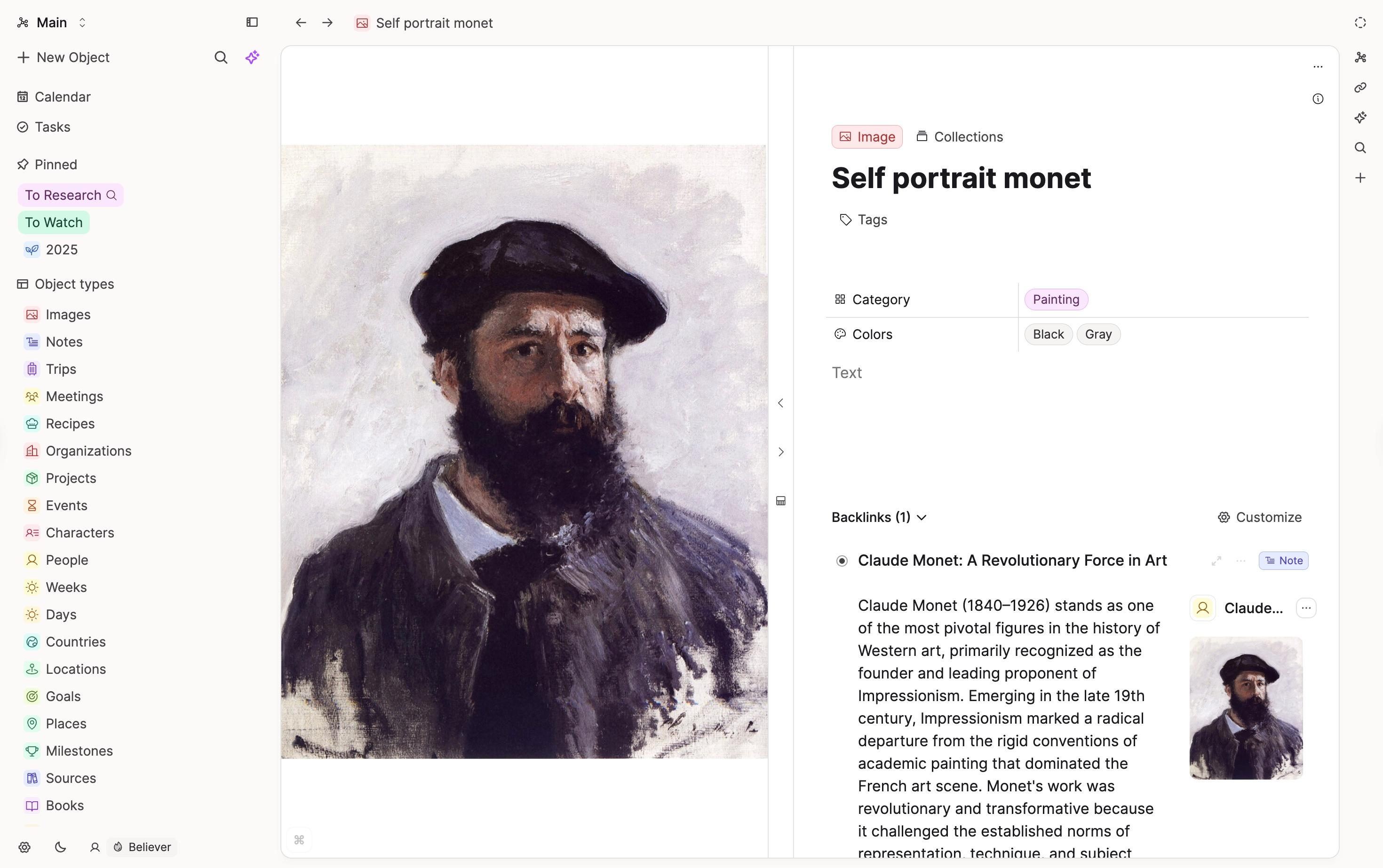
These properties form the basis of some very exciting updates. 👀 Believers will get an email with more information in the coming weeks. 🚀
Object Sidebar changes
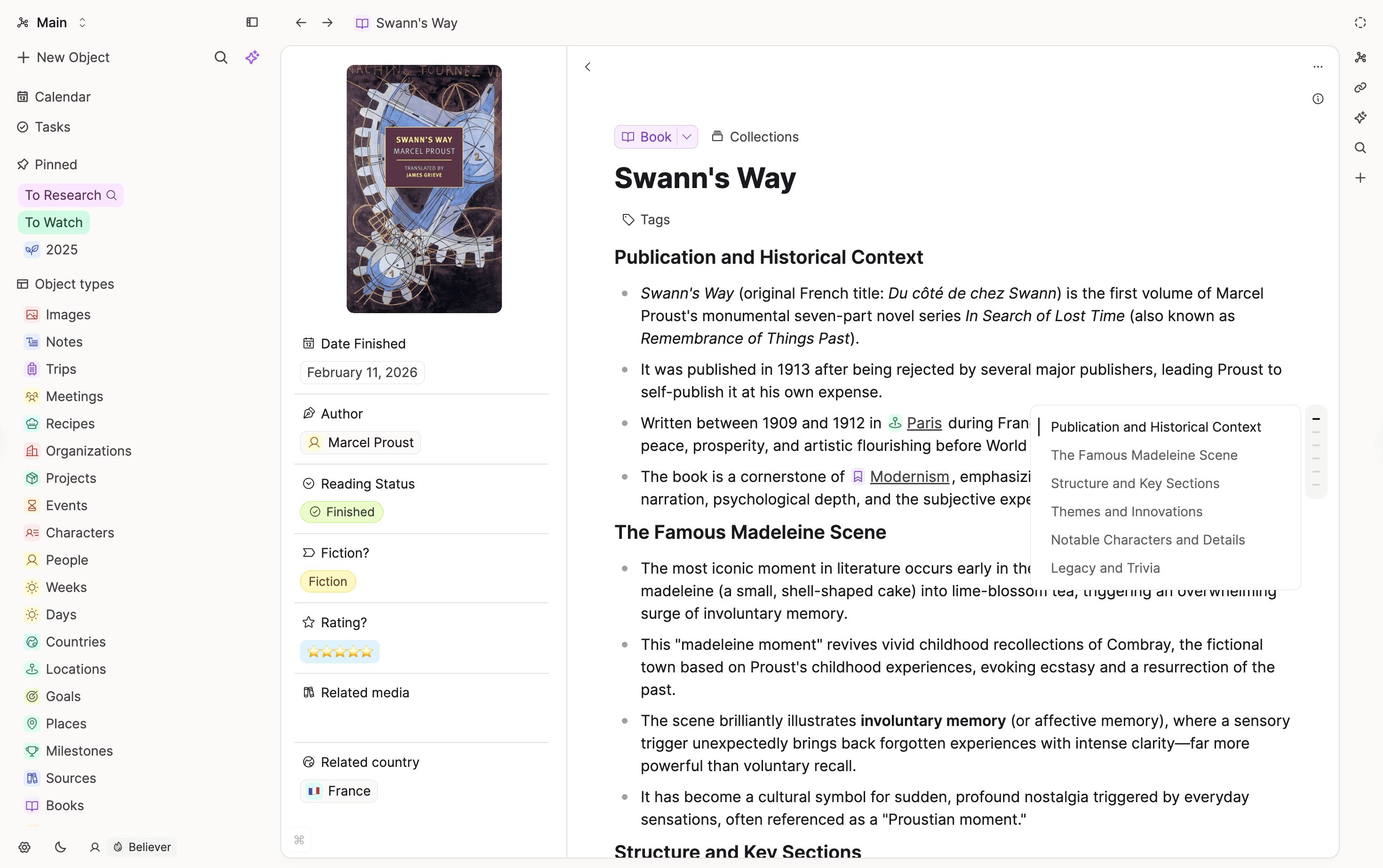
The object sidebar now gives you a quick way to see what's inside a long document. It shows the document outline, referenced objects, and stats in a static sidebar, accessed by the new info-icon.
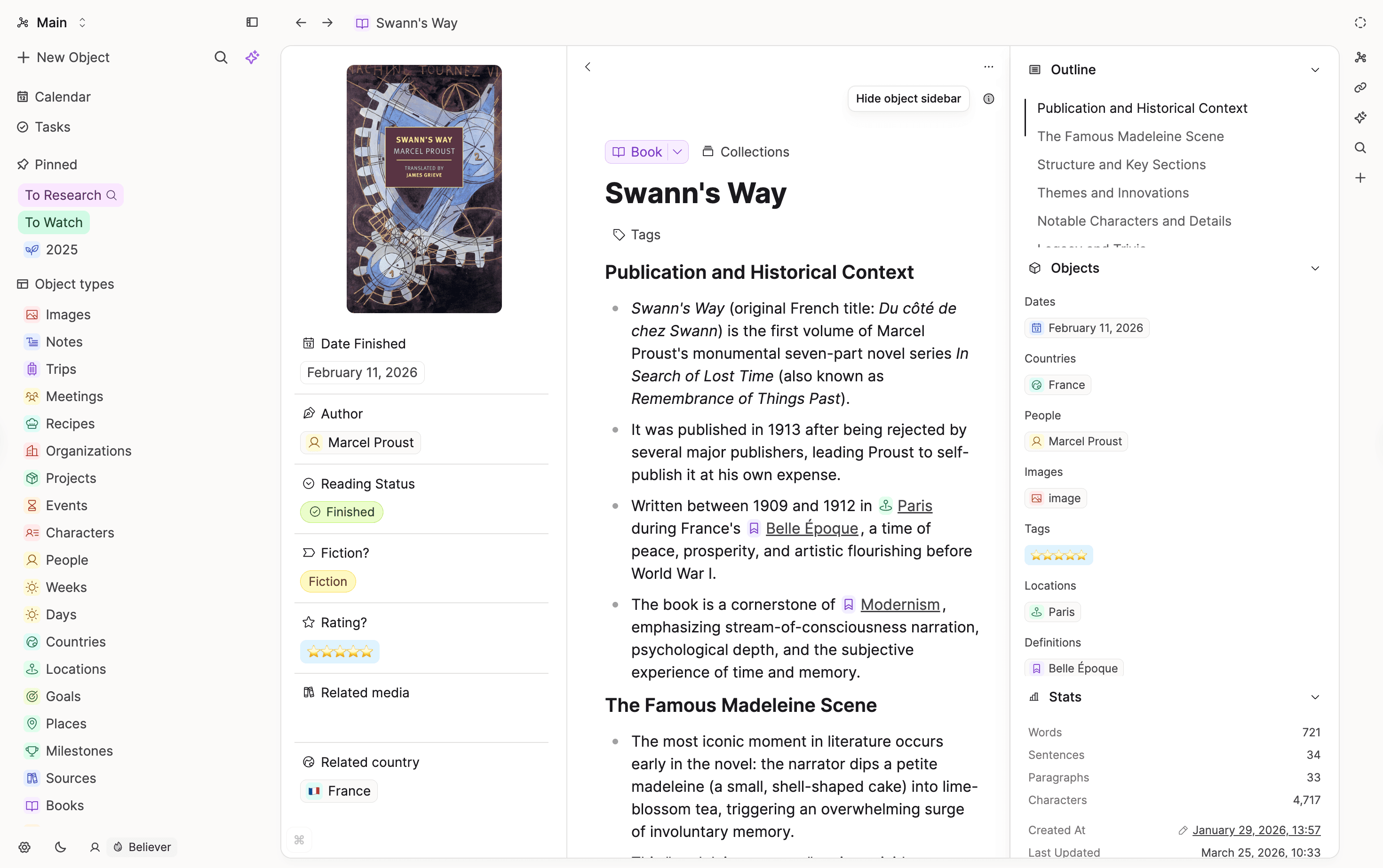
Click any heading indicator in the document to jump to that section directly. This replaces the previous floating sidebar.
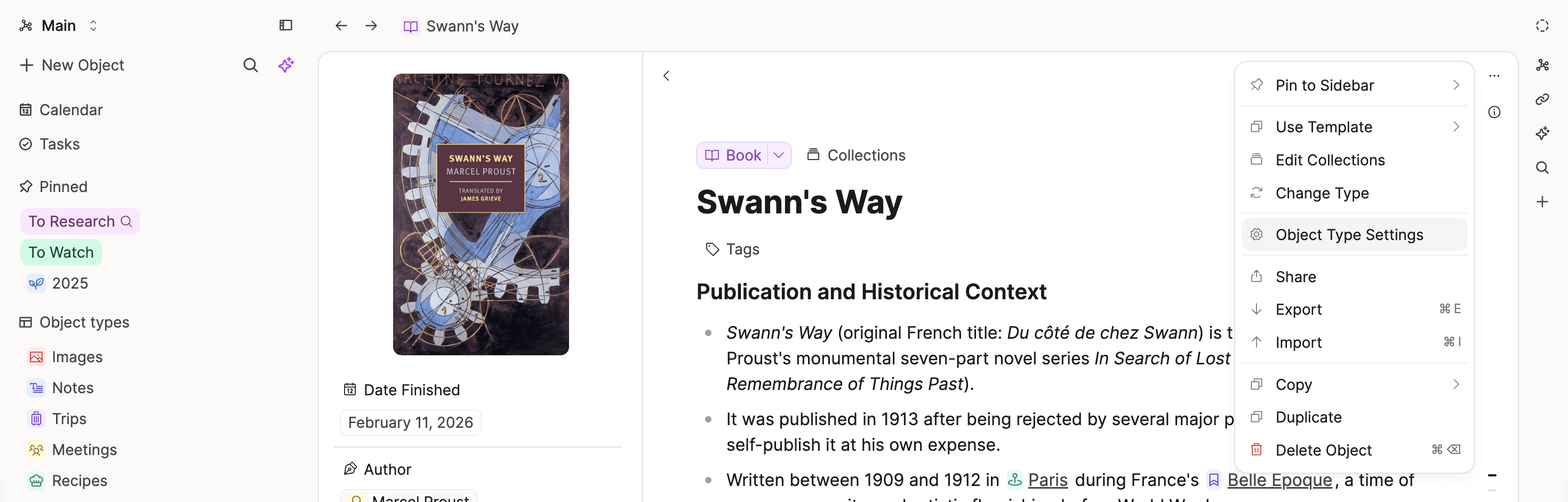
The three-dot menu has moved to the top right of each object rather than the top right of the window. When you have the sidepanel open, this makes it clear which object you're acting on.
New space creation flow & restartable onboarding
If you want a clean start or want to set up a space for a specific use case, you can now choose from a set of templates when creating a new space.
You can also restart the onboarding from Account Settings. This creates a new space and leaves your existing content untouched, so there's no risk of losing anything.
Trash 2.0
You now have full control over what stays and what goes.
- Permanently Delete: Remove individual objects from the trash at any time. By default, trashed content can be restored for 30 days before it's permanently deleted.
- Empty Trash: Delete everything in the trash at once.
- Permanently Delete for deleted spaces: In Account Settings, you can permanently delete all content of a deleted space whenever you're ready, rather than waiting for the 30-day window.
Better search results for the AI assistant
When you ask the AI assistant a question, it now searches your knowledge base using both full-text and semantic search. This means it finds objects that match your words, but also objects that are conceptually related. A search for "dog" will also surface objects about mammals, domestic animals, or pets. 🔍
Results include the object title, type, and a text snippet, so the AI has better context to work with when answering your questions. 🚀
You need to be a Capacities Pro user with AI enabled to use this.
✨ Improvements
- Design of the Object Studio: We made it simpler to create new object types and improved the design to be in line with the new onboarding flows.
- Better wording for states of the export settings based on user feedback.
- Group and sort settings of collections are now also applied in object type dashboards.
- Multiple output properties are now supported in the 'Turn into' dialog. The first matching property wins.
- The 'Turn into' dialog now indicates which properties might be overridden.
- When turning an object into a different type, objects are no longer removed from collections unless the object type actually changed.
- No data loss warning is shown when the target property is set to 'Skip' during a type change.
- Markdown text is now parsed correctly when converting a text property into a blocks property during a type change.
- Text properties can now be mapped to alias properties when changing object types.
- Text properties can now be mapped to icon properties when changing object types.
- Reworked the 'Turn into' dialog layout on smaller and mobile screens.
- Captions are now included in PDF exports.
- Export warnings are now shown at the top of the 'Export' dialog for better visibility.
- Improved how createdAt, lastUpdated, and icon properties are serialized in exports.
- Re-enabled single-dollar math notation ($...$) with heuristics to avoid false matches on currency values like $100.
- Improved tag detection: strings like "Question #2" no longer trigger tag creation.
🐛 Fixes
- Preview mode of Mermaid diagrams now shows the full diagram.
- Critical fix for broken object dashboards.
- Fixed a critical bug introduced with the new sidepanel that broke the UI for some users.
- Indexing bug for backlinks, tags, search, and calendars is fixed. Please wait a few seconds after you download the latest version.
- Fixed: Blocks-type properties no longer incorrectly inherit override state when changing object types.
- Fixed: Exports from tag pages were not working correctly.
- Fixed: PDF exports could display missing objects due to missing user context.
- Fixed: Entity links with nested child content were incorrectly converted to block links.
- Fixed: Formula property values were not being imported correctly.