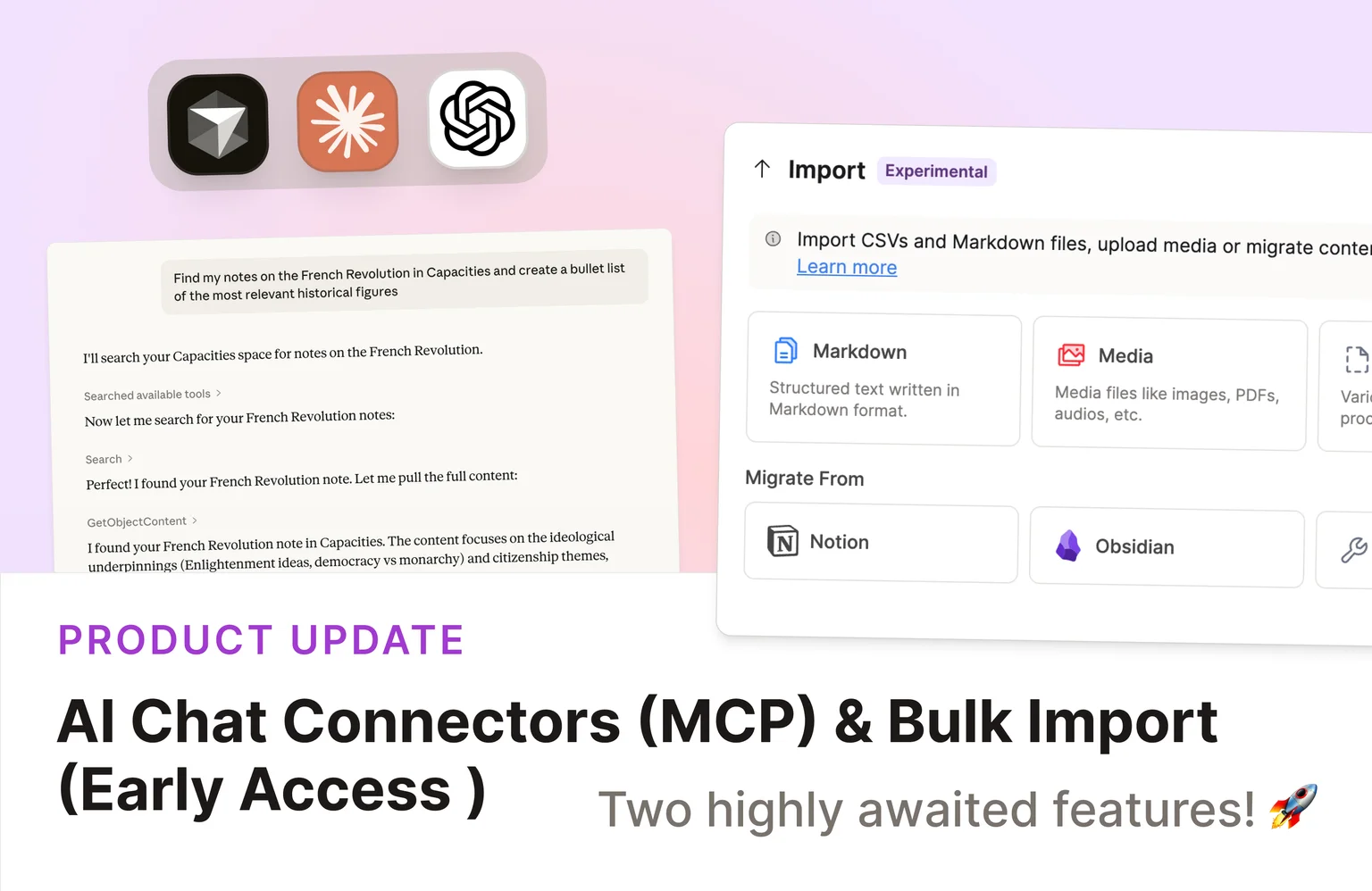
Your Capacities space can now connect to the AI tools you already use with AI Chat Connectors and get faster setup workflows with Bulk Import (Beta) for Believers.
Check out the video release notes!
AI Chat Connectors
Your Capacities space can now talk to the AI tools you already use. 🚀
With AI Chat Connectors, Capacities Pro users can connect their space to ChatGPT, Claude, Le Chat, Cursor, and more using the open Model Context Protocol (MCP) standard.
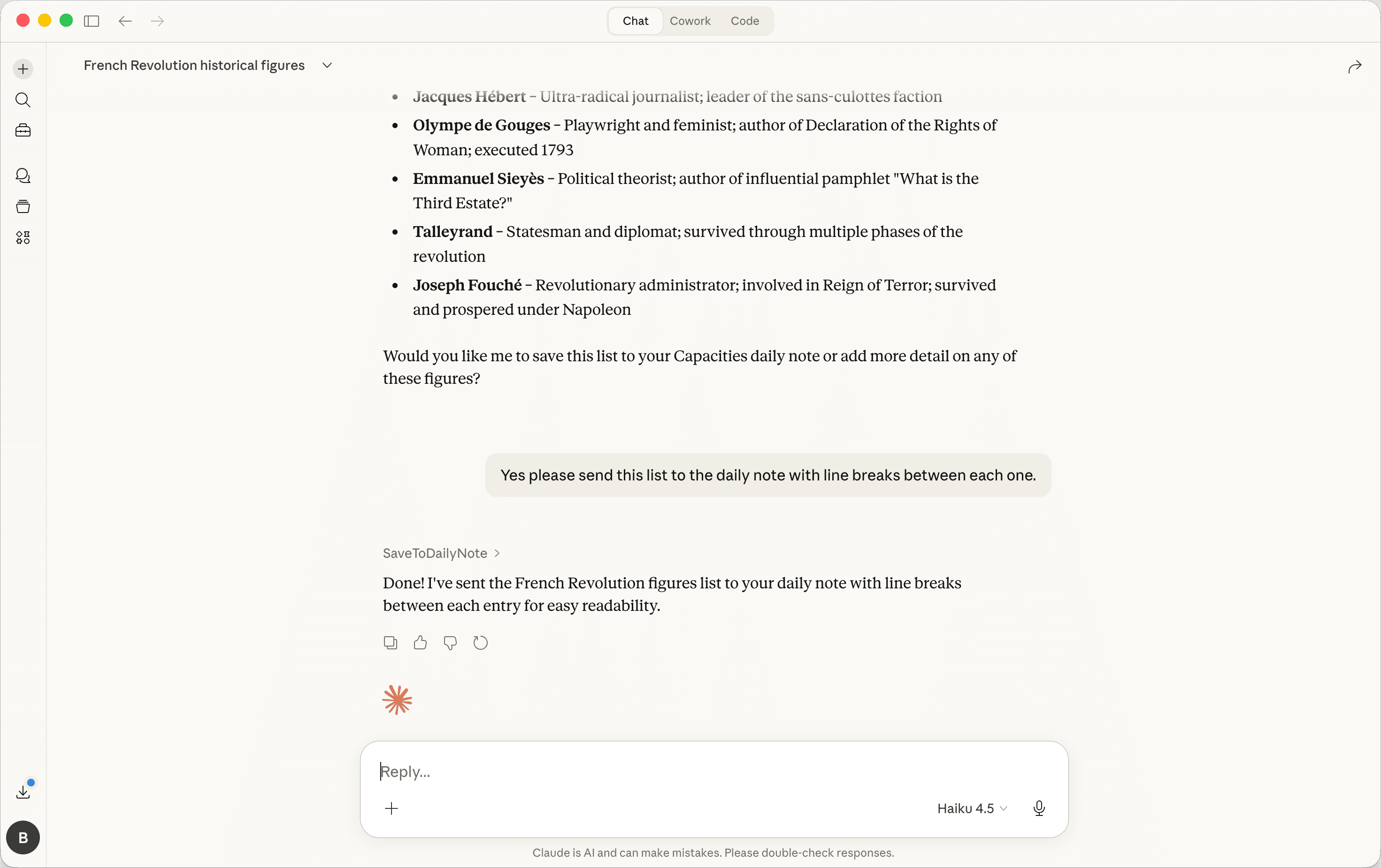
Once connected, your AI assistant can search your notes, read full objects, add content to your daily note, and even link objects directly in its responses.
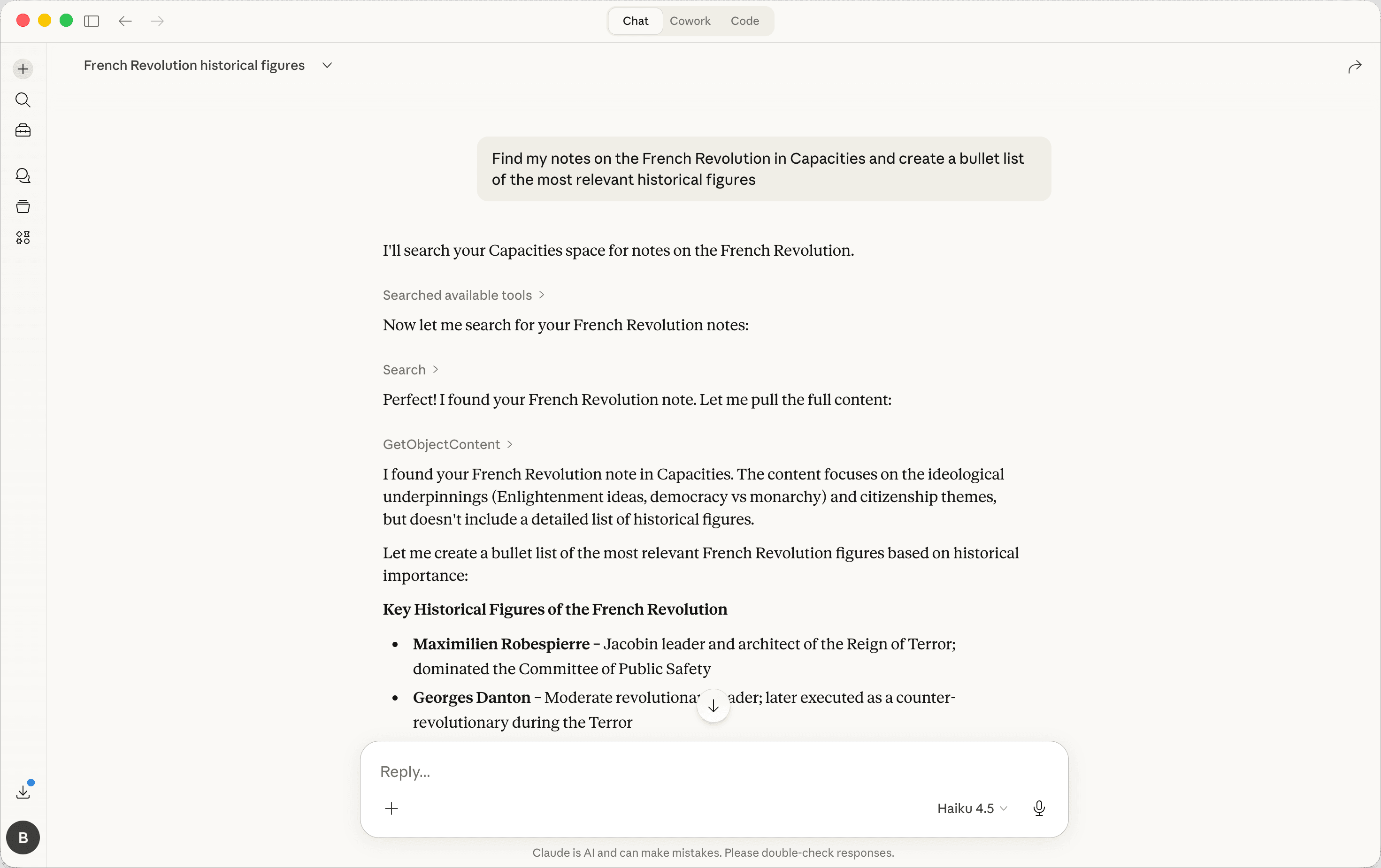
Ask ChatGPT what you've written about a topic, have Claude store a summary in your daily note, or let Cursor pull in context from your space while you code.
Each connection is scoped to a single space, so you stay in control of what your AI tools can access.
Set it up in just a few clicks from your AI tool or from within Settings > AI Assistant > AI Chat connectors.. For full details, check out the AI Chat Connectors documentation.
AI Chat Connectors are currently in Beta, and we'll continue expanding their functionality over time. You need to be a Capacities Pro user with AI enabled to make use of this.
Bulk Import (Beta) for Capacities Believers
We're excited to introduce a Beta version of Bulk Import for all Capacities Believers.
You can now import up to 100 objects at once, making it much faster to bring existing content into your space. This is the perfect time to import smaller CSVs, multiple images, or a few selected notes to enhance your existing Capacities space.
We recommend a three step process to get the most out of bulk import:
- Review & Sanitize - Review and clean your data before import.
- Object type - Create the object types you will need.
- Importer - Run the import and create your objects in Capacities.
This is the initial testing phase of Bulk Import. We'll expand limits based on your feedback. Because bugs might still occur, we understand if waiting for the full Bulk Import release is the better option for you.
After this initial testing period, we will open Bulk Import to Believers with no restrictions. After that, we will launch it for everyone.
You can read the instructions here or see it in action in this video.
✨ Improvements
- Better storing infrastructure: We reworked how storing your content works. This should especially improve high-load situations. You should not notice a difference, but if you're having issues with sync and persistence, please let us know.
- The “Customize” option in the object menu is now displayed on all devices, including desktop.
- The formatting of file sizes is now limited to two decimal places.
- Added support for matching properties in unlinked mentions to make finding related information easier.
- Improved filtering options in object picker modal to better target specific objects.
- After saving an AI chat as an object, the three-dot object menu now appears as expected.
- Properly escape
typeandcollectionsproperty values when exporting to Markdown.
🐛 Fixes
- Aliases (if enabled in the export menu under properties) can now be included in PDF exports.
- In Kanban and Wall view, the
Created atandLast Updatedproperties now show up as expected when enabled for Small Card View in Object Type Settings. - Fixed an issue that caused Markdown imports into an object to fail in certain scenarios on Windows. Ticket, Ticket
- Formatting issues that caused export errors and blocked exporting certain objects have been fixed. Ticket
- Full Export is now more robust and can complete even if errors occur during export of some objects. Ticket
- Disabled the option to export shared objects.
- Fixed an incorrect declension in the “Create Object” button in German. Ticket
- It is now possible again to customize small card views of basic object types via settings. Ticket
- The content outline is now only displayed in the “Content” tab of an object, no longer in the “Task” tab. Ticket
- Fixed translation issues in the date picker for some languages. Ticket
- Fixed linking issues when inserting objects by alias. Ticket, Ticket
- Corrected template handling so meetings created from calendar events apply the right templates. Ticket
- Fixed export of date-time properties so both start and end times are included in Markdown exports. Ticket
- The task inbox now shows a clear empty state message when there are no tasks.
- Fixed search issues in the linking menu so results display correctly.
- Fixed the Table of Contents indicator so it correctly follows page position while scrolling. Ticket
- Resolved an issue with extended search where opening and scrolling in data views did not work as expected. Ticket
- Fixed onboarding overlay issues on Android devices. Ticket
- YouTube embeds now work as expected again.