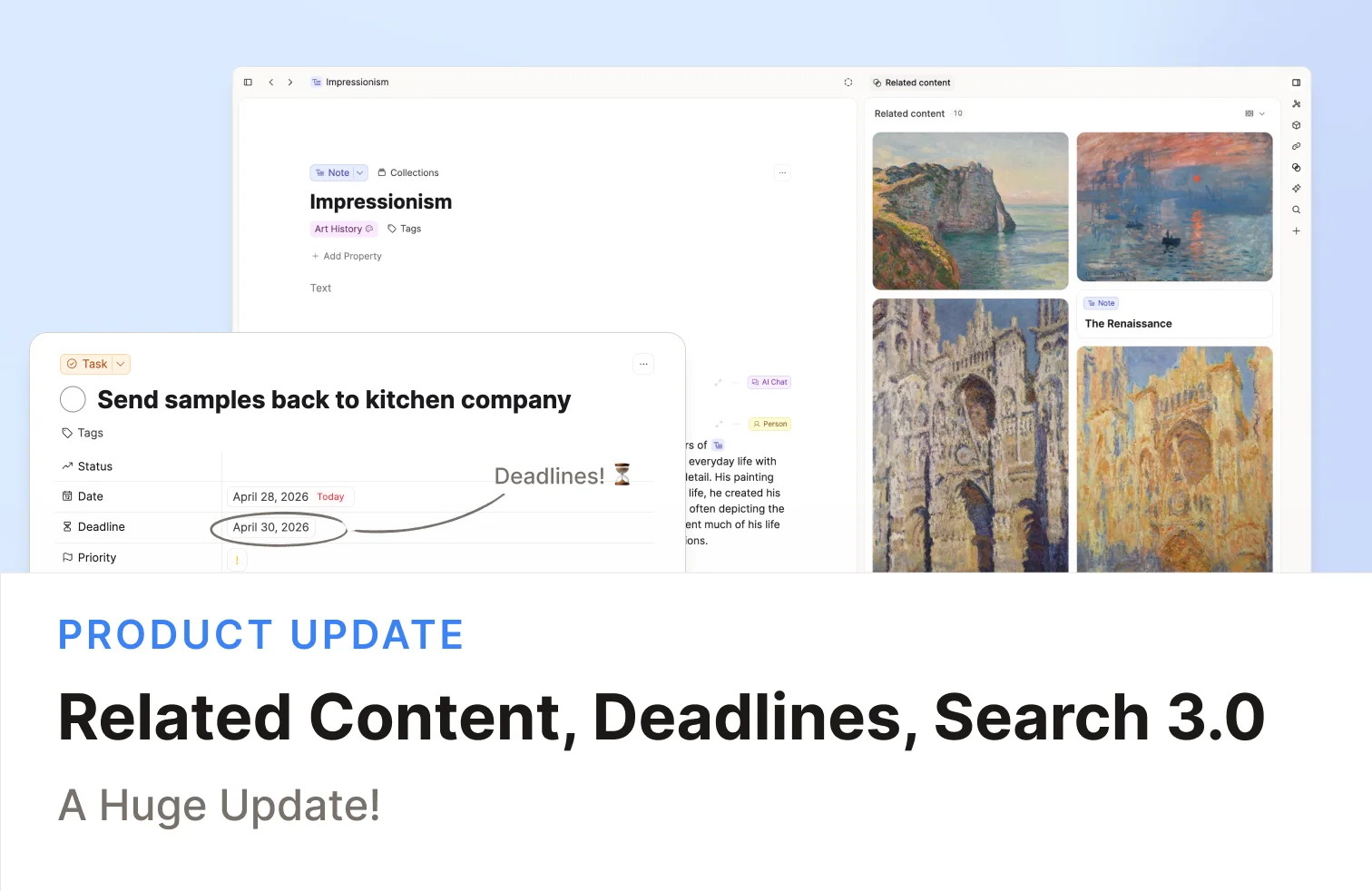
Release 63 helps you find what matters faster, plan tasks more clearly, and keep AI chats focused while you work.
In this release:
- Related Content on every object for Capacities Pro
- Task management updates with deadlines, smarter task views, and progress rings
- Search 3.0 with more relevant results and query modes
- AI Assistant upgrades with better context control and chat usability
- UI upgrades across page views, side panel, and app shell
- Full Bulk Import access for Believers
Check out the video release notes!
Related Content
A common question for knowledge workers is how to resurface content at the right time.
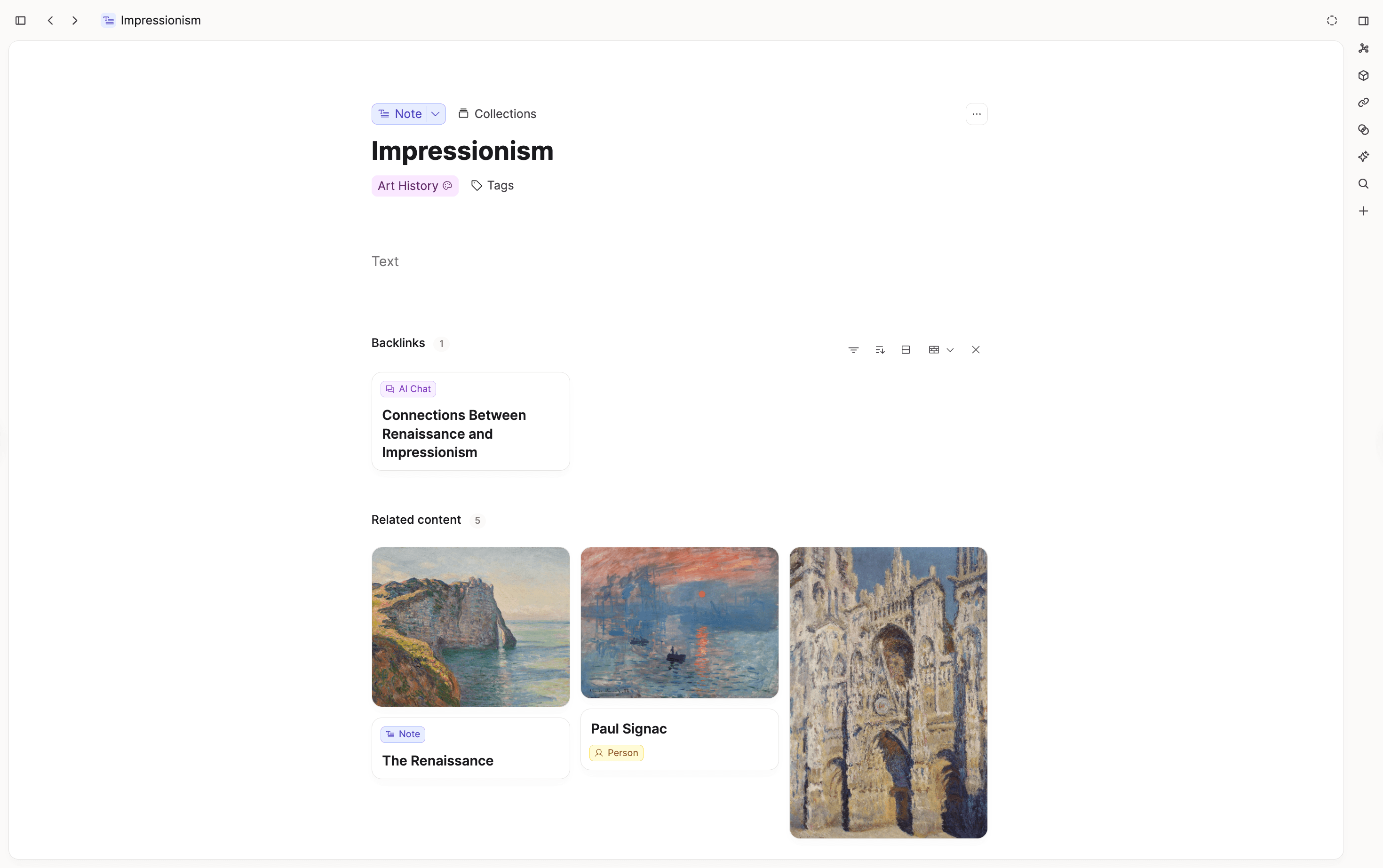
Linking and tagging already help with this, but Related Content is another way: Capacities resurfaces related notes based on the object you currently have open.
You get the closest 5 related objects in a section directly below your notes, so discovery happens right where you are already working.
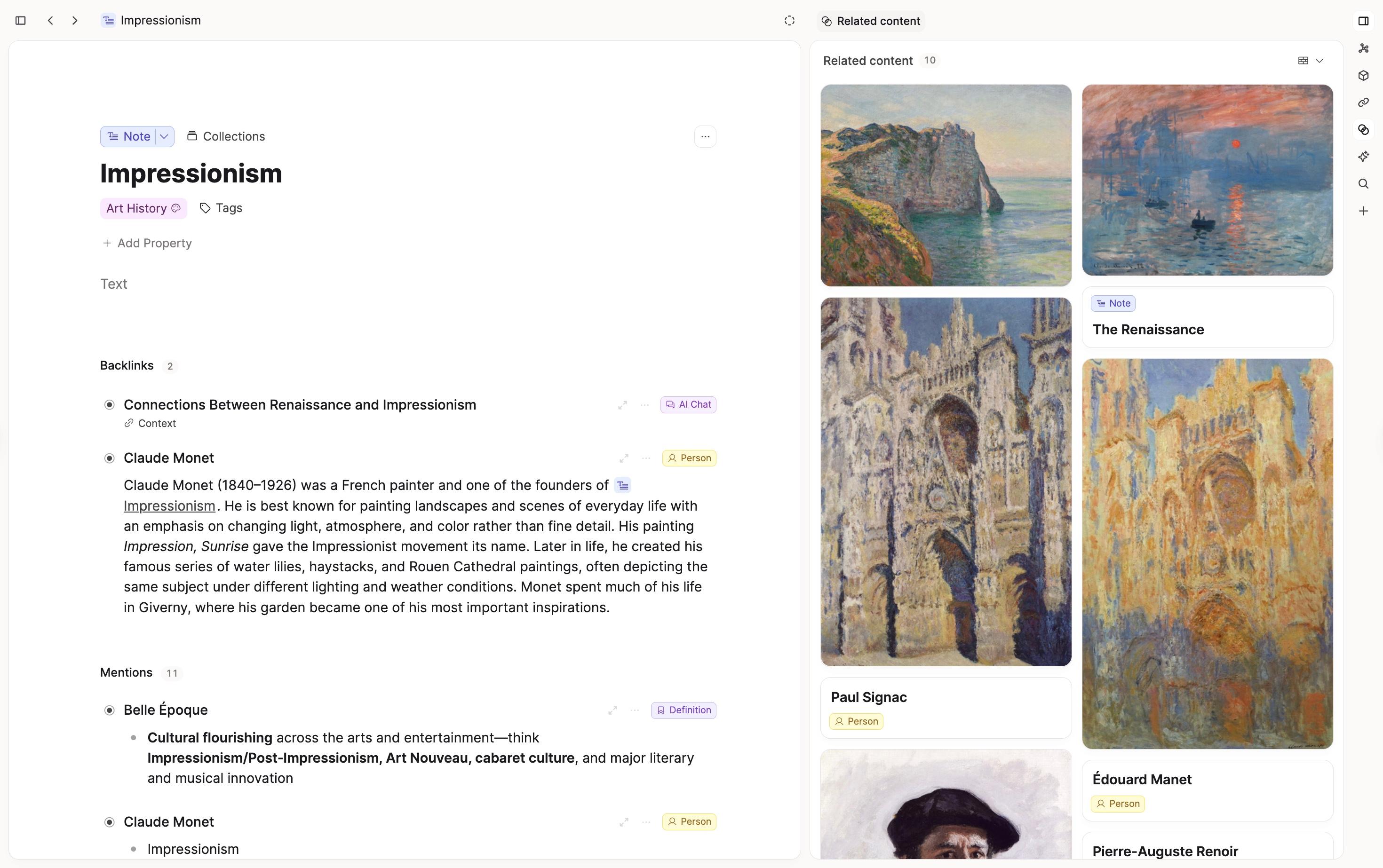
You can open Related Content in the side panel and scroll through more results without leaving your current context.
Related content works with AI Image analysis too, meaning it can resurface relevant images too.
Related Content is turned on by default and is available for Capacities Pro and Believer users. If you prefer not to see it, you can change this in Settings > Editor and hide it or keep it closed by default.
Task updates
Deadlines for Tasks
Tasks now support deadlines as an optional property.
You can set a deadline when creating a task or directly on the task page. Capacities also shows how much time is left, so it is easier to prioritize and plan your work.
You can also review all tasks with deadlines directly in your task overview.
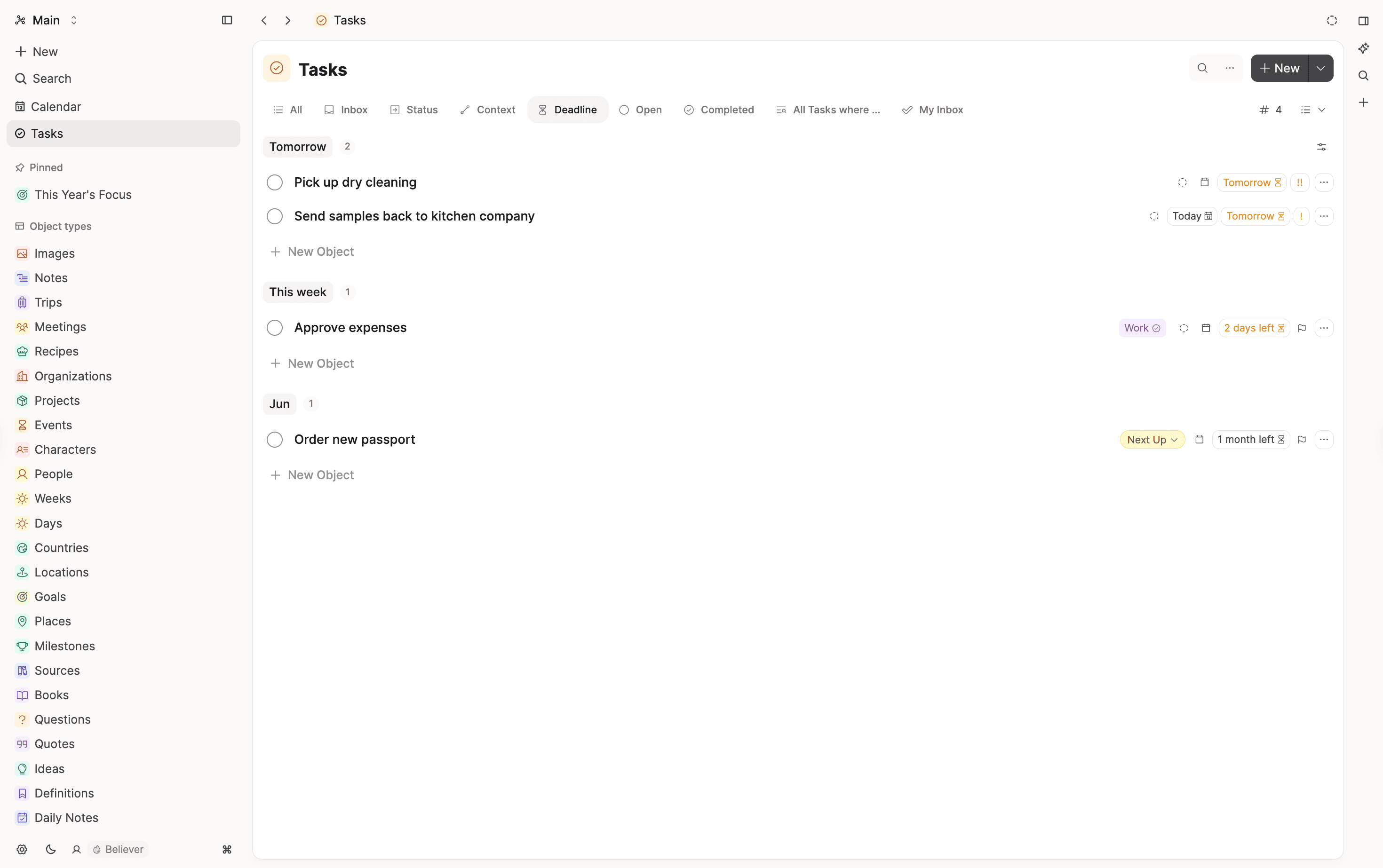
This new feature is already integrated into the task views.
- Inbox: tasks with only a deadline do not show up in Inbox (they count as triaged).
- Today: overdue and due-today deadlines appear alongside overdue/today scheduled tasks.
- Future day view: each day now shows tasks scheduled on that day or due on that day.
Across the main task views, tasks with deadlines are ranked above tasks without deadlines. Earlier deadlines come first, used as a tie-breaker after priority and scheduled date.
Progress ring for tasks
For tasks that contain to-dos or tasks inside, the checkbox now shows a subtle progress ring so you can see completion at a glance.
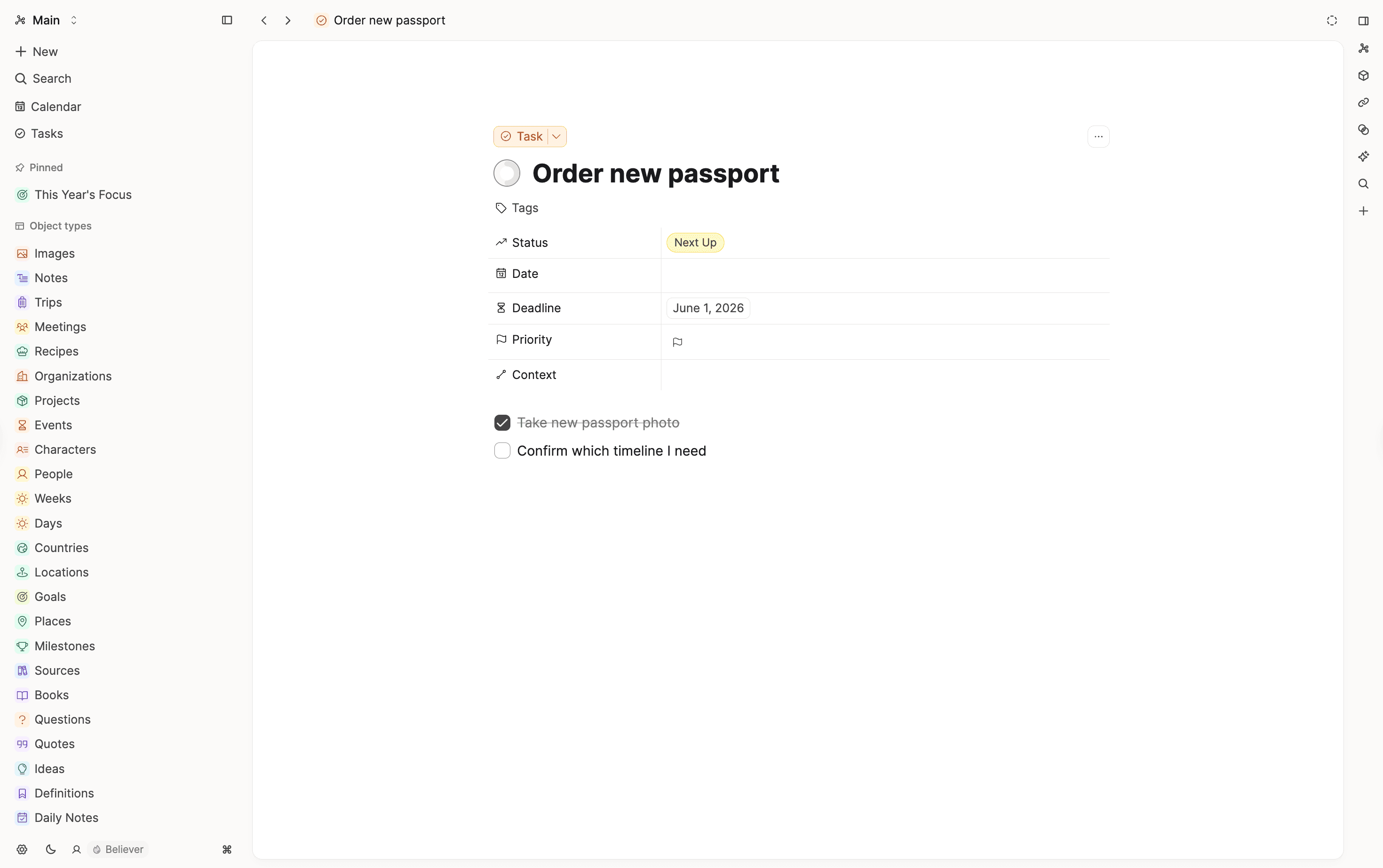
Task creation and planning improvements
- You can now mention objects and tags in task titles by typing
@or#when creating tasks - Better behavior of the task
Contextdropdown. - You can drag and drop tasks in the
Scheduledkanban view to move them to another day.
Search 3.0
Search now does a better job reflecting your intention, so you can find what you are looking for even when you do not remember the exact wording.
Results now include conceptually related content, not just exact phrase matches.
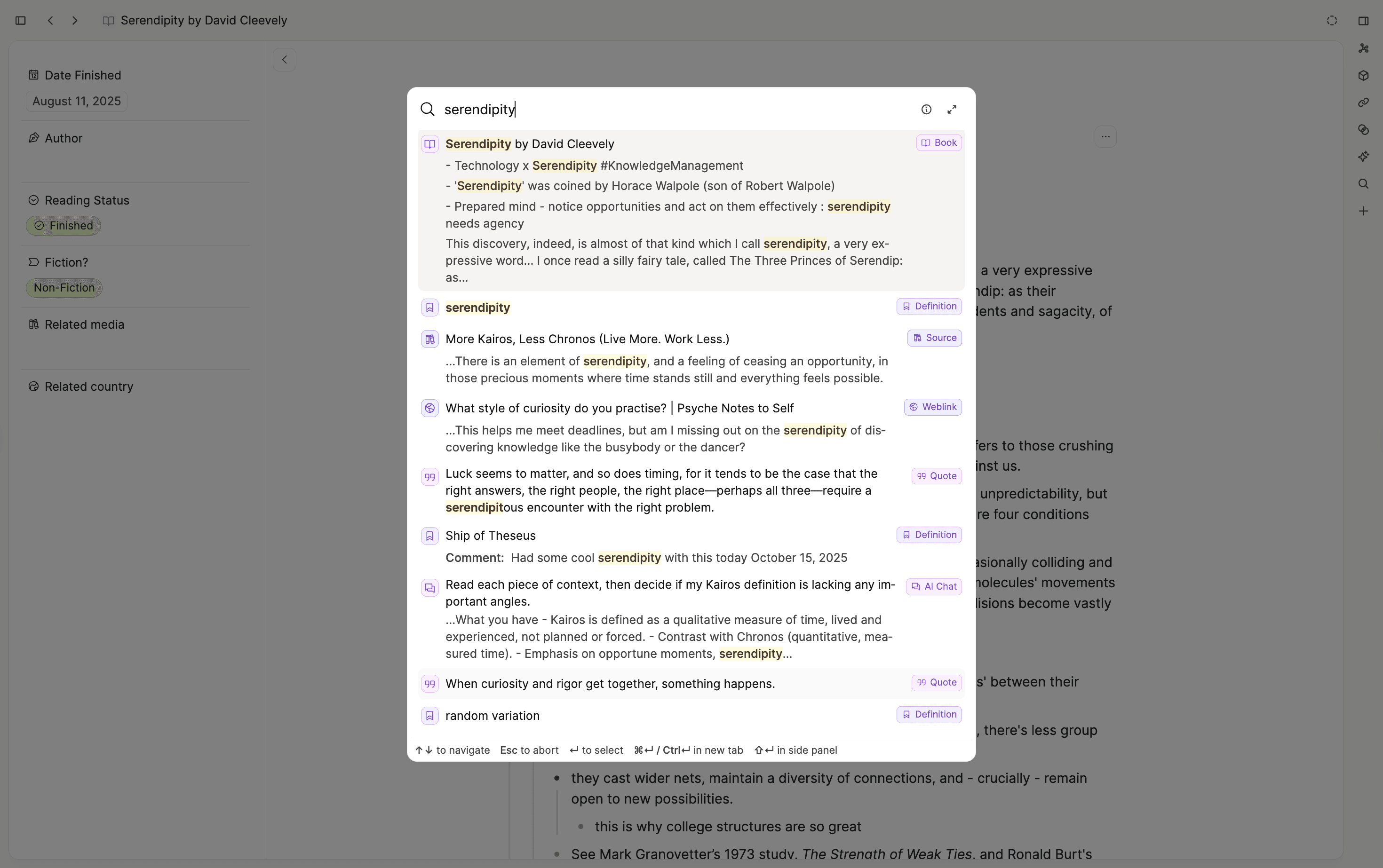
Fallback behavior is less fuzzy and more useful, preferring relevant results over weak partial matches.
Search queries and extended search now support modes (Auto, Exact, Semantic) so you can control how results are returned.
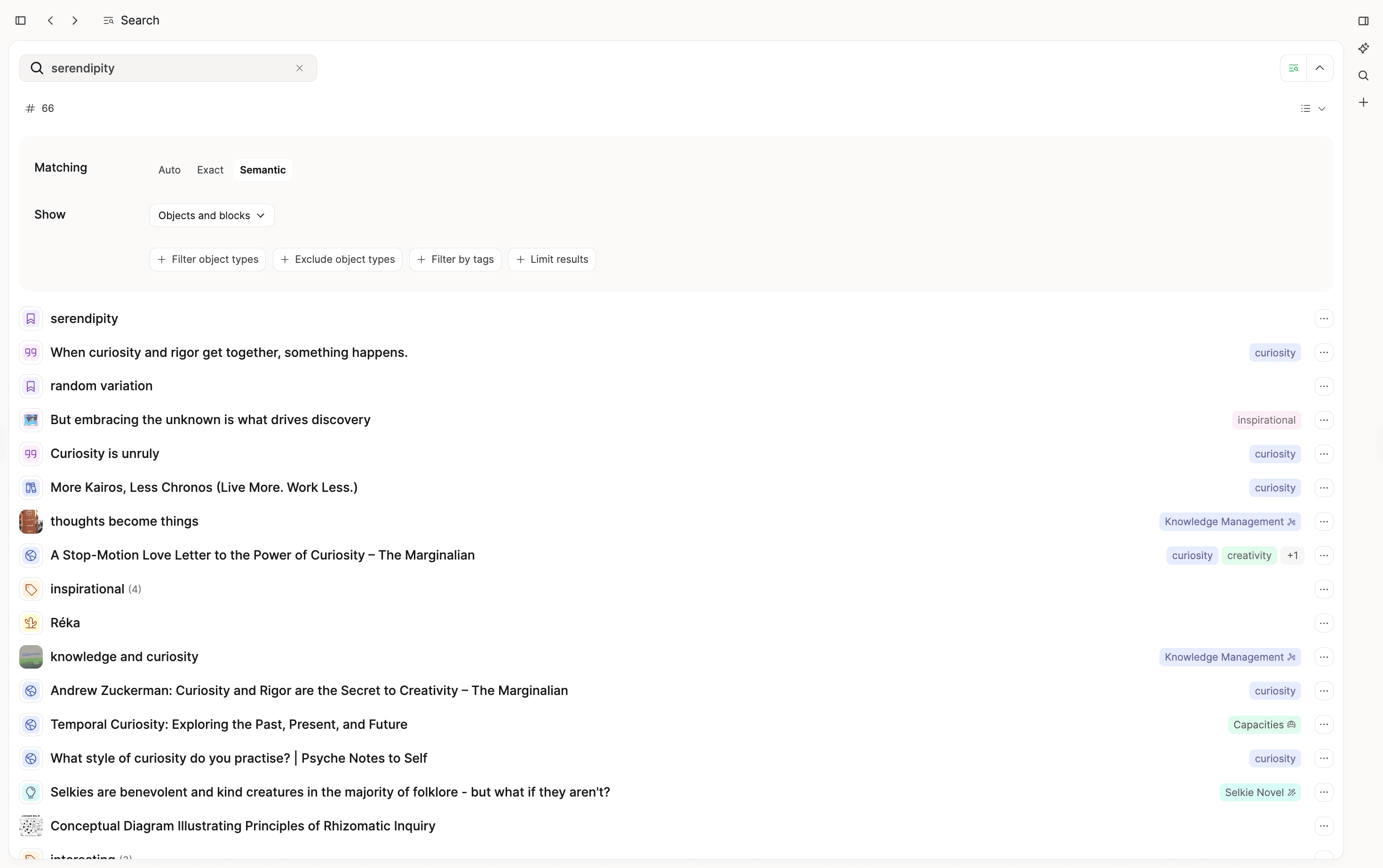
Breaking change: The default mode of search queries changed to Auto. If you want to restore the previous behavior as best as possible, we recommend switching to Exact.
The new search is available in the command palette, queries, extended search, object dashboards, collections, and tag pages. If you link to objects and select an object type, linking search also uses the new search algorithm. This improves discovery in both everyday search and larger knowledge bases where wording varies a lot.
AI Assistant upgrades
You can now keep context precise in AI chats without restarting your conversation, simply link to whatever objects you need with @ in any message in your chats.
This makes follow-up questions more useful, reduces context noise, and helps you get better answers without opening a new chat.
We also improved the day-to-day chat experience:
- Better scrolling behavior for incoming replies.
- Chats auto-save after the first message.
- Automatic chat title generation after the first assistant reply.
- Improved loading states with smoother visual feedback for tool calls.
- General UI improvements.
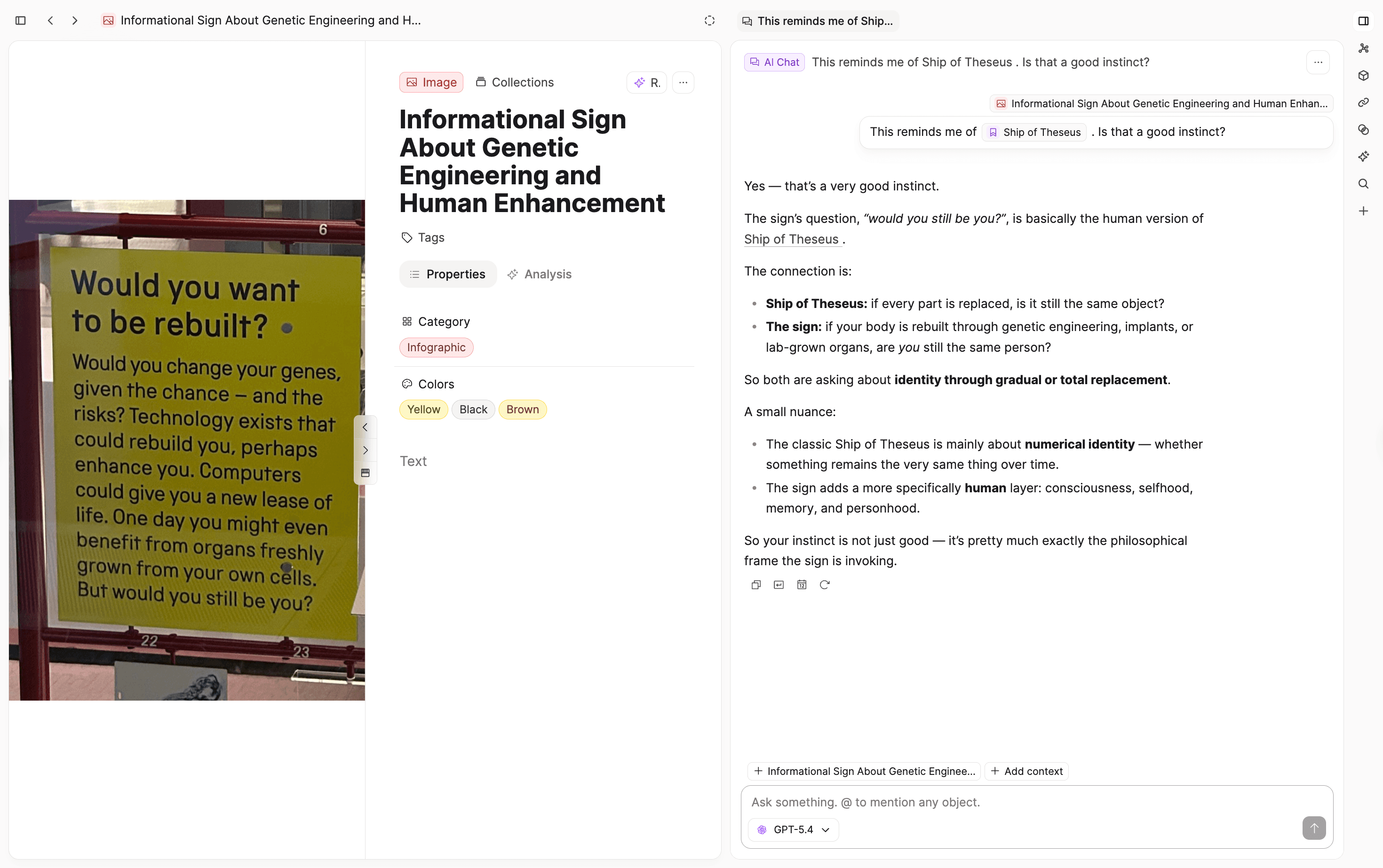
UI upgrade
This release includes a broad design improvement across the app:
- Refined page layout for a more unified and balanced page view.

- Improved side panel behavior and moved side panel tabs to the top level.
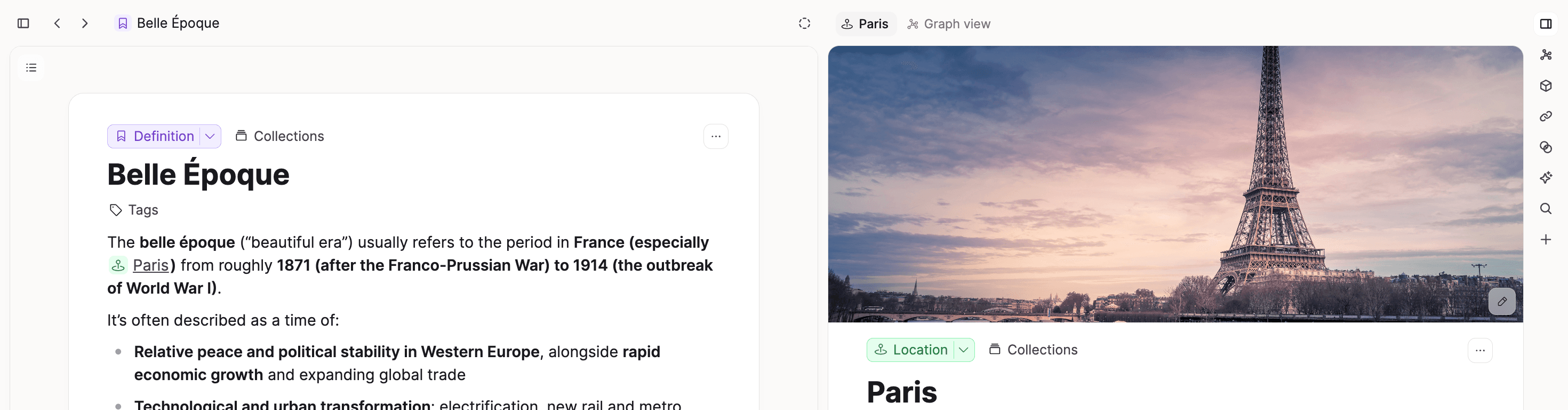
- Added an optional wide layout for daily notes.
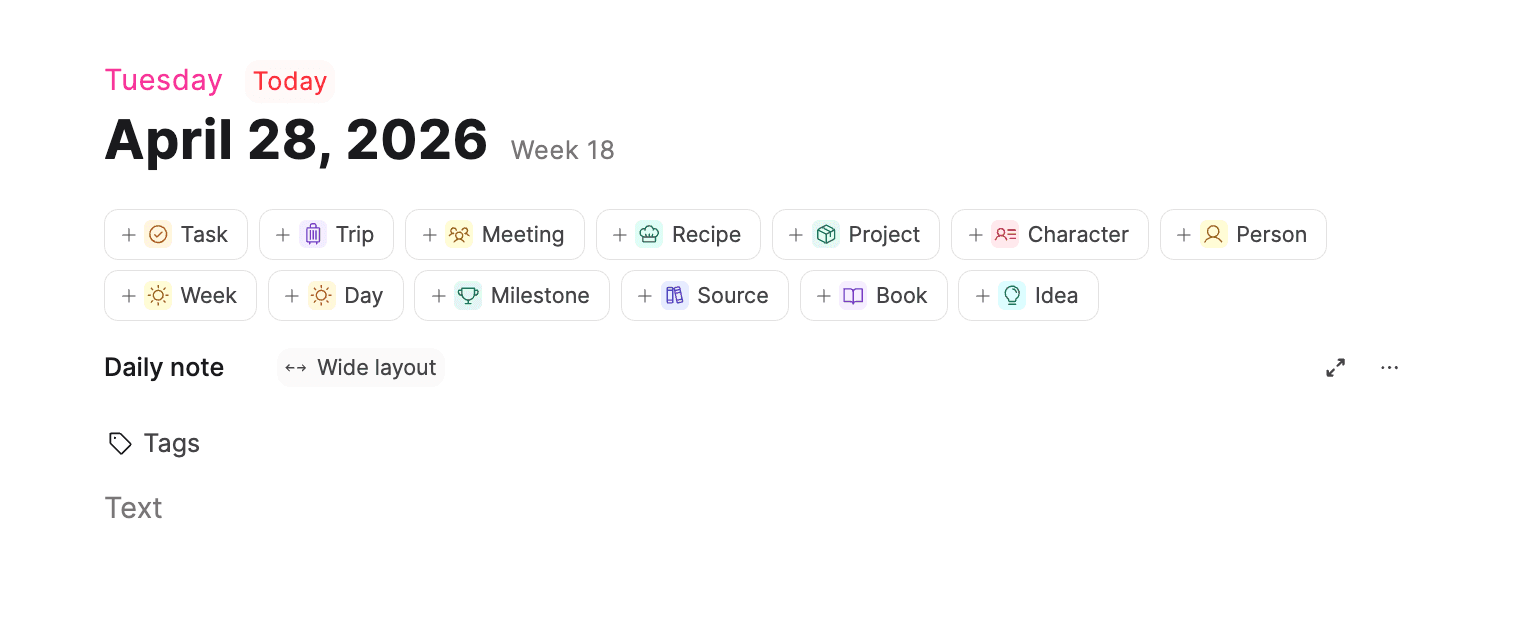
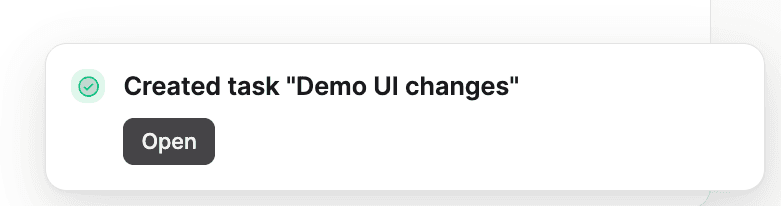
- Polished shortcuts menu and snackbar/toast UX.
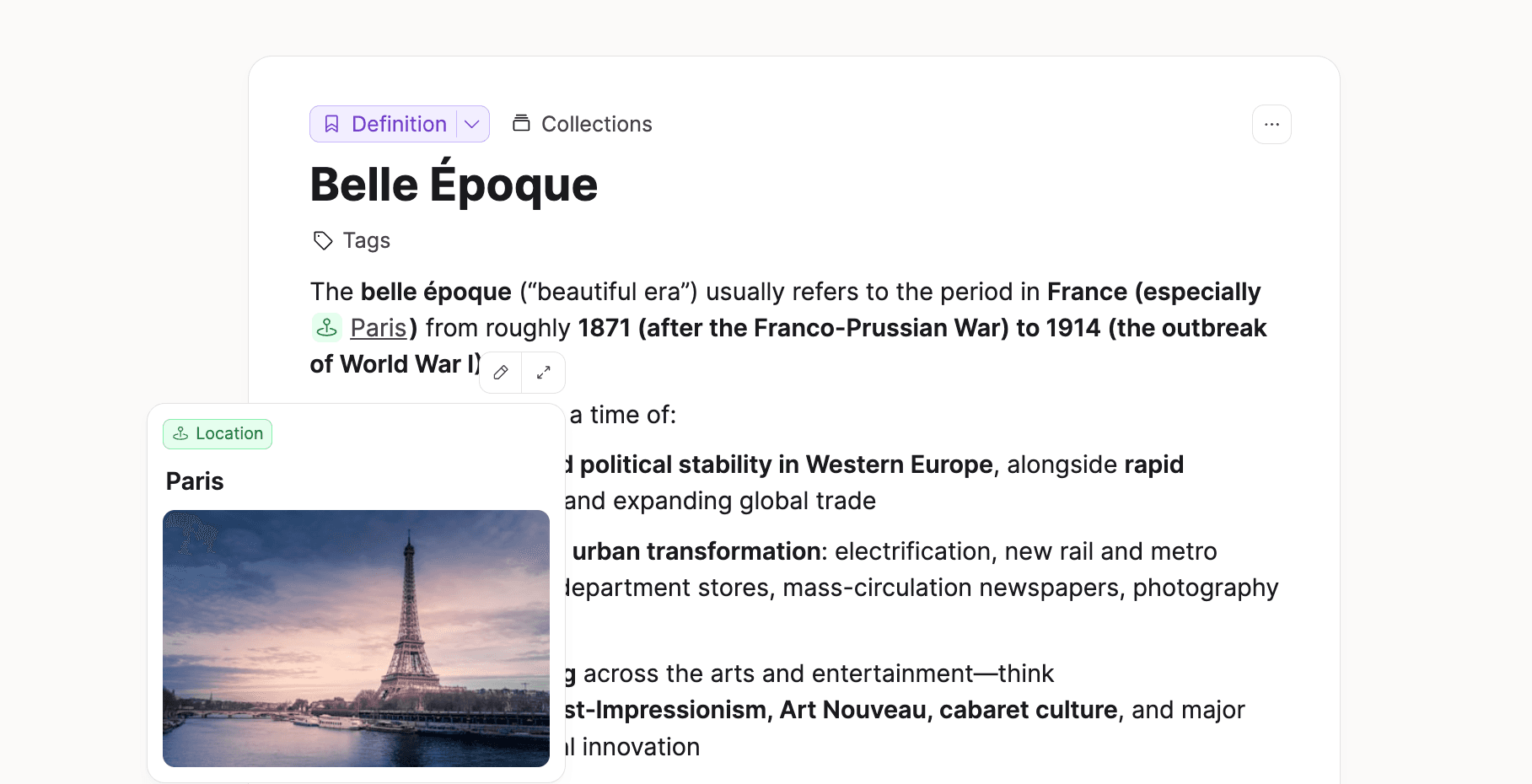
- Added hover preview cards in helpful cases.
- Simplified space overview actions/sections for a cleaner look.
- Reworked previews and export rendering (including AI chat and PDF output) with cleaner typography, spacing, tables, code blocks, and Mermaid rendering.
Full Bulk Import for Believers
Bulk Import is now fully available for Capacities Believers.
We also shipped several reliability improvements based on feedback from the initial launch. Thank you to everyone who tested and shared feedback! 🙏
This release also improves bulk import behavior in key edge cases:
- Relative file paths without
./are now recognized. - Full-line Markdown embeds are converted into separate object blocks.
- Creating a new custom type during import no longer creates an empty object automatically.
For setup instructions, supported formats, and limits, see the Bulk Import reference.
We'll do another round of feedback and improvements, then we will release bulk import for everyone. 🚀
What’s Next?
We recently updated our What’s Next article so you know what we’re focusing on in the coming months.
Thank you so much for your support. It means a lot and helps us keep building. 🙏
✨ Improvements
- We moved the notes into the media analysis tab, so you can view media analysis while seeing and working in your notes.
- To edit sections in your object dashboards created with queries, click on the section name and click 'Open'.
🐛 Fixes
Cmd + Ano longer selects Related Content and Mentions.- Fixed inconsistent title focus behavior in task embeds.
- Task embeds no longer overflow on smaller screens.
- Fixed bulk import support for importing multi-line properties into multi-select fields.
- Fixed bulk import handling of multiple values for multi-select fields.
- Fixed bulk import issues with CSV files.