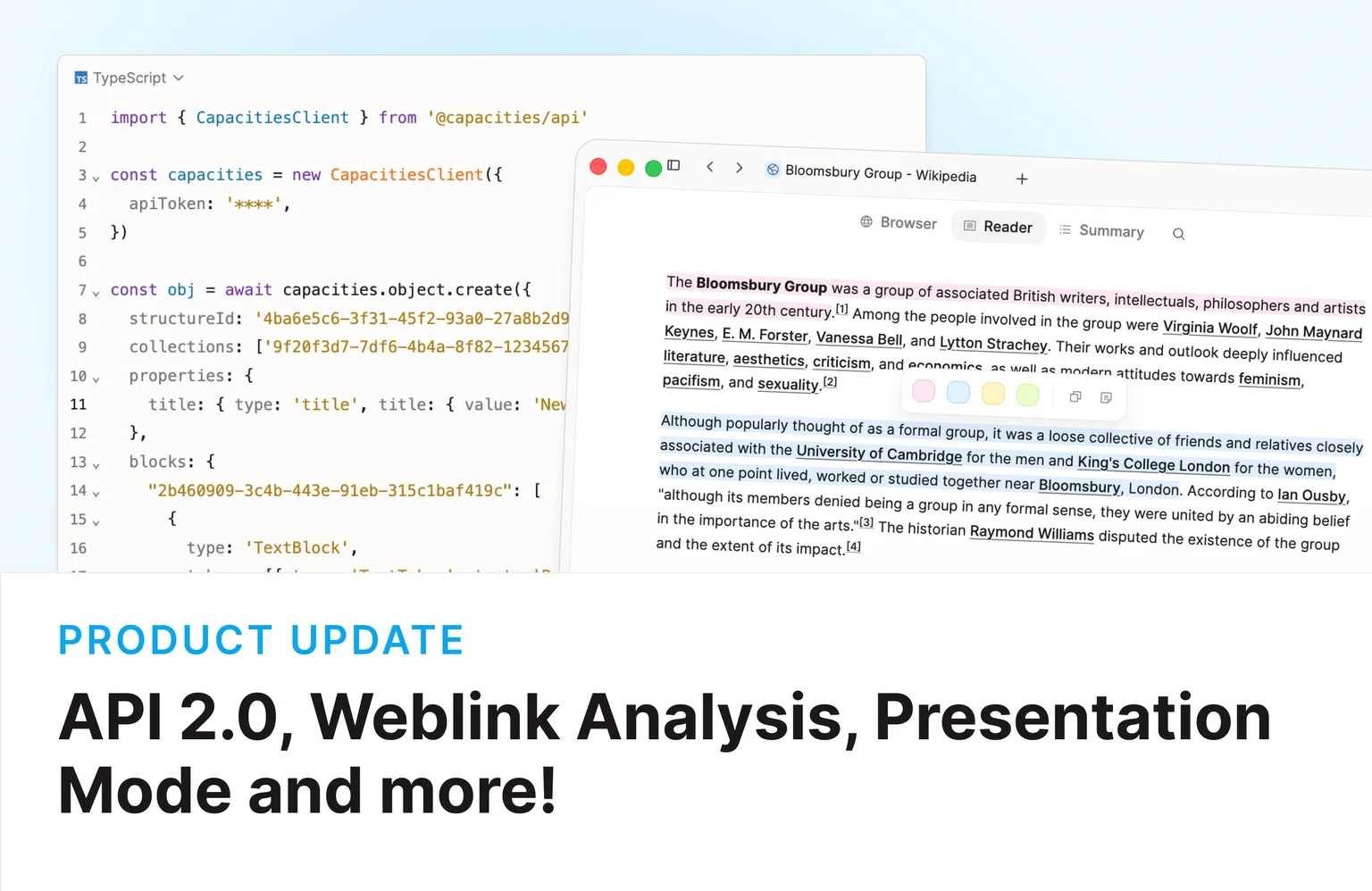
Capacities API
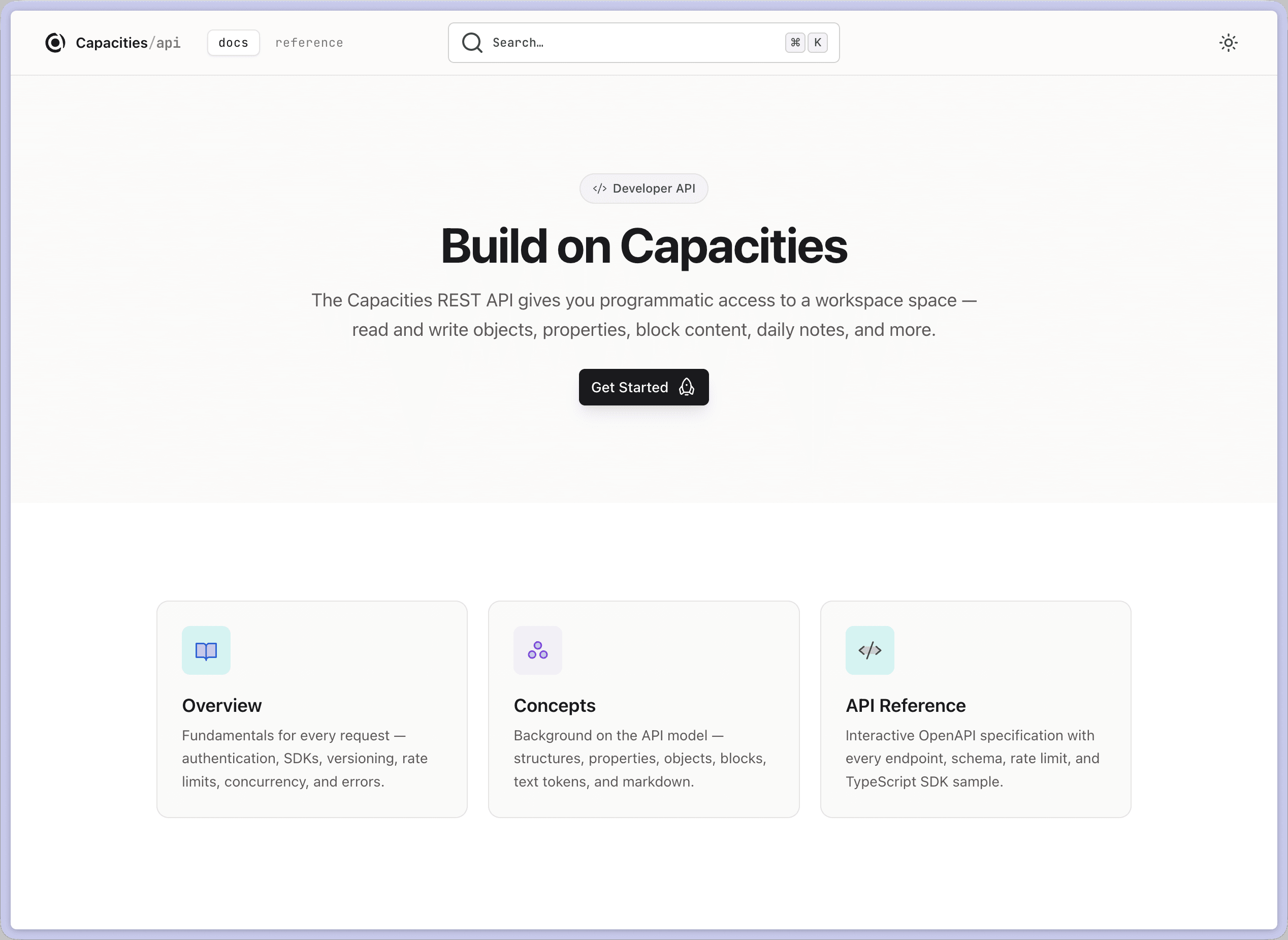
Capacities ProWe think of API 2.0 as Capacities for developers. Integrations were never about changing the app itself; they connect your workflows from the outside. The API carries that same idea further: your object types, properties, and block content are all readable and writable programmatically. You can build on top of Capacities rather than waiting for us to ship every connector yourself, whether that is pulling data from another app into your space, automating a personal workflow, or publishing an integration for the community to use.
The new API is a REST API that allows you to access, create, and manipulate your content in Capacities programmatically. It comes with:
- Full CRUD operations on all objects and their block content
- Key-based authentication and OAuth 2.1 with PKCE for authentication
- TypeScript SDK for easy integration
You can read about the API in our new Developer Portal at developers.capacities.io.
Roadmap
We'll continuously expand the API with new capabilities. Here's what's coming next:
- File endpoints: upload, management, and retrieval of files
- Richer querying & search: fetch all objects of a given type, list all tags, and more advanced filters
- Collections: create and manage collections via the API
- Python SDK: a first-class SDK for Python developers
- CLI: a command-line interface for scripting and automation workflows
- N8N, Zapier & Make integrations: no-code automation support for the most popular workflow platforms
If you have feature requests, please add them to our feedback board.
We see the API as a continuous effort to make Capacities more powerful and accessible. While we have these features planned, we'll work on them alongside our normal roadmap. So please don't expect them all to be available in the next few months.
Migration for Community Integration Developers
The existing Capacities API Beta will be discontinued on September 1, 2026.
If you maintain a community integration, please migrate to the new OAuth-based API before that date. The migration guide covers everything you need to update your integration.
Once you have migrated, please reach out to us so we can update the documentation and remove the deprecation notice from your integration's page.
Going forward, all new community integrations must use OAuth for authentication. See the contribution guidelines for the full requirements.
We've also made a video version of our release notes to give you a quick overview.
Weblink analysis, reader view, and annotations
Capacities ProSaved links can do more than sit in your library. On desktop, Capacities Believer users with AI enabled can now analyze webpages, read them inside the app, and highlight passages with annotations.
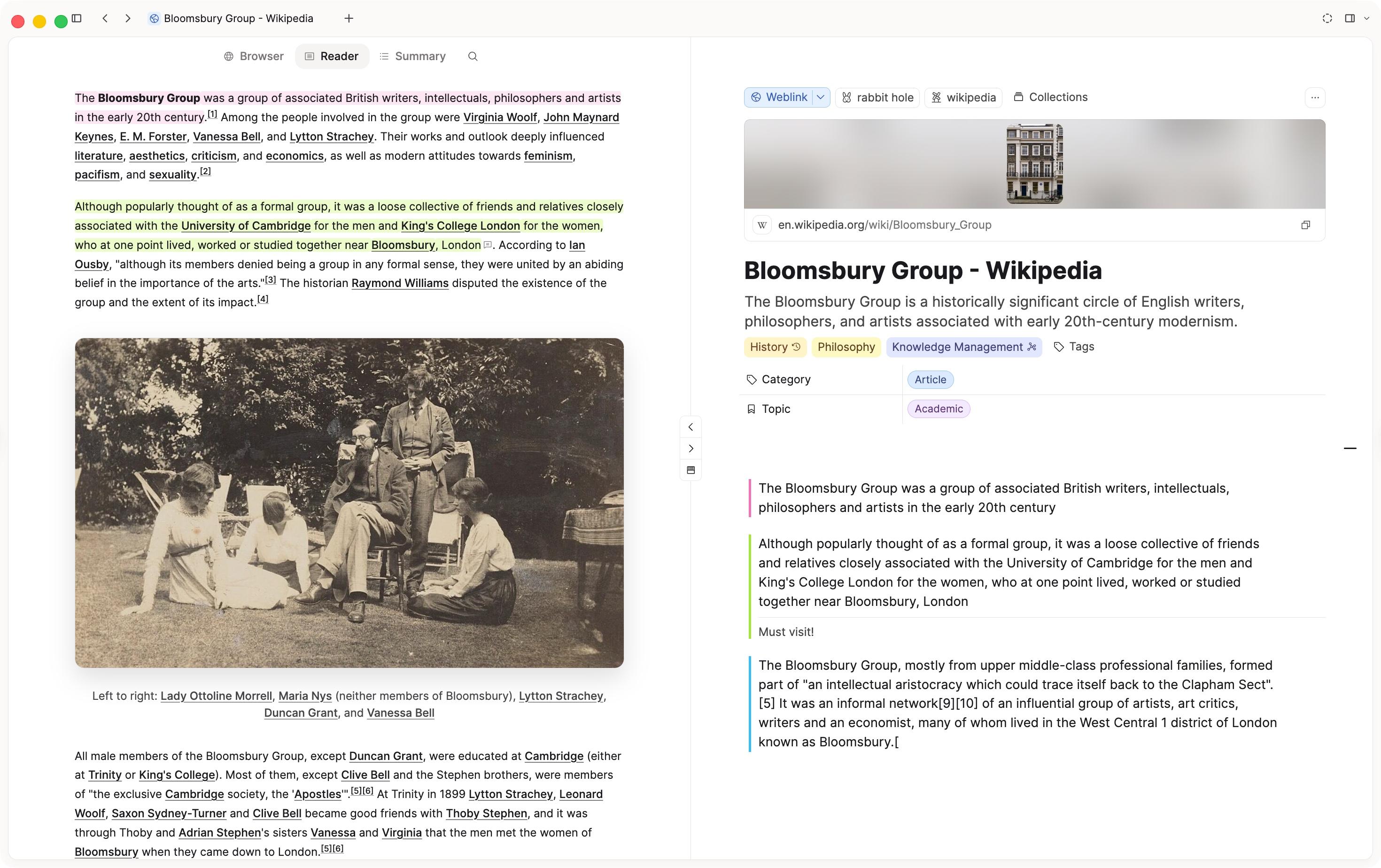
Open any weblink to switch between three tabs:
- Browser: Preview the live page in Capacities' built-in browser.
- Reader: Read a clean, distraction-free version of the article.
- Summary: Read the AI-generated overview after you run analysis.
Click Analyze to fill in a summary, keywords, category, topic, and saved article content on the weblink object.
Select text to highlight it, and add annotations if you want. Highlights and notes are saved on the weblink object and appear as note blocks in your content.
This is a beta release for Believer users with AI enabled on desktop. Read the docs for details.
Presentation Mode
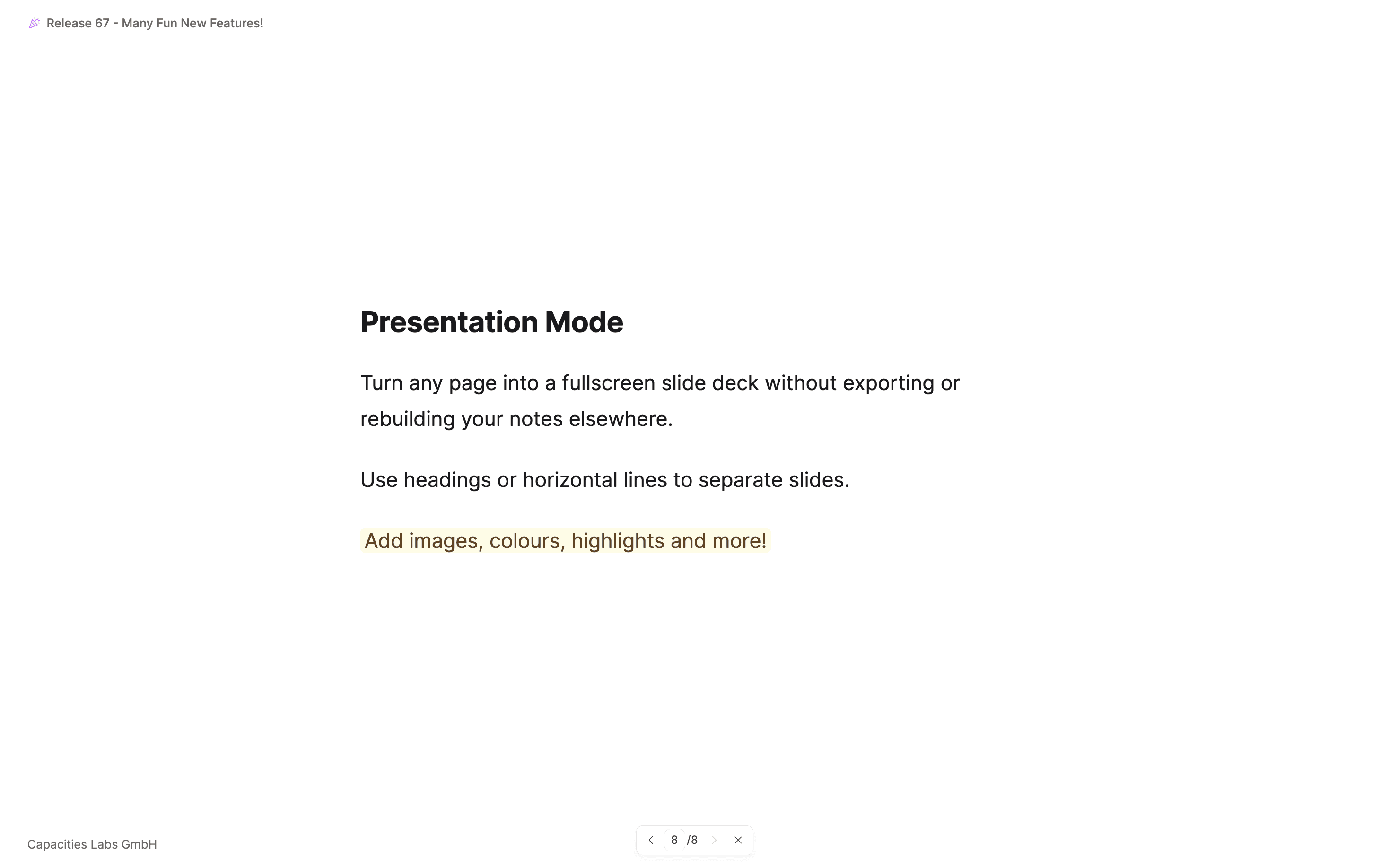
Your notes are already structured, and now you can present them. Presentation mode turns any page or custom object into a fullscreen slide deck without leaving Capacities, exporting files, or rebuilding your content somewhere else.
Headings in your note automatically become slide breaks, so the work you've already done is the presentation. On top, you can use horizontal lines to add custom slide breaks. Open it from the object menu or with Ctrl+Cmd+P on Mac (Ctrl+Alt+P on Windows), and your content is ready on screen.
This is an early release, and we're actively refining the experience. Read the docs for details.
Shared objects overview
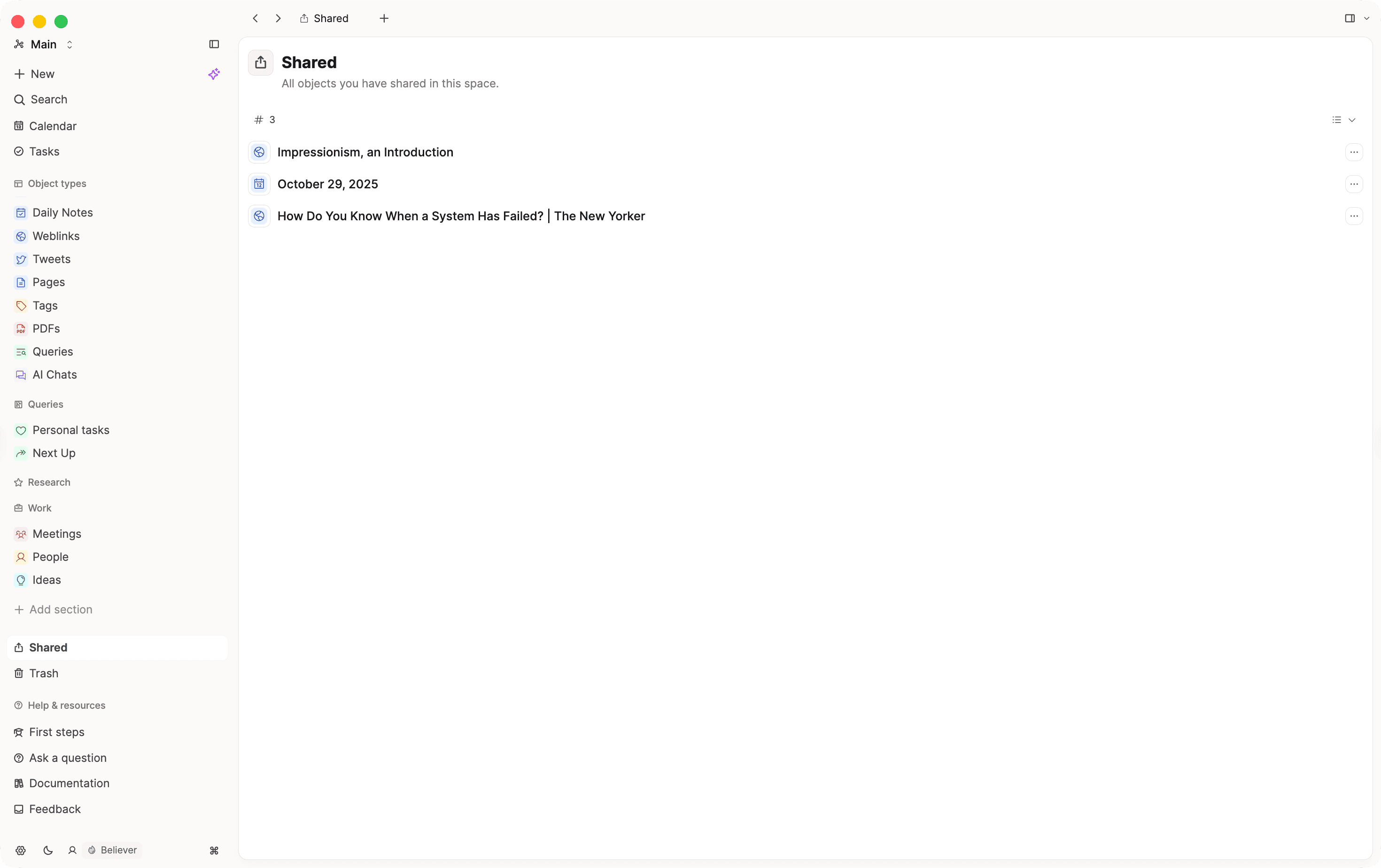
You can now see all objects you have shared in a space by clicking Shared in the left sidebar. The option appears as soon as you share your first (or next) object. Read the docs for details.
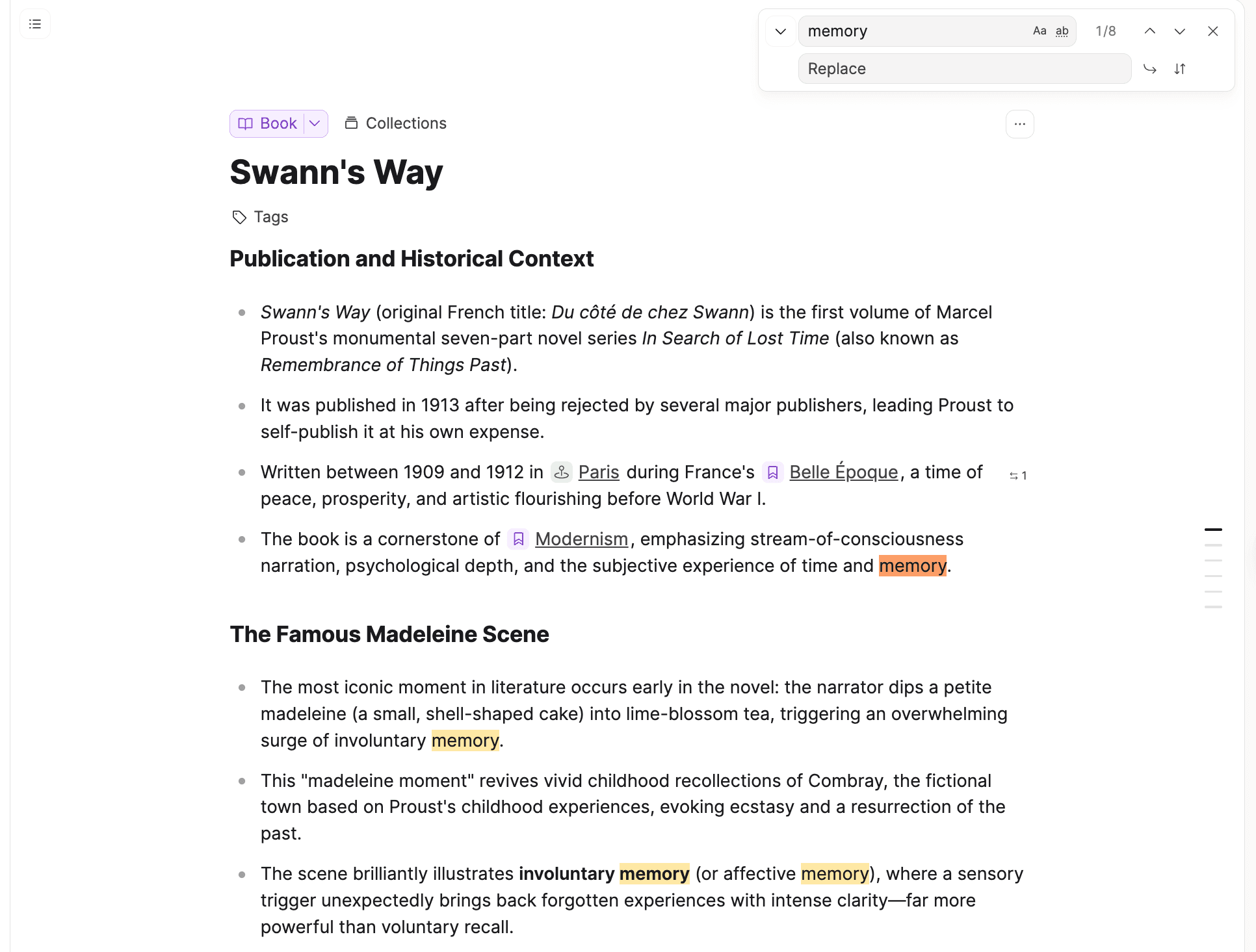
Find in page 2.0
Find in page now works on all platforms. Search within any page using Cmd + F / Ctrl + F and a find bar appears right in the app. You can find and replace text across the whole page, including inside embeds and block references. Search also works in tables and code blocks, and includes matches in embedded objects, content hidden behind toggles, and inside block references. It is available from the object menu and in side panel editors.
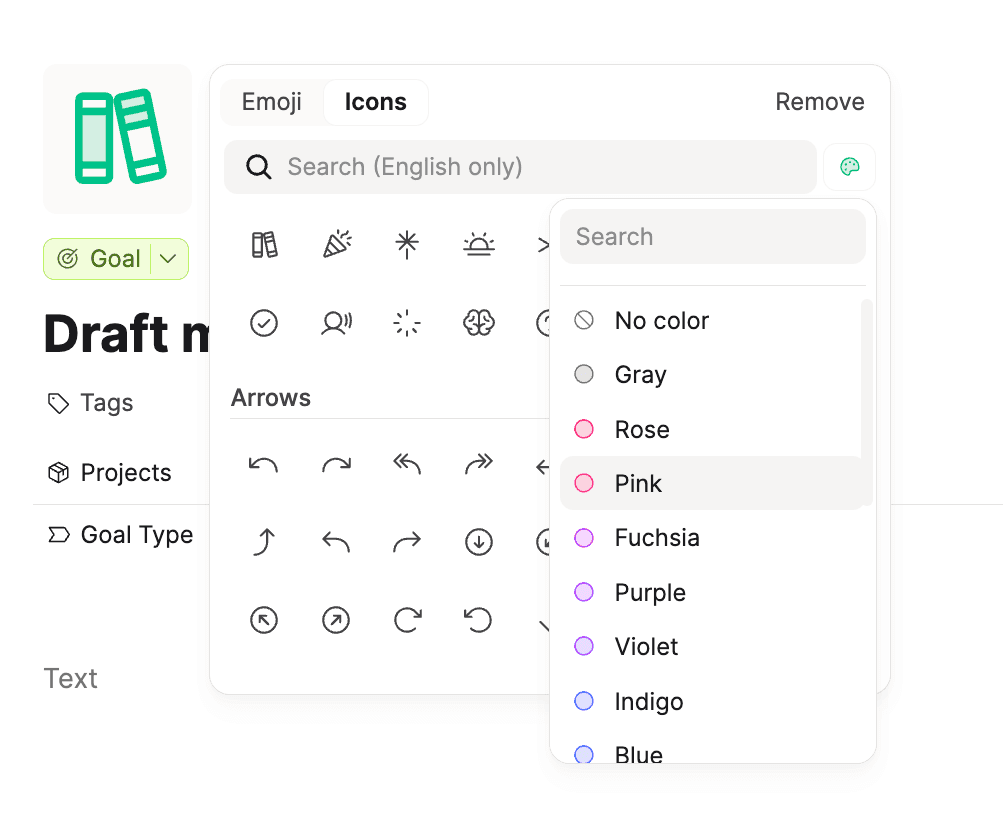
Colored icons
You can select a color for object and block icons. Click the palette option in the icon picker.
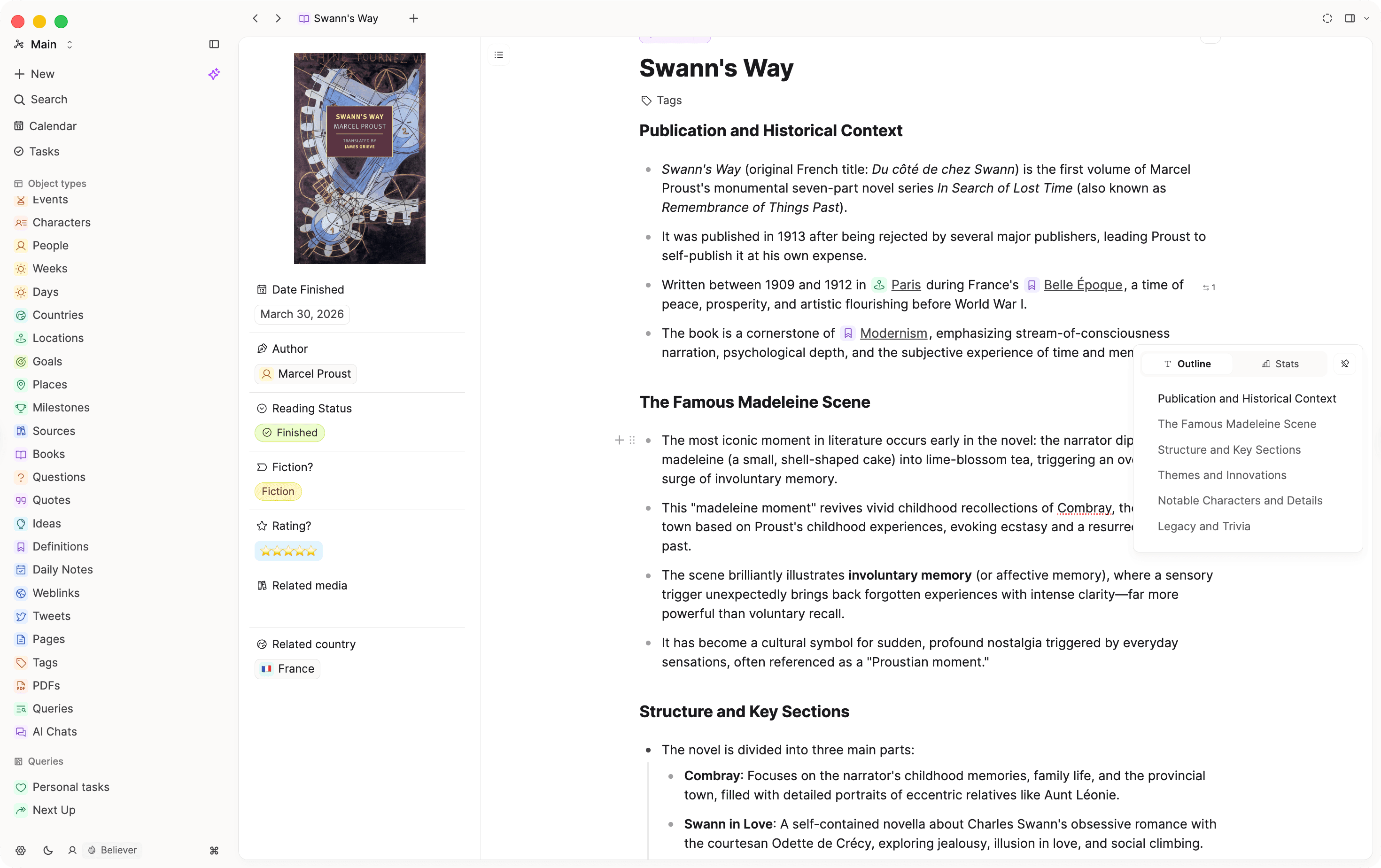
Pinnable table of contents and text stats
Text statistics now live in the floating inspector that appears on hover, where the outline is located. You can pin the inspector for easier access.
✨ Improvements
- Find in page: The object menu item now shows the
Cmd + F/Ctrl + Fkeyboard shortcut. Find-in-page and weblink search share the same unified search bar design. - Search: Better search ranking prioritizes recently edited content. Improved search ordering and merging for linking, tag, and object select properties. Several search improvements across the app, including better jump-to-match behavior.
- Weblinks: Note icons and hover previews in the Reader.
- Highlights: Highlight blocks have a cleaner look with a colored bar on the left and notes shown below in smaller text. Switch between Default and Minimal style in editor settings.
- Floating inspector: Redesigned layout with tabs and a pin button in a top bar. The outline tab stays visible even on pages without headings, with a helpful empty state when there is nothing to show.
- Export: You can export a selected set of objects from a data view, not just the entire collection.
- AI title generation: If an item has no title yet, open
Customizeand click Generate title. - Embeds: More apps are supported as embeds, including Google Maps. Link transforms have been expanded for common services.
- AI Chat: Chat has looser spacing between messages and more room above the input. Bold text in AI replies renders more reliably. Chat in the side panel uses a more compact layout.
- Empty states: Empty sections across the app now share a cleaner, more consistent look in the side panel, graph view, dashboards, collections, and embedded data views. The empty state for adding items now says "Add" instead of "Create Object".
- Tabs: Follow-up improvements to the new tab design with tighter layout, better behavior with a single tab open, and more reliable opening and closing.
🐛 Fixes
- Hovering throughout the app on Windows devices with touch functionality is no longer broken. Hybrid touch and cursor devices now handle hover correctly across the app.
- Deleting a block with Backspace no longer messes up indentation on the blocks around it.
- Pressing Enter in a closed toggle no longer accidentally moves its hidden nested content into a new block.
- Inline math no longer causes awkward line spacing.
- Removing a date or deadline in the quick task picker now clears it instead of silently resetting to today.
- Right-clicking a row in a table view now correctly opens the object menu.
- Property display on small cards has been cleaned up. Tag pills on small cards have proper spacing again and can wrap across multiple lines.
- The page outline handles multi-block headings more reliably.
- The properties section on standard pages now matches the styling and icons used elsewhere.
- The Customize button only appears on hover when there are actually options to customize.
- Block link previews show correctly again.
- Keyboard shortcuts to move blocks up or down now work everywhere in the app.
- Clicking outside the object popup when the date picker is open no longer clears the selected date.
- Dragging tabs between the main panel and side panel works reliably again.
- Tabs closed on another device no longer cause sync issues or close unexpectedly on your current device.
- Tabs for deleted objects can still be closed.
- Drop highlights no longer get stuck after a drag ends.
- Dragging is cancelled correctly when switching windows, closing a panel, or when dragged items are removed.
- The "Properties" tab is renamed to "Content" when a Tasks tab is also shown.
- Linked object cards in small card view have a sensible width again and no longer stretch across the entire area.
- The properties toggle in embed views is more compact.
- Selecting a property when building a query no longer accidentally selects a different one.
- Added rounded styling to selections and formula states in simple tables.
- Referenced cells in formulas and overlays within tables now render colors correctly.
- PDFs with certain image formats (JPEG 2000) no longer show blank images.
- The keyboard shortcut to open Settings works again in the desktop app.
- Linux (Wayland) display issues have been addressed, with broader stability and performance improvements on Linux.
- Resizing panels works smoothly even when a webview is open.
- Resolved an issue with the nightly installer on Windows arm64 devices.
- Fixed layout problems during Windows onboarding and hid an interfering panel for a smoother experience.
- Fixed broken links to files within the system, improving access on macOS by decoding special characters in file URLs.
- Fixed a layering issue where some UI elements could appear behind others.
- Fixed incorrect availability for some features.
- Onboarding verification glitches have been fixed.
- Disabled colors in the icon picker display correctly.
- Large data views with many objects should feel faster and use less memory.
- Pressing Esc consistently closes preview modals opened from inline links.
- Bulk import now preserves image proportions correctly.
- Confirmation dialogs no longer show duplicate icons.
- Tag page empty state wording has been improved.