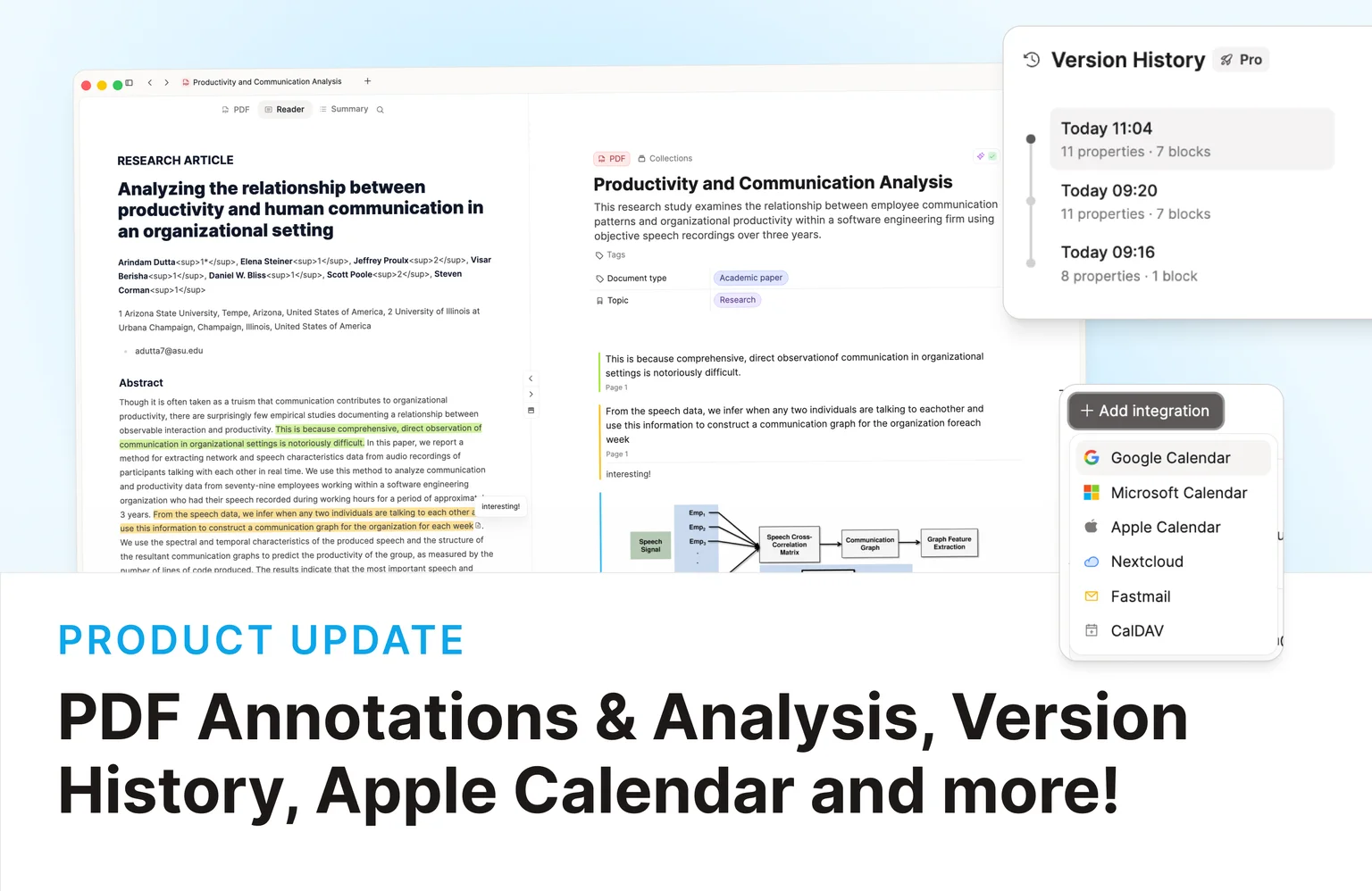
See these changes in our new release video!
PDF Annotations & Snapshots
Capacities BelieverPDFs just got more useful! PDF annotations and snapshots are now available in Beta for Capacities Believers.
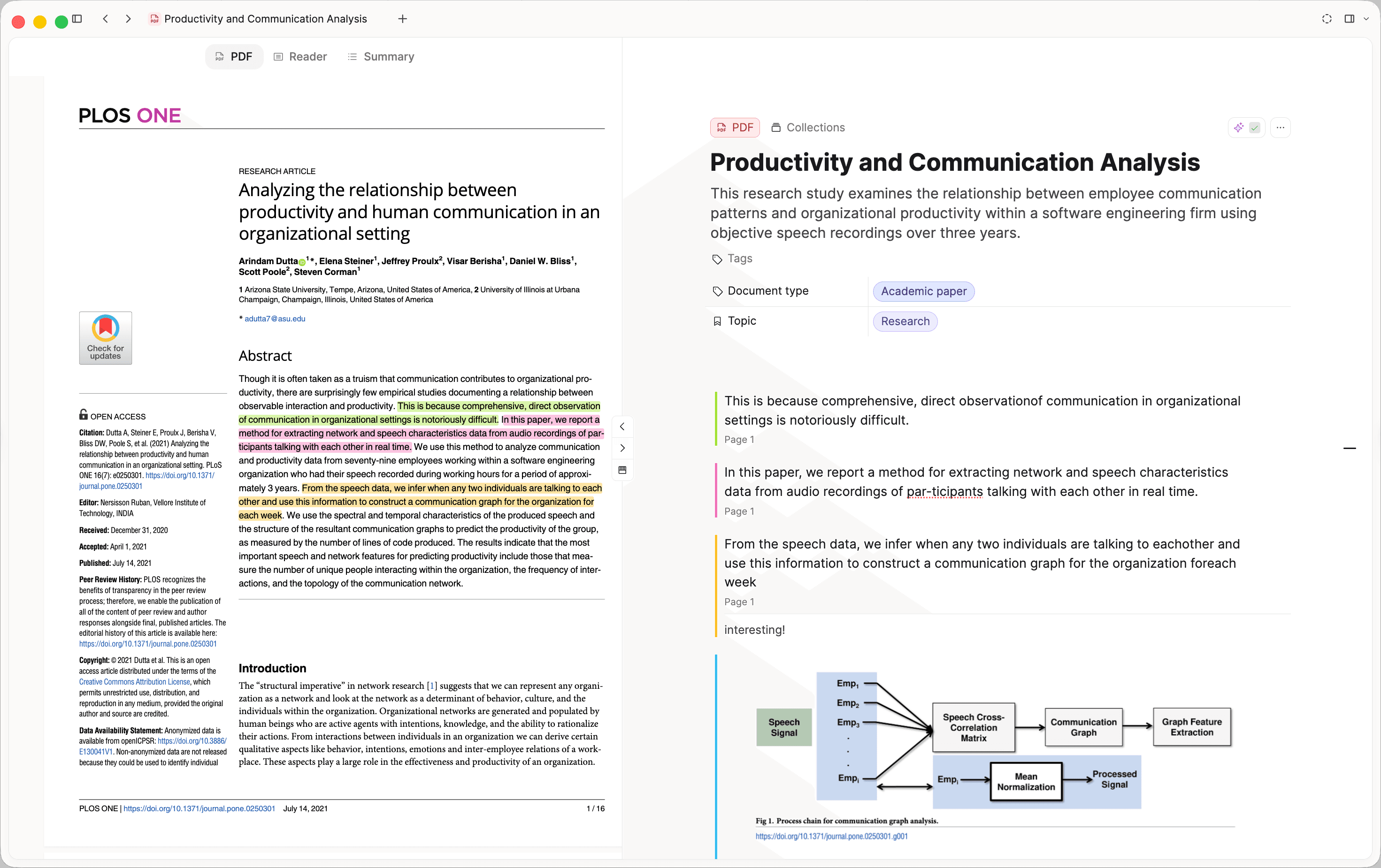
Select text in the PDF viewer to highlight it, pick a color, and add a note. Passages with notes show a small icon; hover for a preview, or jump back to the place in the PDF.
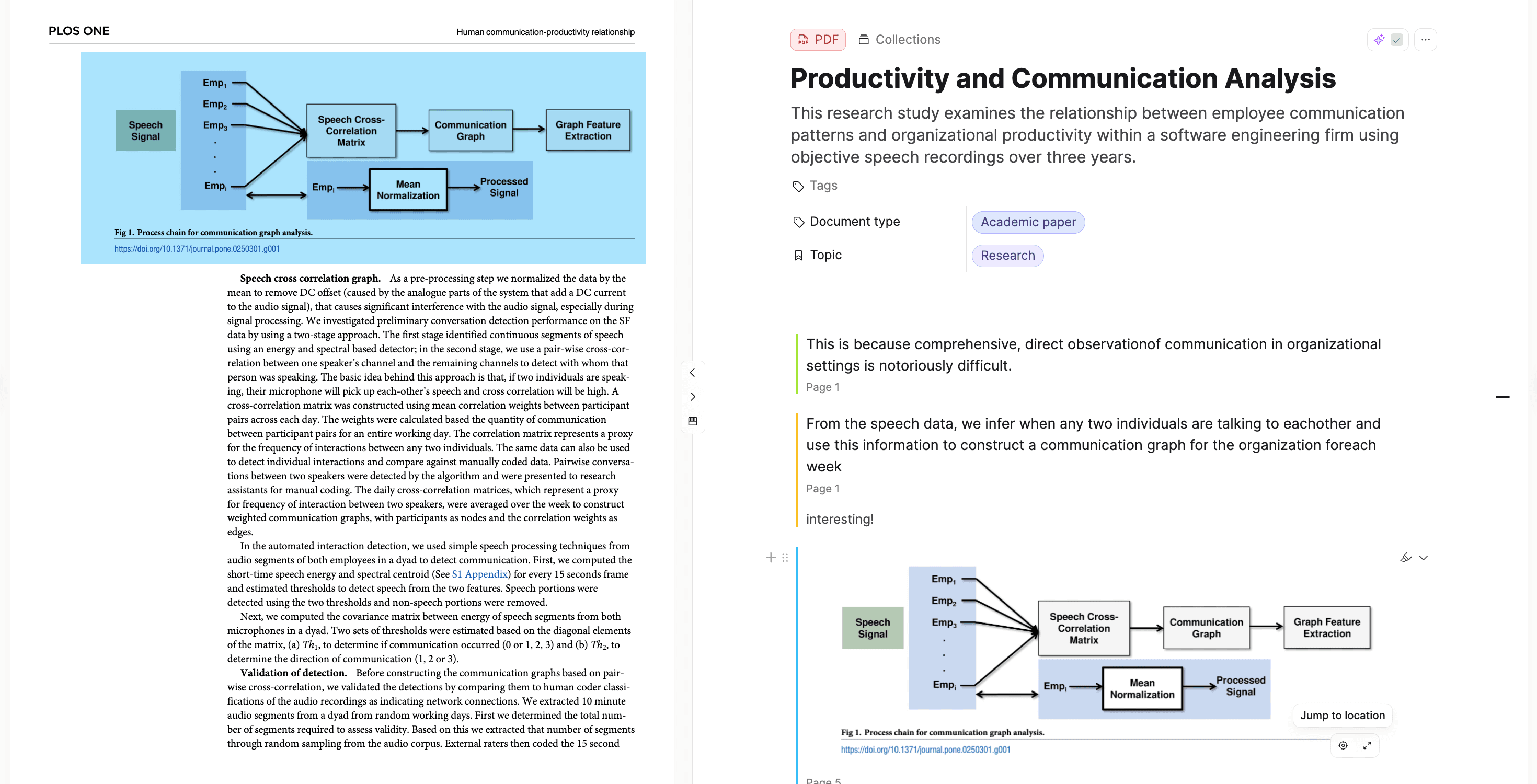
On desktop, you can also capture a snapshot of an area and drop it into your notes. You can scroll to the position of the images to dive back into its surrounding context.
PDF Analysis and reader view
Capacities BelieverBelievers with AI enabled can also analyze documents and read them in a page-by-page reader view.
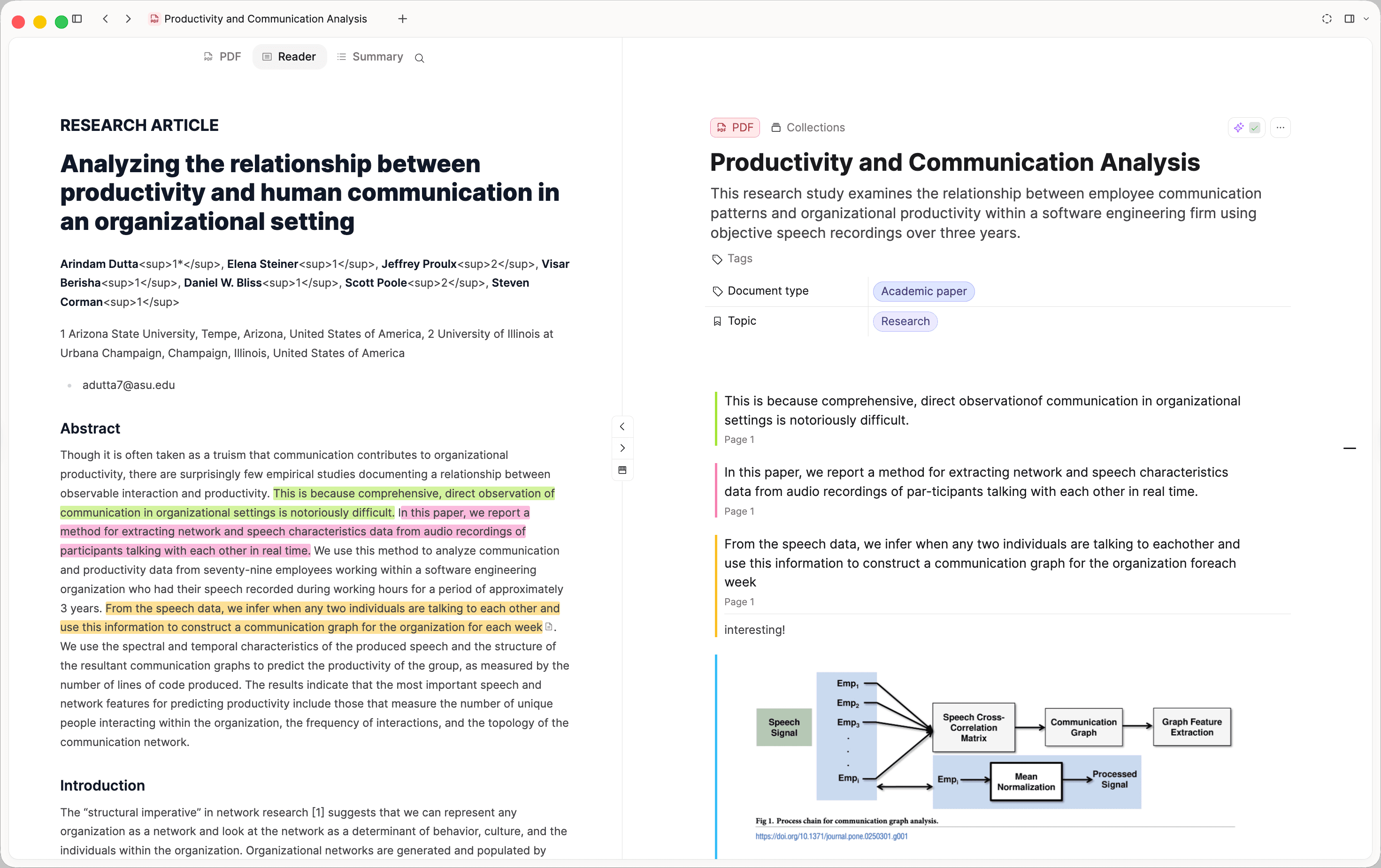
Click Analyze to extract the full text, a short summary, and keywords. Analysis can also suggest a title, a description, a document type, and a topic. Those are added to the PDF's properties so you can filter and query PDFs the same way you already do with images and weblinks.
Open any analyzed PDF to switch between tabs:
- PDF: The viewer, with search, highlights, and a dark-mode toggle of its own.
- Reader: Extracted text, split by page, so long documents are readable without fighting the original layout.
- Summary: The overview plus keywords after you run analysis.
Highlights stay in sync between the PDF viewer and reader view. After analysis, press Cmd+F (Ctrl+F on Windows) to search inside the PDF. Full-text search can also find a PDF by the words inside it, and opening one from search can land you on the matching page.
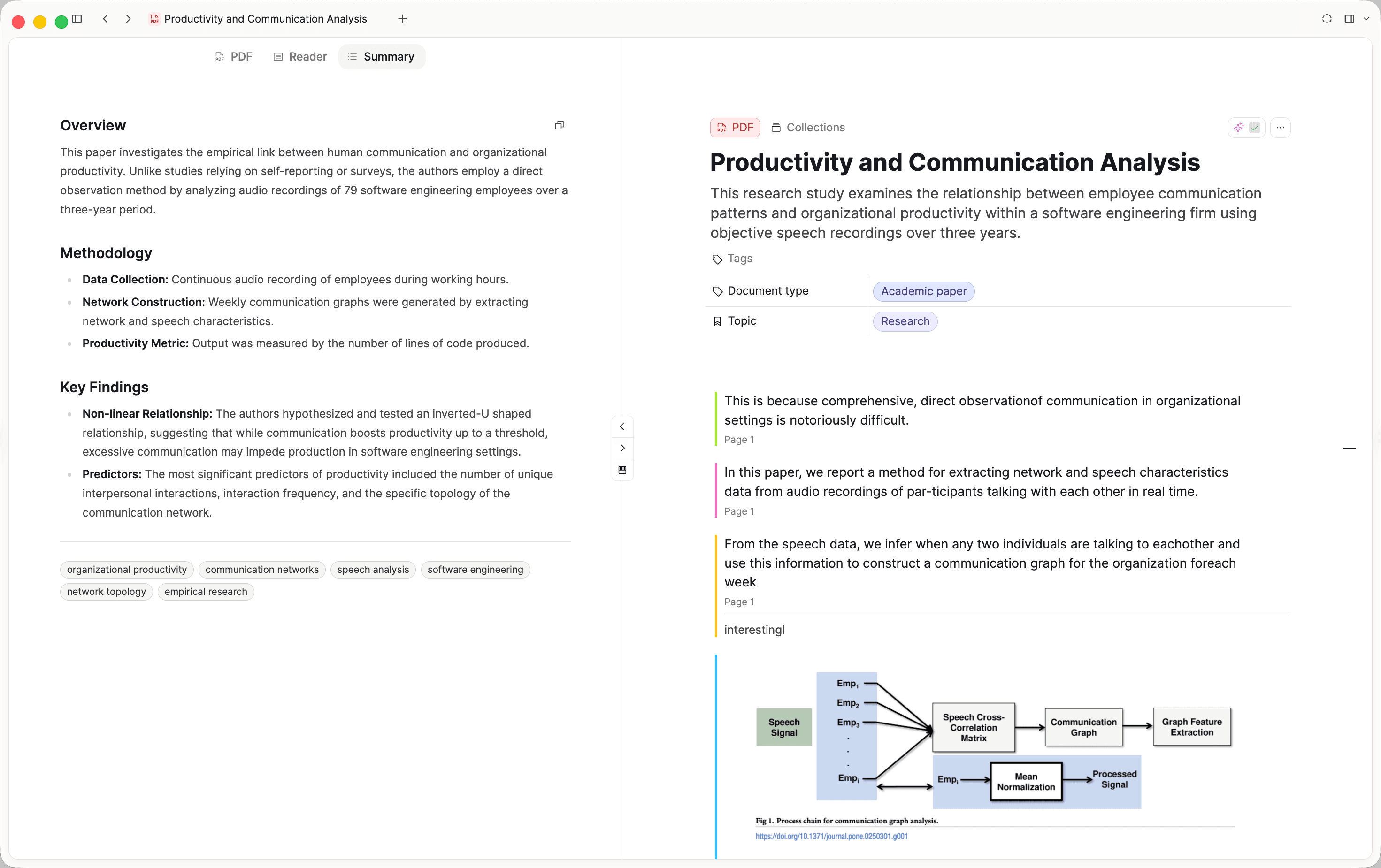
This is a beta release for all Believer users. Analysis and reader view require AI to be turned on in Settings. We'll keep refining it, and a rollout to Pro is next. Read the docs for details.
Version History
Capacities ProYou can browse and restore earlier versions of a page, task, or file. Open the object menu and choose Version History.
Each version lists how many filled properties and blocks it had. Preview a version, then restore it if needed. New versions appear every 15 minutes after the object has been edited. Capacities keeps up to 50 versions per object, after that limit is reached the oldest version will be removed every time a new version is added. Each version is saved for 30 days.
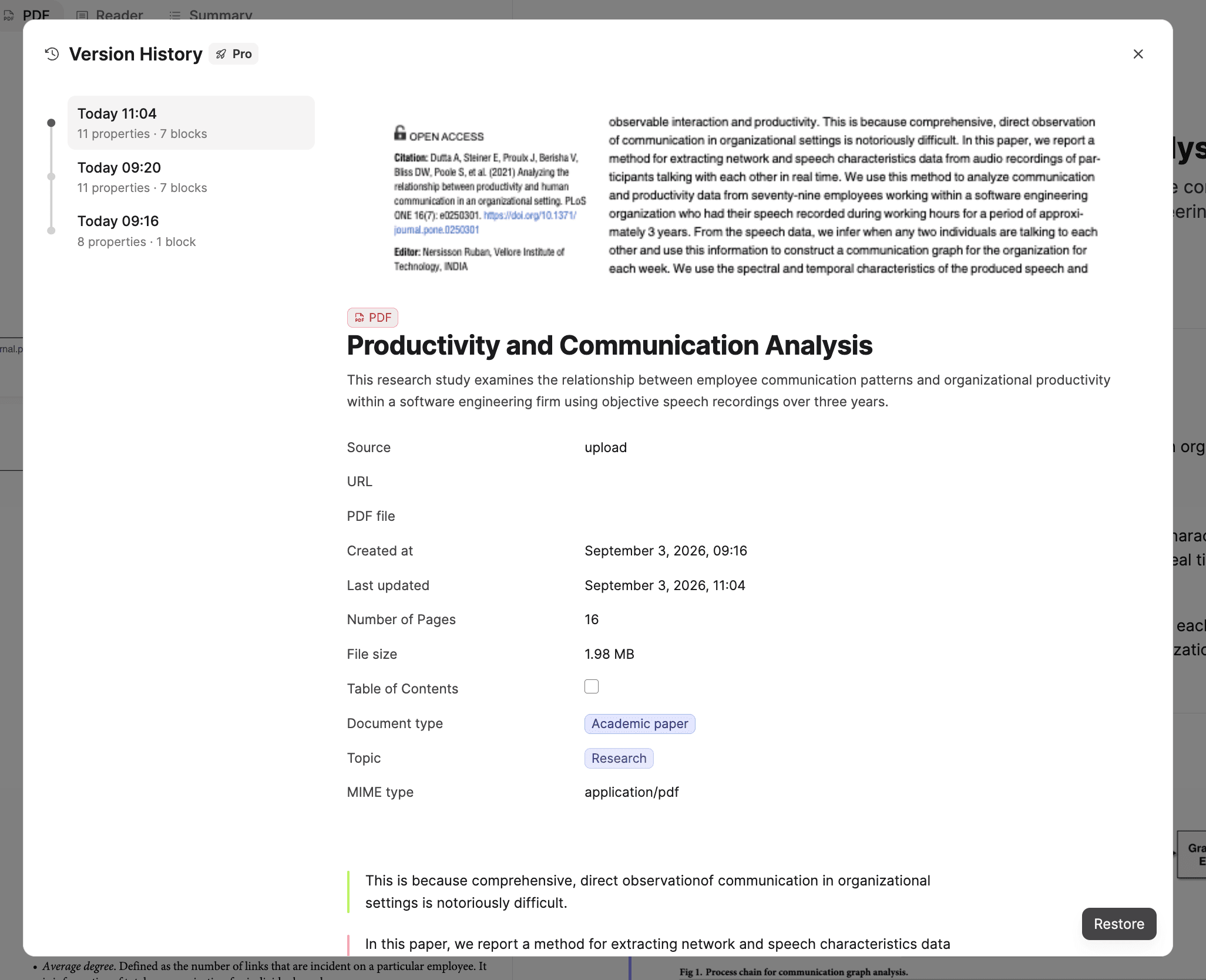
This is a feature of the paid plans. If you are on the Capacities Basic plan, you can set up automated exports several times a day. Read the docs for details.
More calendar apps
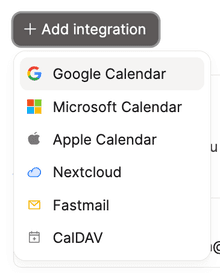
Capacities ProThe calendar is already a central part of Capacities, and the calendar integrations that power planning and meeting notes now work with more of the apps you already use.
Connect Apple Calendar, Nextcloud, Fastmail, and other CalDAV calendars on top of Google and Microsoft. Open Settings → Calendar Integrations. You need Capacities Pro or Believer, or an active trial.
AI image generation
Capacities ProYou can now generate images inside Capacities. It's a great way to add a project cover or a simple illustration that fits a note, all from within Capacities.
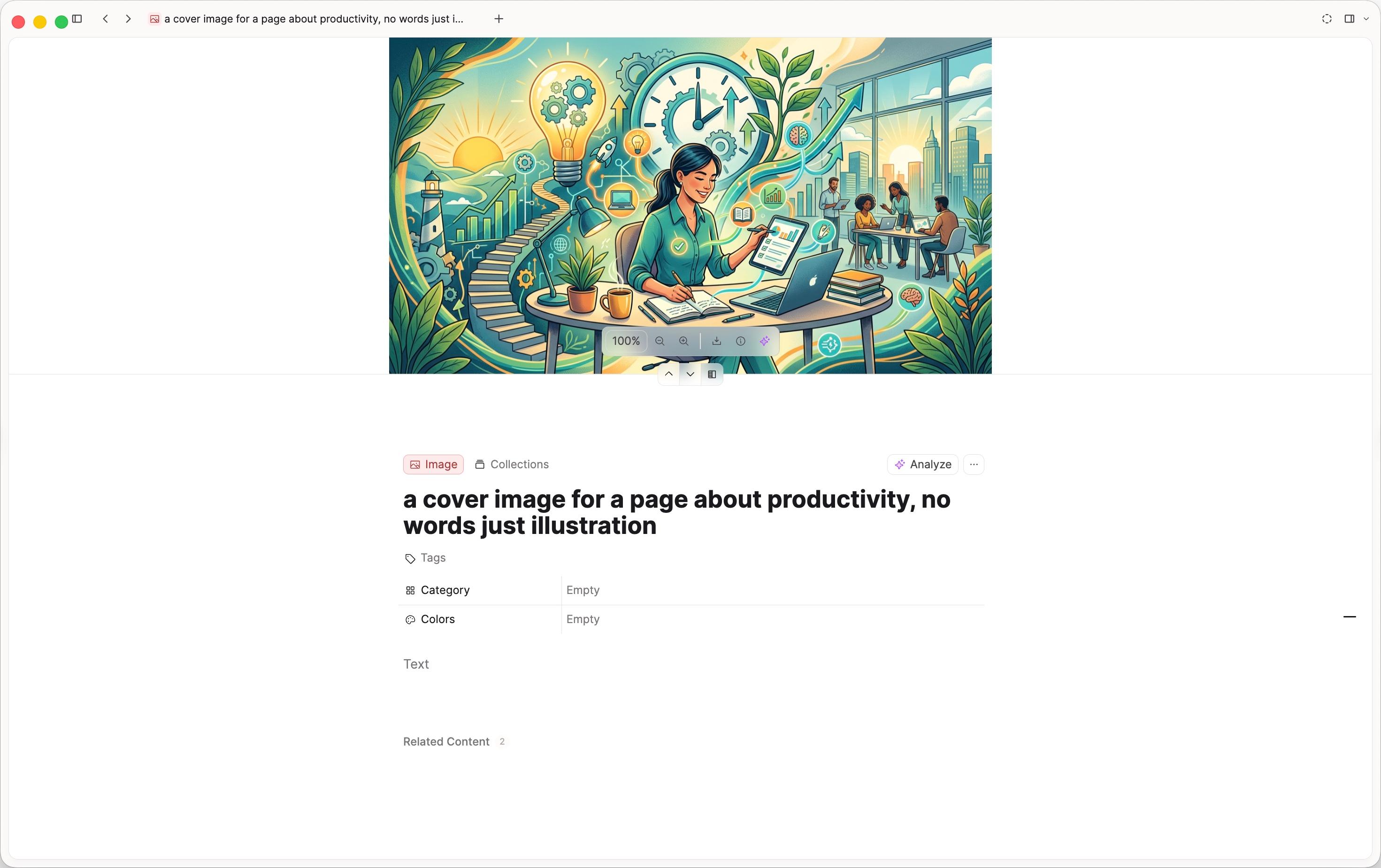
Start with /image in a note, or add a cover image to a page or object. Open the Generate tab, describe what you want, and pick an aspect ratio and style. Choose a result to insert it into your space.
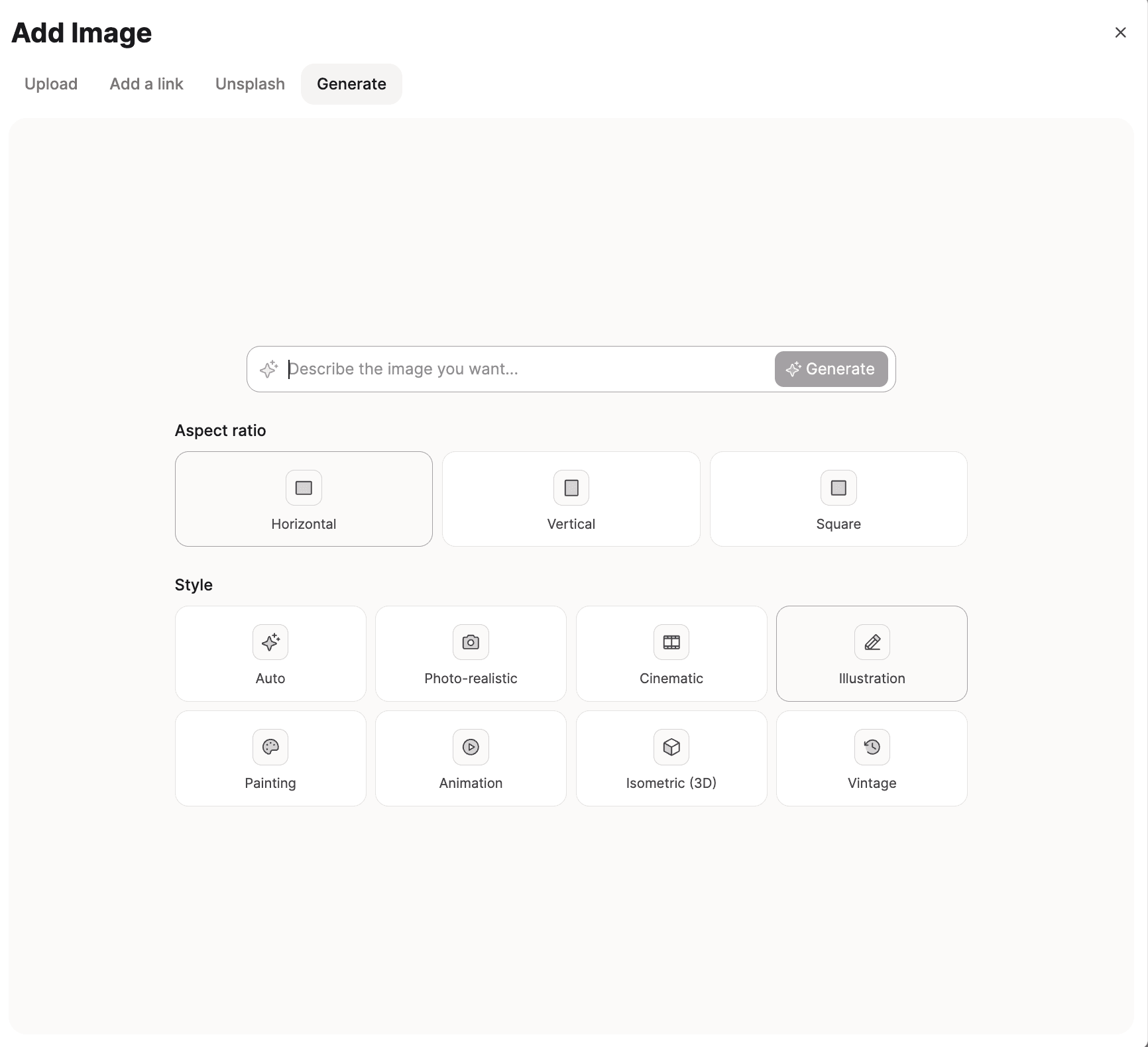
You need Capacities Pro or Believer (or an active trial), and AI turned on in Settings.
✨ Improvements
Properties
- Long property names in pickers are no longer cut off.
- Empty table cells show the property's description when one is set, instead of Empty.
AI
- The AI budget breakdown in Settings still shows after your budget is used up.
Media
- On desktop, the analysis button stays visible so you can discover it, with a Pro prompt if you need to upgrade.
🐛 Fixes
Calendar and cards
- Numbers on small cards show again after the recent layout change.
Editor and views
- Empty status and label columns stay visible on Kanban.
- On phone, customize the text edit bar by tapping the slider at the end of the tools.
AI, import, and devices
- Changing the space on a chat connector is more reliable, and disconnect errors are clearer.
- The property picker in bulk import scrolls when the list is long.