A home for everything you think, learn, and create.
We rebuilt the tablet app from the ground up. It is the full Capacities layout, made for touch, with everything you use at your desk.
Free on iPad and Android. The same app as on your phone.
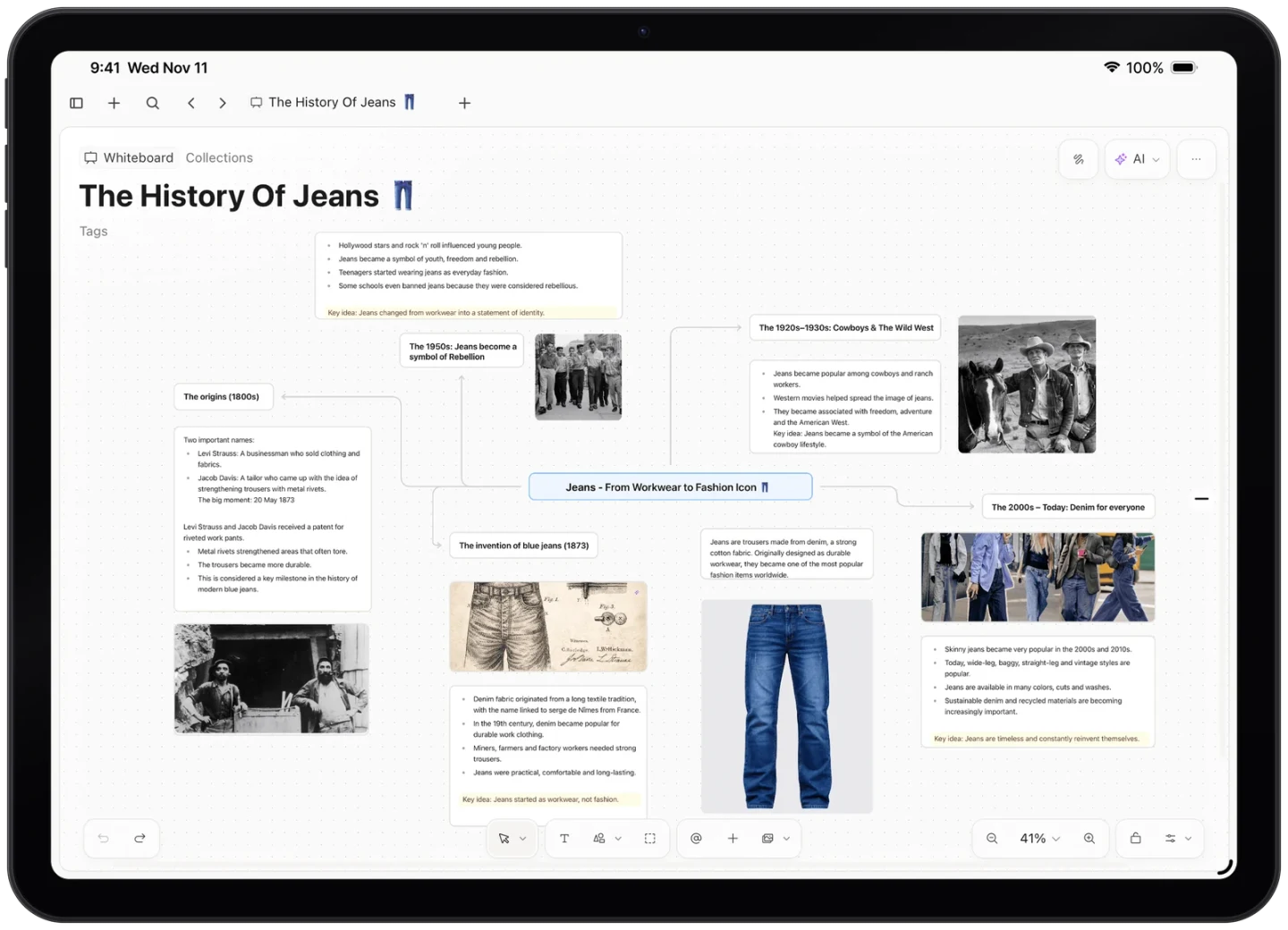
Room to think.
Put notes, photos, and ideas side by side. A tablet is the best place for a whiteboard: a big screen, and your fingers to move things around.
Notes, photos, and links on one canvas
Drag in the notes you already have and see them next to each other. Every card is still the real note.
Draw connections
Arrows and labels show how ideas relate, the way you would sketch it on paper.
Edit with your fingers
Pinch to zoom, move cards around, and edit a whiteboard on your tablet as you do on a computer.
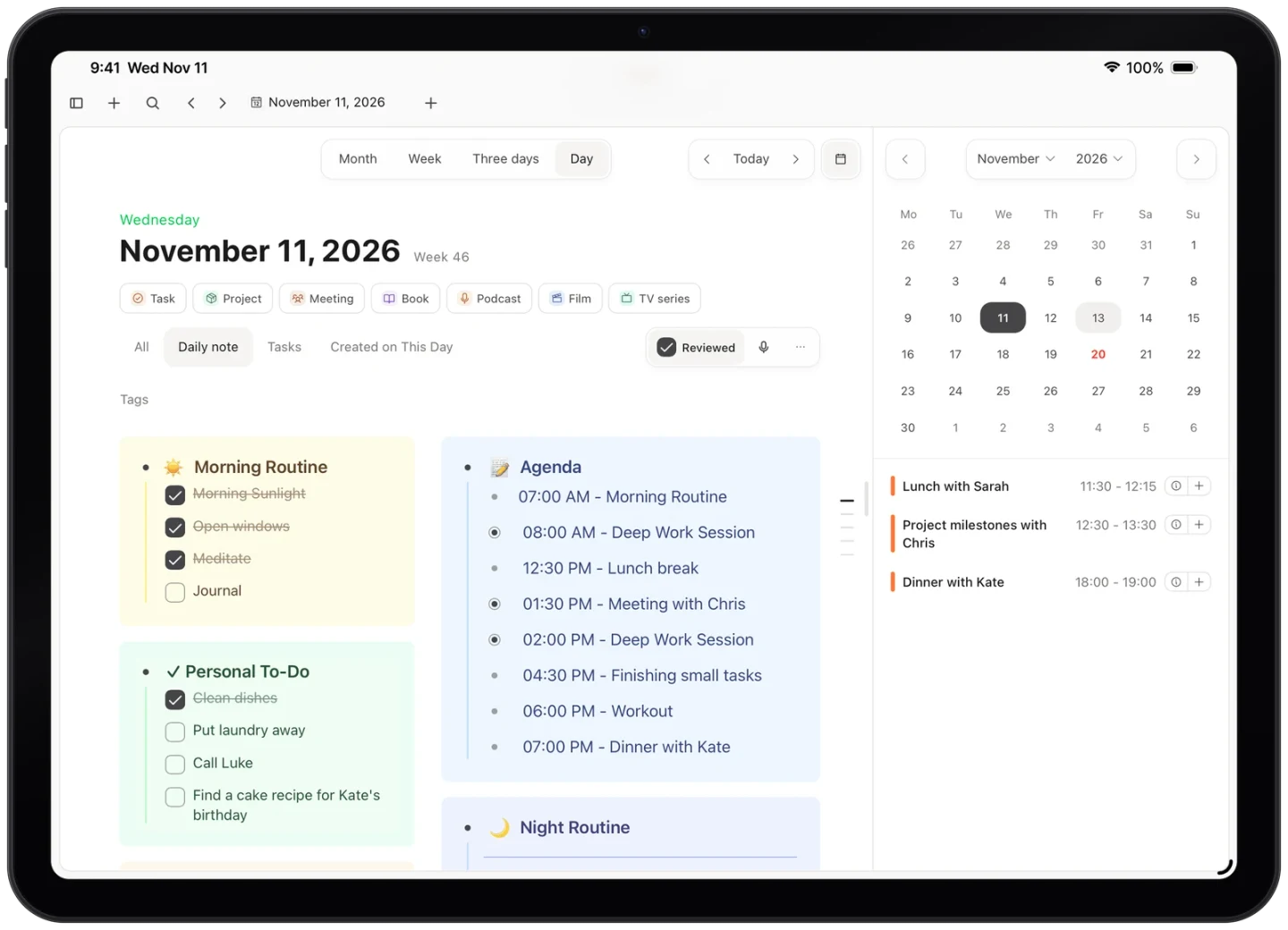
Plan the day at a glance.
Agenda, journal, and checklist in today’s note. Open the calendar beside it and see the whole week.
Every day has its own note
Your agenda, a journal entry, and today’s checklist in one place. Things land there before you know where they go.
The calendar you already use
Switch between Month, Week, 3 Days, and Day, and open the calendar grid beside your note.
Today from the New button
Tap + New, then Today, and you are typing in today’s note.
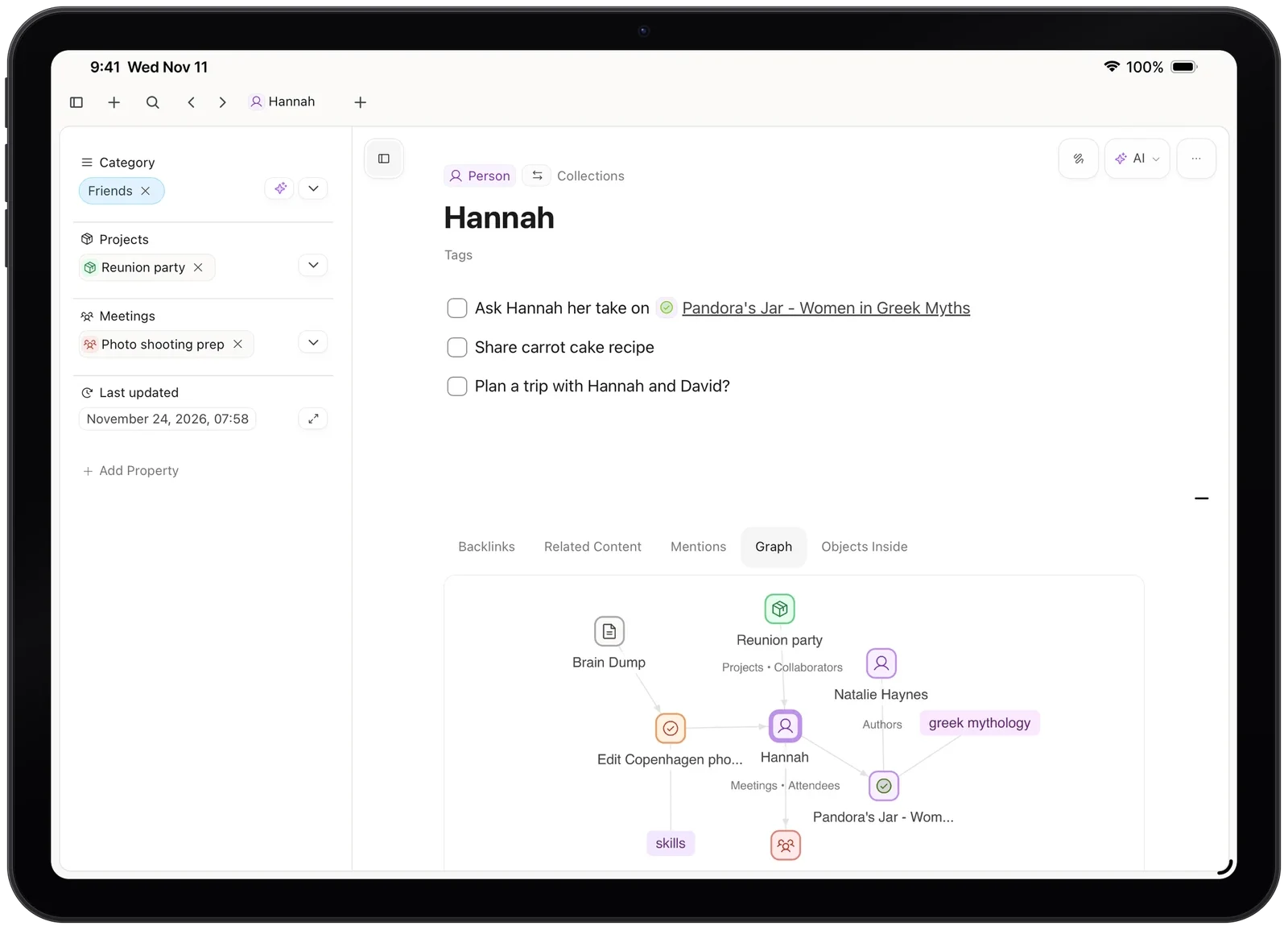
Ideas find each other.
Links go both ways, so nothing gets lost. Backlinks and related content sit at the bottom of every note, and the graph shows how it all connects.
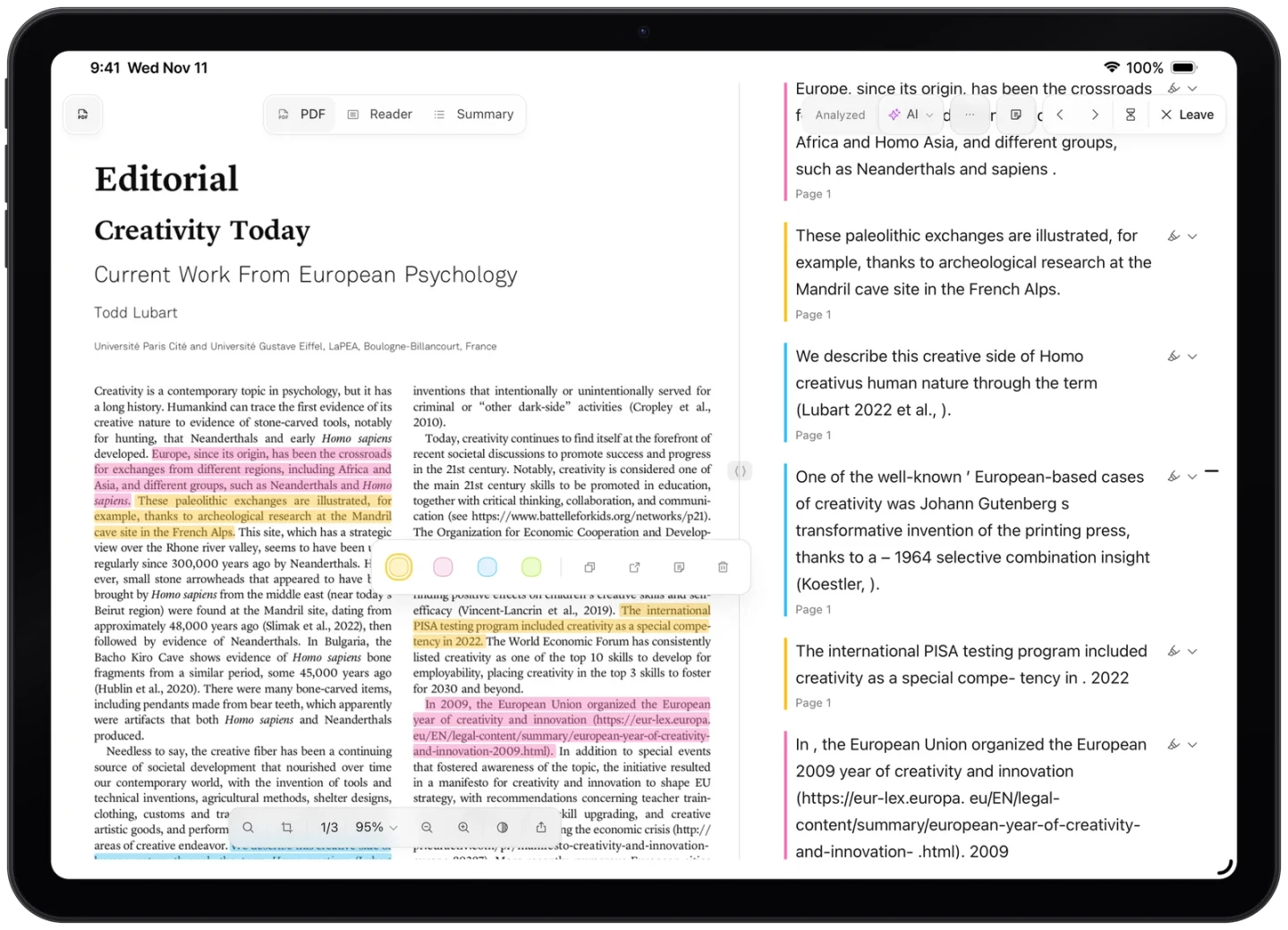
Read, highlight, keep the good parts.
Read papers, books, and articles on a screen made for reading. Your highlights land right next to your notes.
Highlight as you read
Select text in a PDF or a web link to highlight it. You can also capture an area of the page.
Highlights become notes
Each highlight sits next to your notes and jumps back to its place in the document.
Made for reading on a big screen
On iPad, a web link opens as a full page. A PDF or an image opens in the preview.
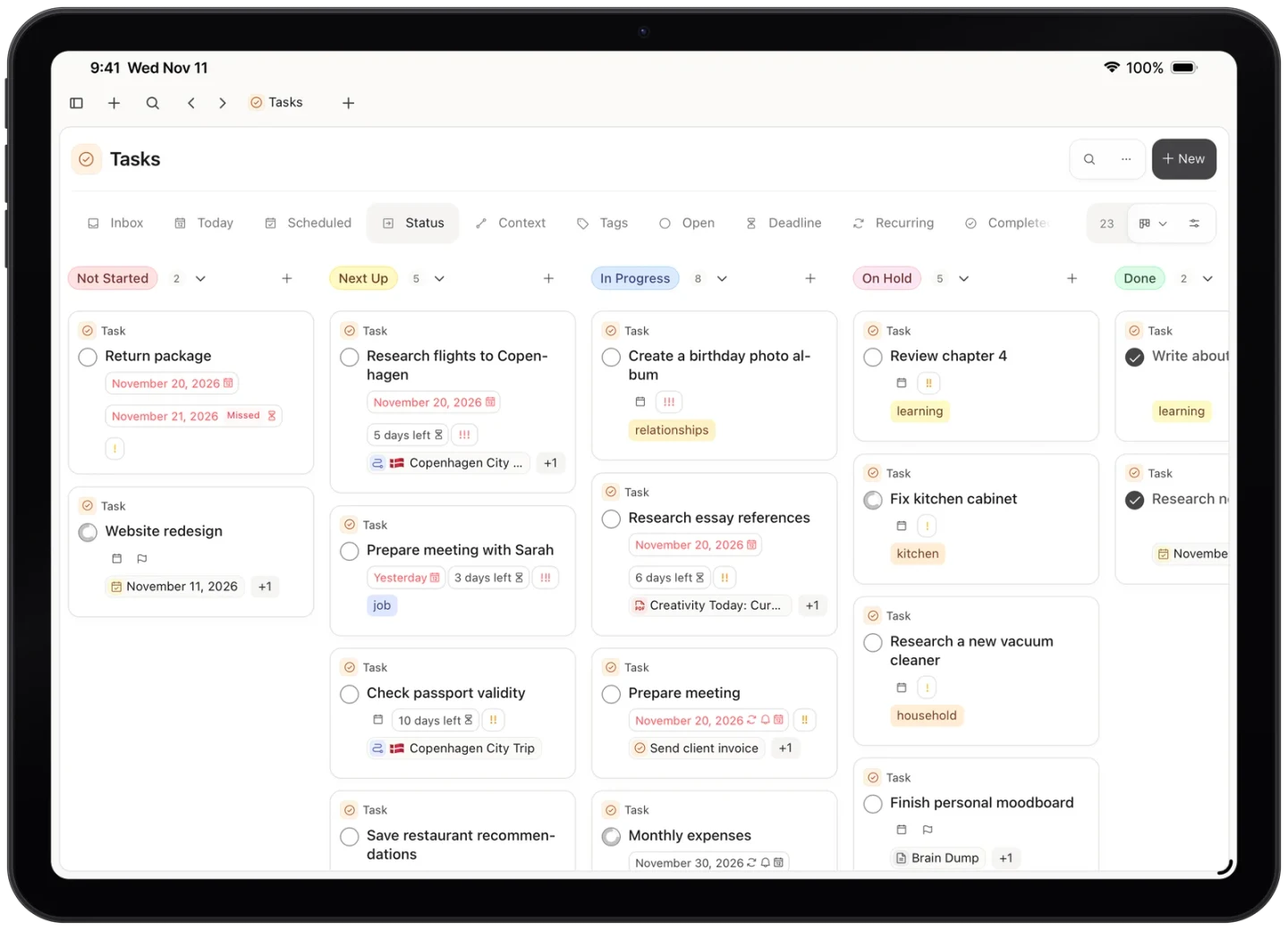
Every task in one place.
Plan, schedule, and check off tasks beside your notes.
A board for every status
Next up, in progress, and done, side by side. Drag a task to move it along.
Beside your notes
Tasks live in your meeting notes and projects and still show up in one list.
Plan the day
Schedule a task, see what is overdue, and check things off from the calendar.
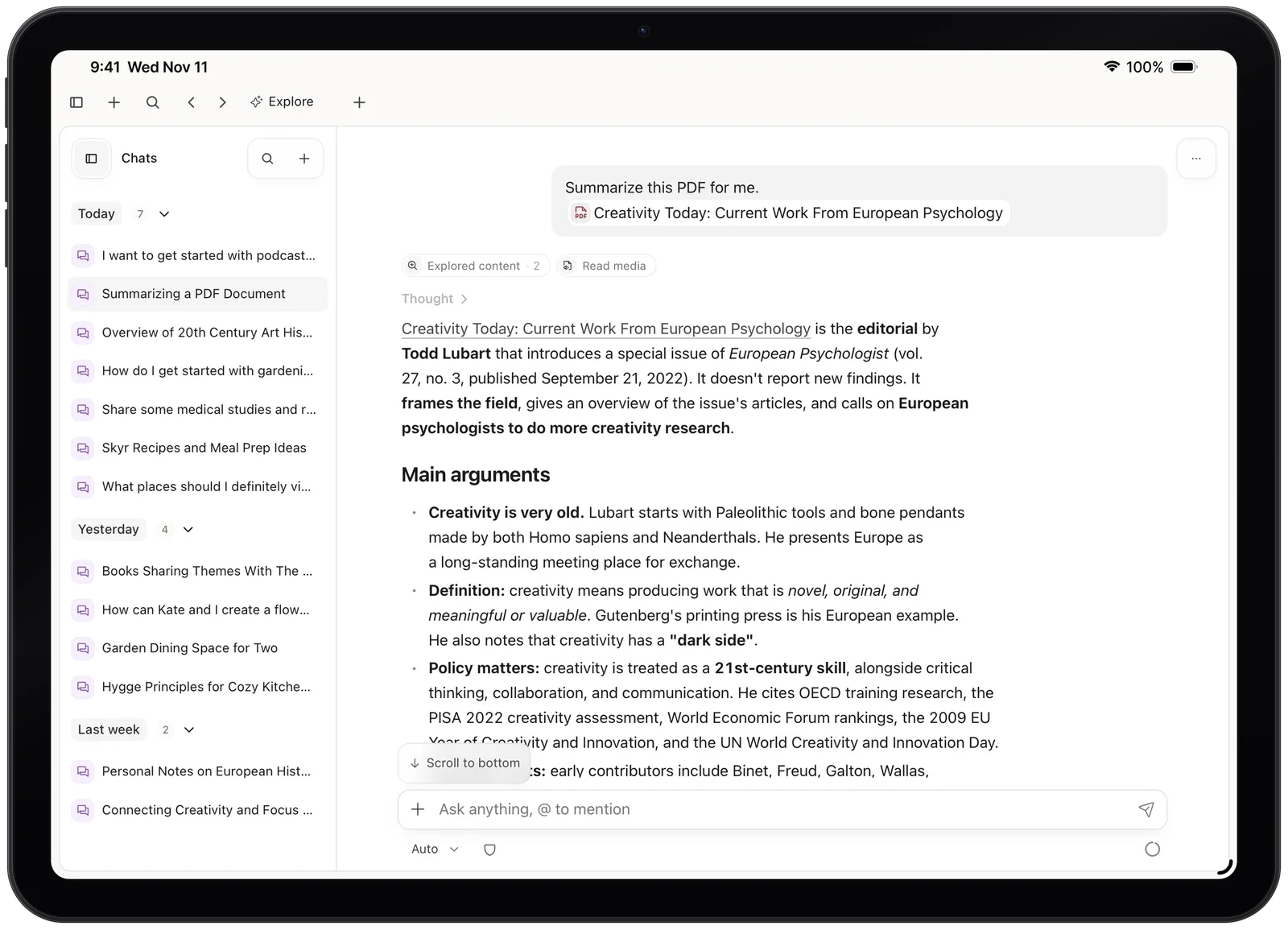
Ask your notes.
Study, plan, and look back, with your notes as context. Open Explore in the sidebar, or long-press a block and ask AI about it.
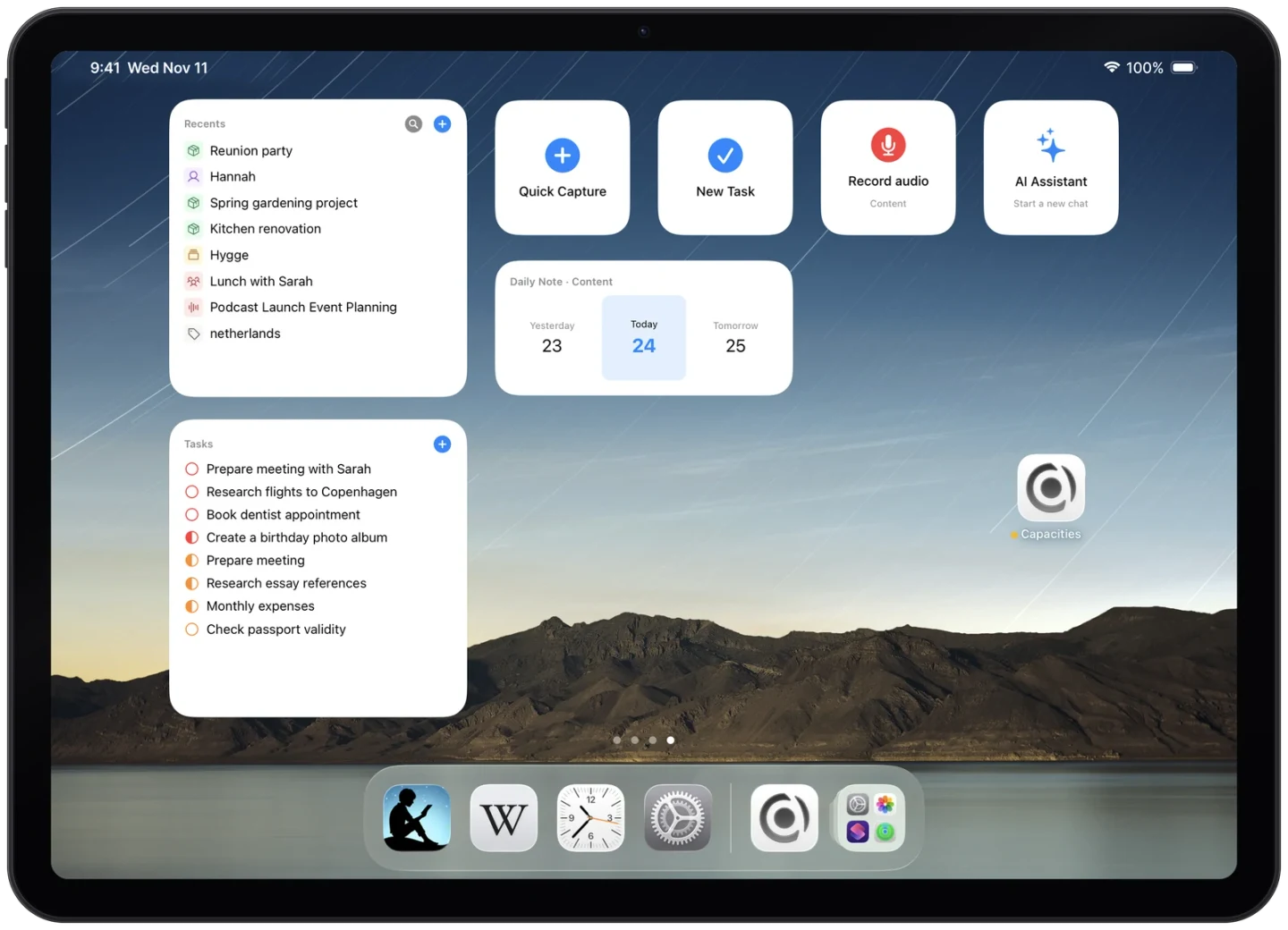
Catch it from anywhere.
Home Screen widgets and the share sheet, on iPad too. A thought, a link, or a photo gets into Capacities without a detour.
Home Screen widgets
Today’s note, your tasks, and quick capture, on iPad too.
Share from any app
Send links, text, images, and files to Capacities from the share sheet.
Record, snap, or upload
From + New, record audio, take a photo, pick a file, or paste from the clipboard. A photo opens with a note beside it.
The desk, made for touch.
We rebuilt the tablet app on iPad and Android to be a serious replacement for the desktop app, with (almost) the same capabilities.
Object types and properties
Create and change object types, and add and edit properties, right on the tablet.
Queries and data views
Build and edit queries. See your library as tables, galleries, and walls.
Templates and bulk actions
Start notes from templates, and select many objects to change them in one go.
Search and the command bar
Find anything in your space, or jump to an action, the same as on a computer.
Tabs
Keep several notes open in tabs. Your tablet keeps its own set, separate from your phone and computer.
Split View and Split Screen
Put Capacities next to another app with iPad Split View or Android Split Screen.
A quiet place of your own.
Capacities is made for one person: you. We build it for individuals, not for teams. It is meant to be a quiet place to think, not a machine for endless output.
Your notes stay private
Your data is stored in the EU, and we do not sell it.
Here to stay
Capacities is bootstrapped and funded by its users, not by investors.
Free at its core
Collect, write, and connect for free. The core of Capacities will stay free.
Yours to take with you
Export everything to Markdown, CSV, Word, HTML, or LaTeX at any time. No lock-in.
Pick up where you left off.
Capacities syncs with your phone, your computer, and the web. Your content is downloaded to the tablet, so it opens offline too.
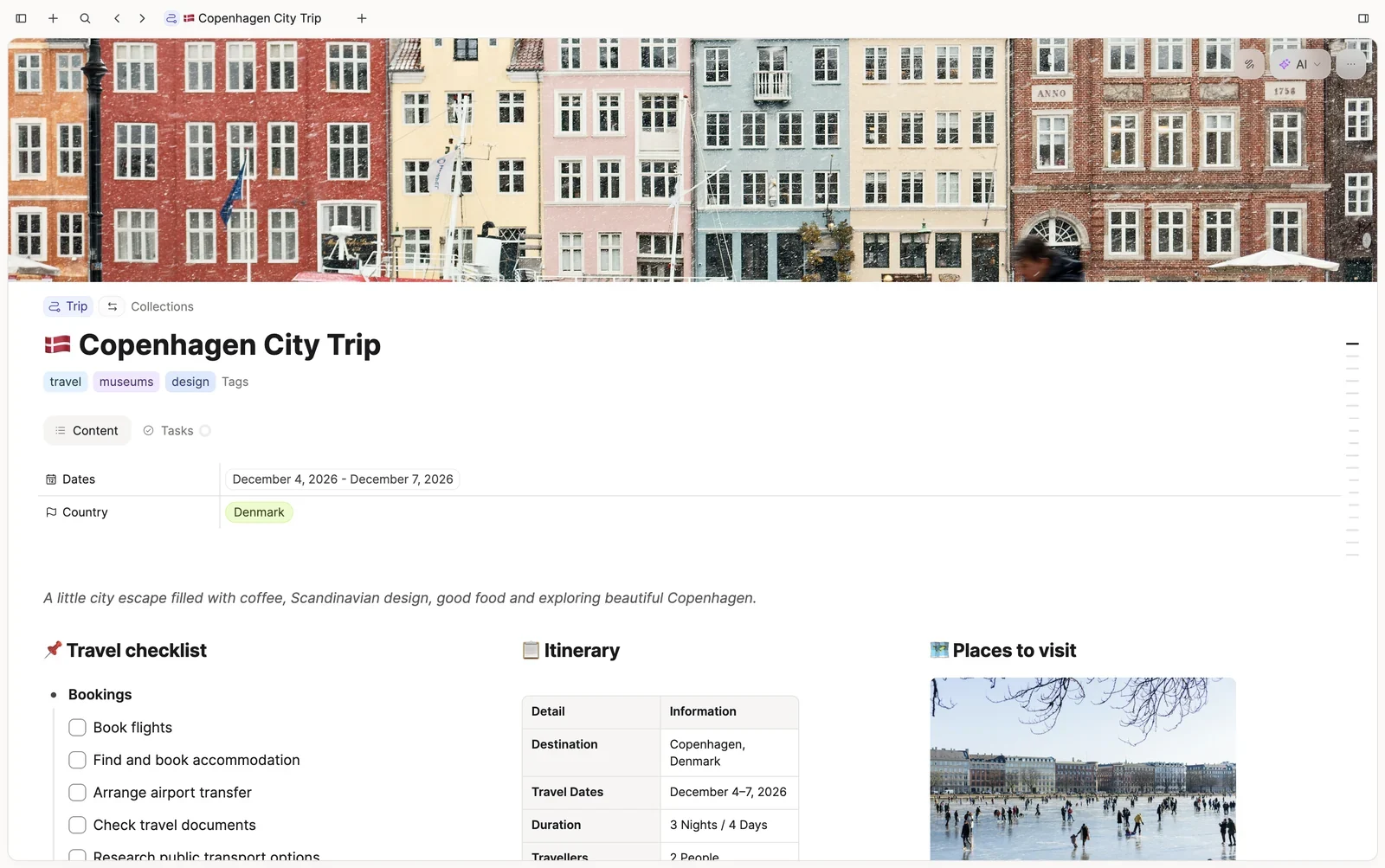
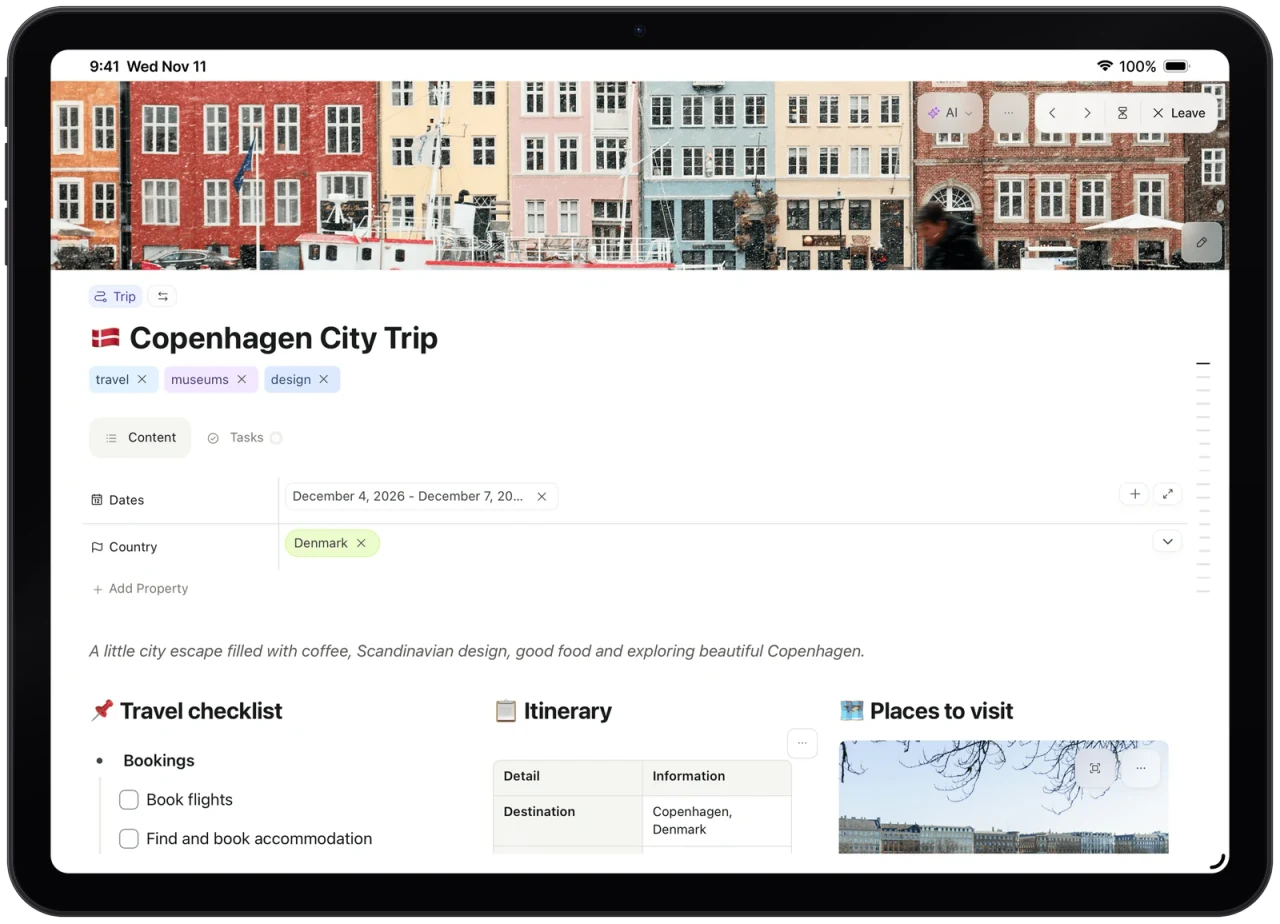
Your whole space, on a bigger screen
Install the app on your iPad or Android tablet and sign in. Everything is already there.