Save it on Telegram. Find it in your notes.
Send a message to the Capacities bot. Text, photos, files, links, and voice messages land in today’s daily note, with headings, tags, and links if you typed them. Capture now, sort later.
Free on every plan.
Save 10% of every paycheck, from The Psychology of Money #finances
https://capacities.io #pkm
Running plan for May #health
Ask [[person/Anna]] about the launch date
Thursday
15 October 2026
Save 10% of every paycheck, from The Psychology of Money finances
Ask Anna about the launch date
Five messages sent to Capacities on Telegram: a note with a tag, a web link with a tag, a photo with a caption, a voice message, and a message that links to a person. In today’s daily note they become a tagged paragraph, a weblink, an image, an audio object you can analyze, and a link to Anna’s page.
For people who live in their chats
If a thought is faster to send than to file, send it.
You already use Telegram
On your phone and your computer. The Capacities bot is one more chat in your list.
You want structure without opening the app
Headings, bullets, tags, and links to people or books, typed into a message. It arrives looking like a note.
You collect things with others
Add the bot to a group with friends, or to a group of your own, and what is shared there goes into your notes.
From a message to your notes
Capture takes a second. Organizing can wait until you have time, or never happen at all.
Message the bot
Text, a photo, a file, a link, or a voice message, in your chat with Capacities.
It lands in today
Everything is added to today’s daily note, so nothing has to be sorted right away.
Sort it when you like
Tags and links you typed are already there. Move the rest to a project or a person later, or leave it.
Headings, bullets, tags, and links in a message
The same shortcuts you use in Capacities work in a Telegram message. Plain text is always fine too.
# , ## , ###- Headings. Add a space after the # signs.
- , 1. , >- Bullets, numbered lists, and quotes, one per line.
#reading- Adds a tag. An existing tag is matched, a new one is created.
[[book/Sapiens]]- Links to the book, or creates it. Works with every object type in your space.
https://… #pkm- A link on its own line is saved as a weblink, with the tags after it.
/3 Some thought- Sends the message to your third space instead of the default one.
Let a group collect for you
Add the Capacities bot to a Telegram group. Everything shared there lands in your daily note.
A group with friends
Share articles, recipes, or trip ideas in one group. Everyone who connects the bot gets them in their own notes.
A group of your own
Make a group with just you and the bot, and give it a different default space, for work or for a hobby.
Connect once
Send /start with your setup code in the group. It then shows up in your Telegram settings, where you pick its space.
Talk it through, read it later
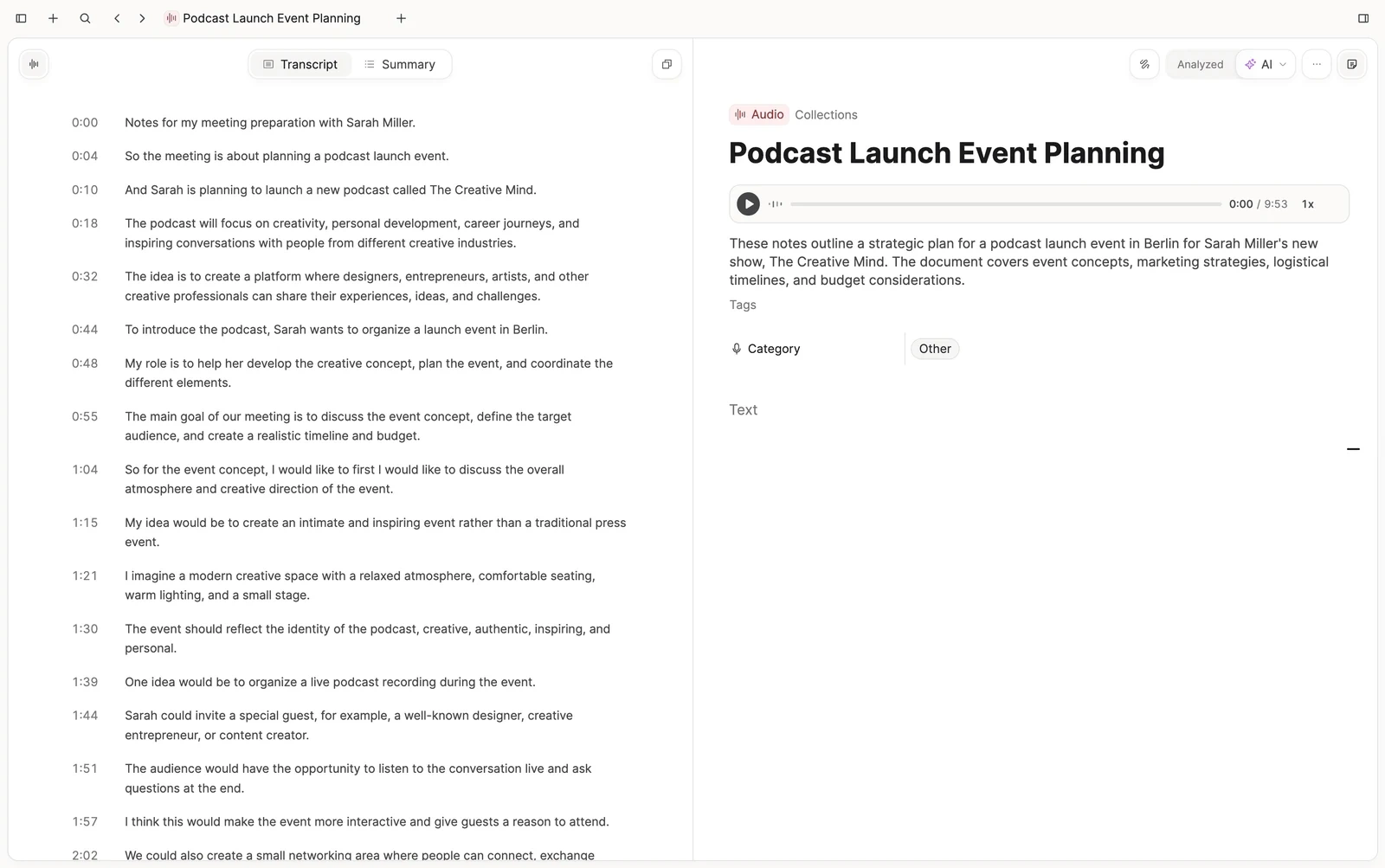
Hold the microphone button and say it. Your voice message is saved, and later you can turn it into text you can search and link.
Saved as an audio note
Each voice message is an audio object in today’s note. You can play it, link it, and tag it.
A transcript and a summary
Click Analyze and Capacities writes down what you said and adds a short summary. Both are searchable.
Files with a title
Give a photo or file a caption and it becomes the title. Tags in the caption are saved with it. Code files become code blocks.
Before you start
Today first
Messages go to today’s daily note in your default space. Start a message with /2 or /3 for another space.
Free, with Pro extras
Saving messages is free on every plan. Audio analysis and Task objects are part of Capacities Pro.
Every message in a group
Once a group is connected, all of its messages are added to your daily note, not only yours. Pick groups with that in mind.
More integrations
Other ways to get things into Capacities, and out of it.
 Readwise ProImport the Readwise and Reader documents you choose, with highlights.
 Kindle ProEmail your Kindle highlights in, sorted by chapter.Calendar ProYour events next to the daily note, and meeting notes that follow them.


 Task actions ProSend a to-do to Todoist, Things, TickTick, and other task apps.
Send your first message
Connect Telegram in the settings, send the next thing on your mind, and open today’s note.